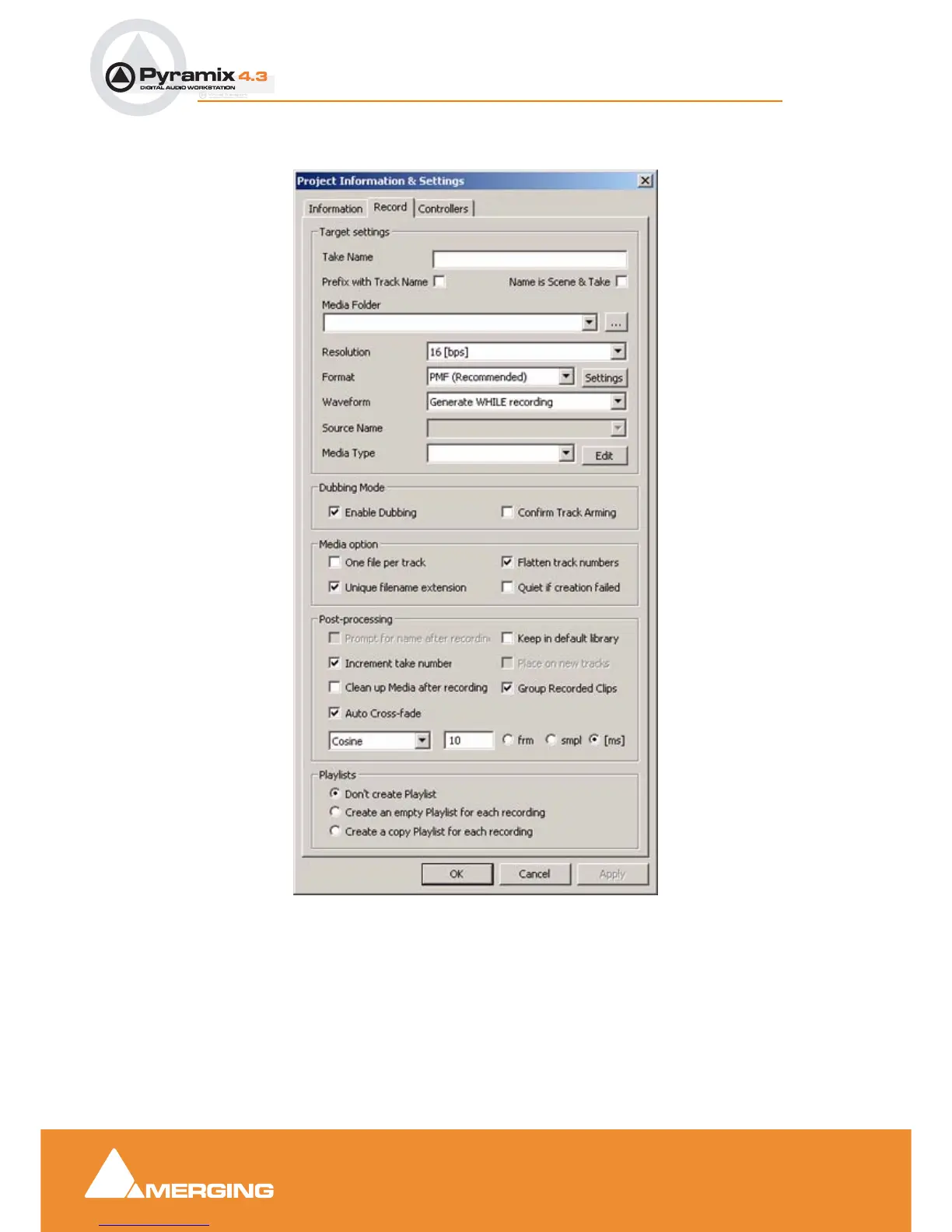
User Manual : Project Information & Settings
User Manual
107
Record
Target Settings
Take Name
Type a ‘seed’ name here. This is used to begin the name of new recordings. E.g, if you type "Vocal" the
next recording you make into a track will be called "Vocal". This field works in conjunction with the
"Increment take number" function (see below). If you leave this field blank, Pyramix will apply the name
"Untitled" as a default.
Project Inf or ma ti on & Set tings dialo g b ox - Reco r d Ta b p age



 To Next Page