User Manual : Plug-Ins
User Manual
234
The 20k-50k option applies a band pass filter with a frequency range of 20 kHz to 40 kHz to the signal.
According to the AES recommendation the signal level in this frequency range should not exceed -28
dB.
The 40k-100k option applies a band pass filter with a frequency range of 50 kHz to 100kHz to the sig-
nal. According to the AES recommendation the signal level in this frequency range should not exceed -
20 dB.
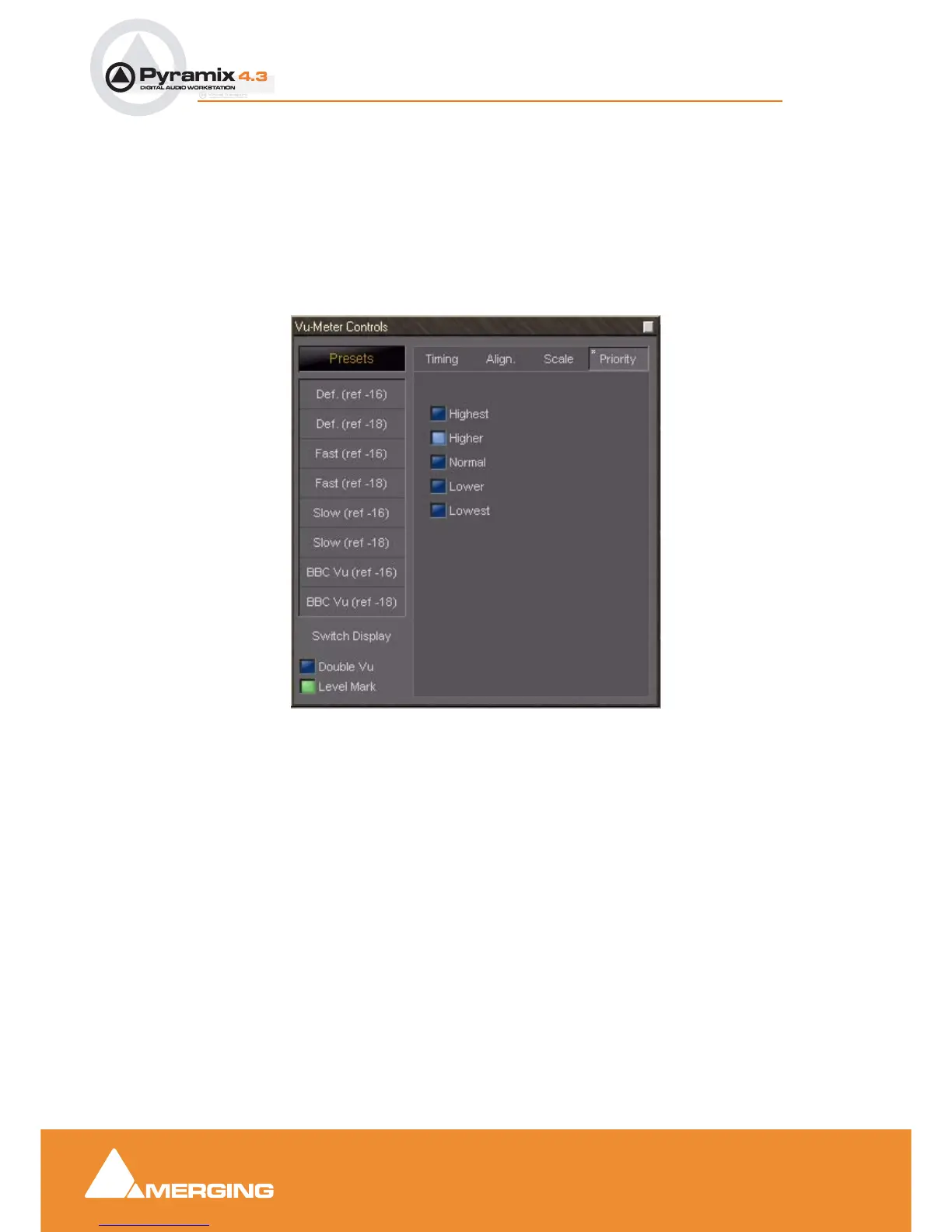
Priority settings
The priority settings are accessed by clicking the Priority Tab.
This selects the how much CPU time of the host PC can be consumed by the plug-in, and therefore
influences the redraw speed and accuracy of the VU-meter. The higher the priority, the more CPU time
is assigned to the plug-in.
Phase-Oscillo
This plug-in combines a phase meter and a X/Y oscilloscope.
Note: Phase-Oscillo cannot be used in a mono strip. If you do so, it will return an
error message.
The phase meter displays the phase of a stereo signal within the range of -1 to +1. a value of +1 means
that the left and right channel are completely in phase. A value of -1 means that the left and right chan-
nel are completely out of phase causing complete cancellation when they would be summed into a
mono signal. A good stereo mix should be somewhere in between 0 and +1.
The oscilloscope gives you some information about the stereophony and the phasing of a stereo signal.
A signal which is completely mono appears as a vertical line. If only the right channel carries a signal, it
is displayed as a straight line at a 45° angle from the bottom left to the top right. If only the left channel
Vu-Meter Controls Priority floating Window



 To Next Page