User Manual : Menus - Fade Editor
User Manual
309
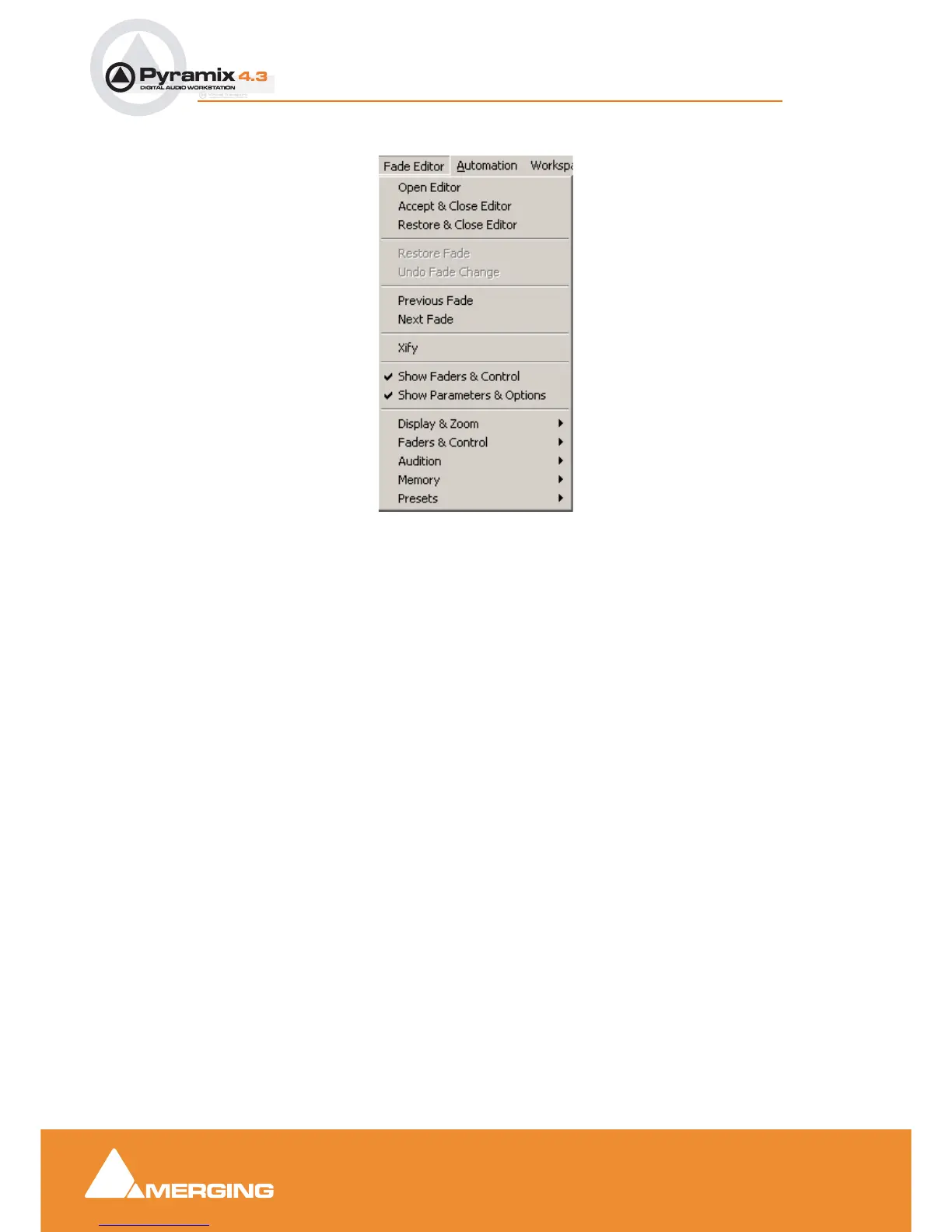
Menus - Fade Editor
Open Editor Opens the Fade Editor window
Accept & Close Editor Approve changes to the fade and close Fade Editor window
Restore & Close Editor Restore fade to original state and close Fade Editor window
Restore Fade Restore fade to original state
Undo Fade Change Undoes the last parameter change
Previous Fade Select / Edit previous fade
Next Fade Select / Edit net fade
Xify Reset the current fade to a standard Power X fade
Show Faders & Control Show the Faders and Control Section of the Fade Editor
Show Parameters & Options Show the Parameters and Options section of the Fade Editor
Display & Zoom >
Fit Fade Zoom around the current Fade (Reset Zoom)
Zoom In Zoom in on graphic display
Zoom Out Zoom out on graphic display
Display & Zoom Options >
Fade Editor menu



 To Next Page