User Manual : Editing
User Manual
55
Clip Properties
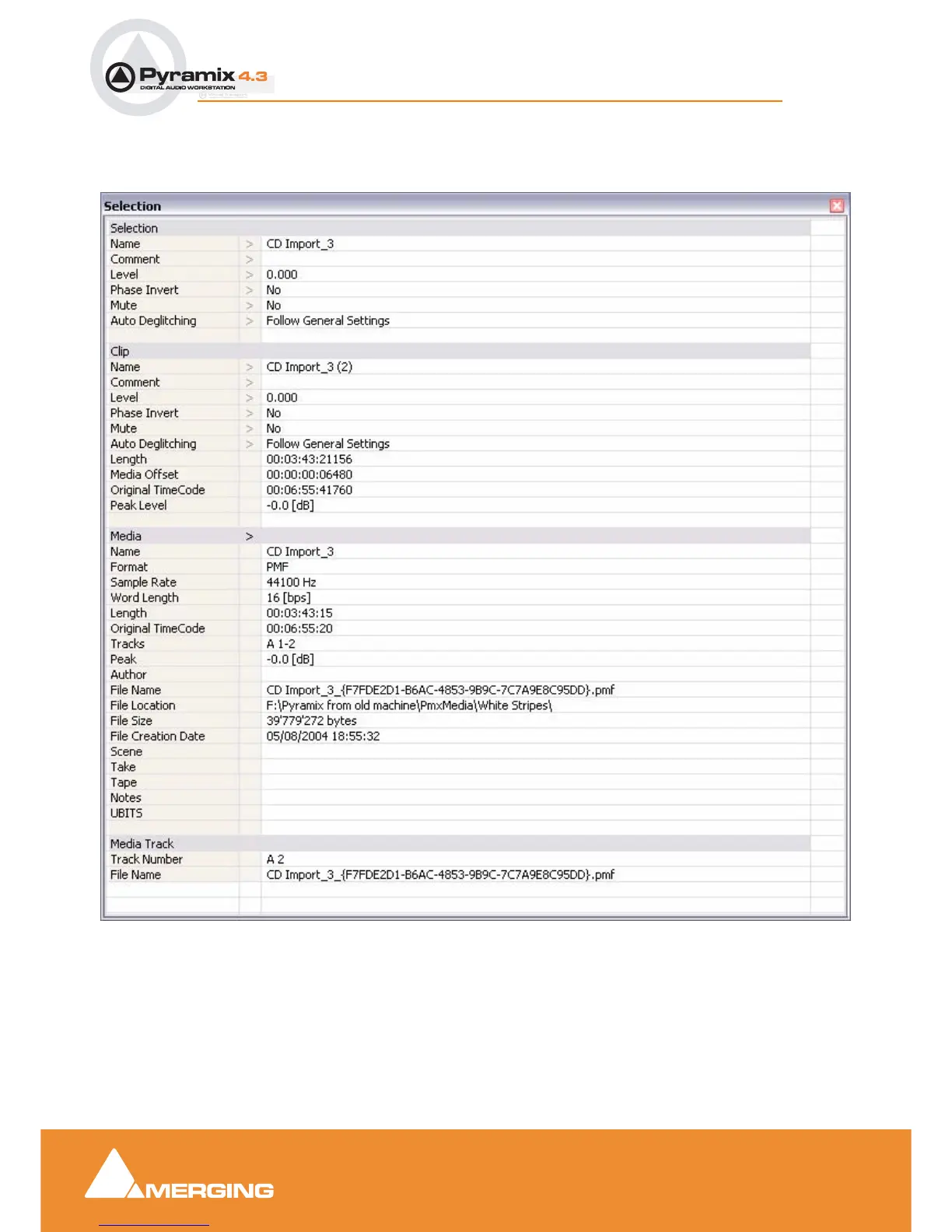
Clips > Properties opens the Properties window for the selected clip. If multiple clips are selected,
opens the Properties window for the first clip selected:
Selections and Region Selections
Selection Operations
Many editing operations in Pyramix can only be carried out if a clip or region is selected.
There are two ways of selecting material in the Timeline. Whole Clips and Regions.
Selection Window



 To Next Page