User Manual : Conforming and Reconforming
User Manual
187
Color Clips that successfully relinked in Green
No comment
Color Clips that failed relinking in Red
no comment
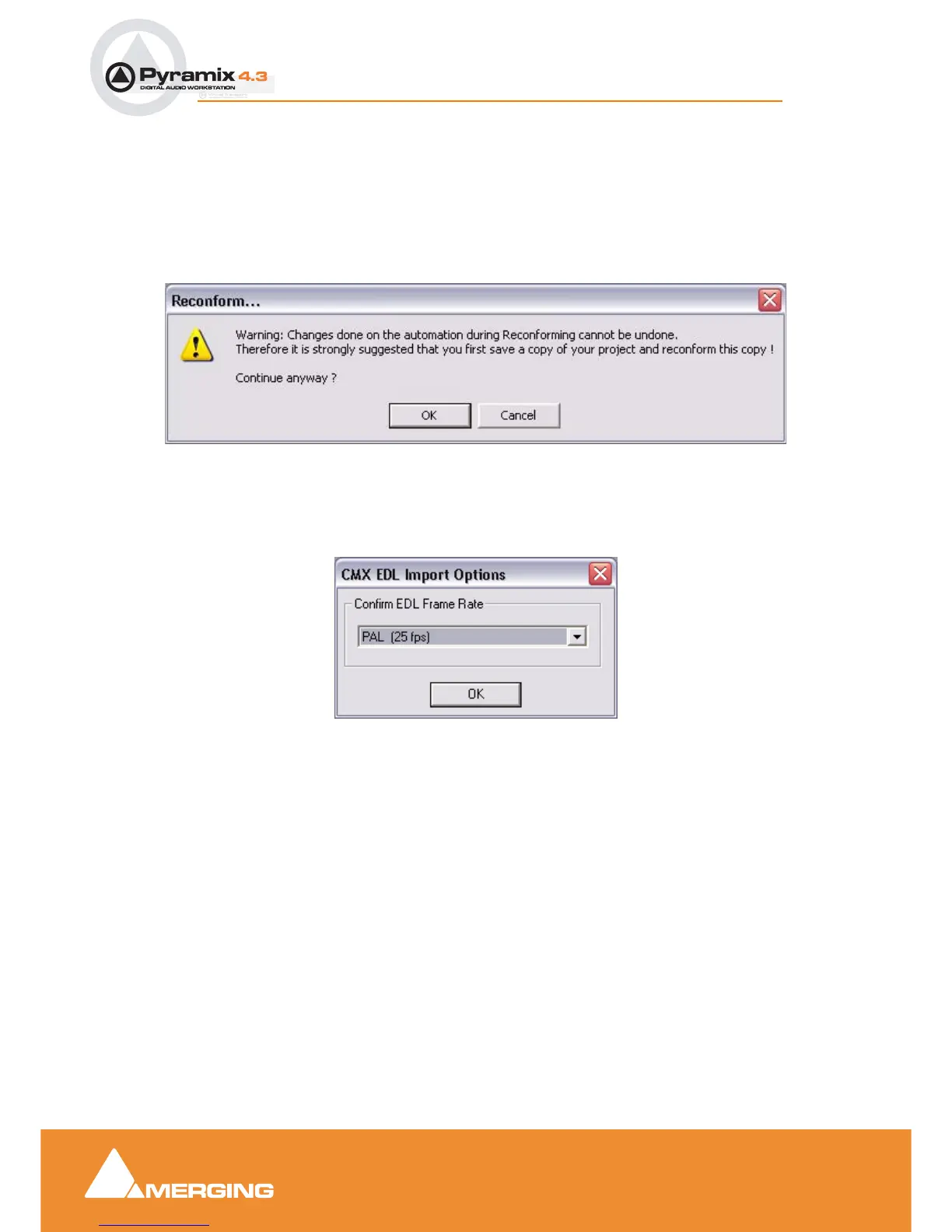
Load Change EDL
Opens the Reconform... dialog:
Changes made to the automation during the Reconforming process cannot be undone. For this reason
it is better to save a copy and reconform that. Clicking the OK button opens a file browser window to
enable the “changes” EDL file to be chosen. Clicking OK opens the CMX EDLImport Options, Con-
firm Frame Rate dialog
If the Frame Rate is incorrect, choose the correct one from the drop-down list. Clicking OK begins the
reconform process.
Reconform... dialog



 To Next Page