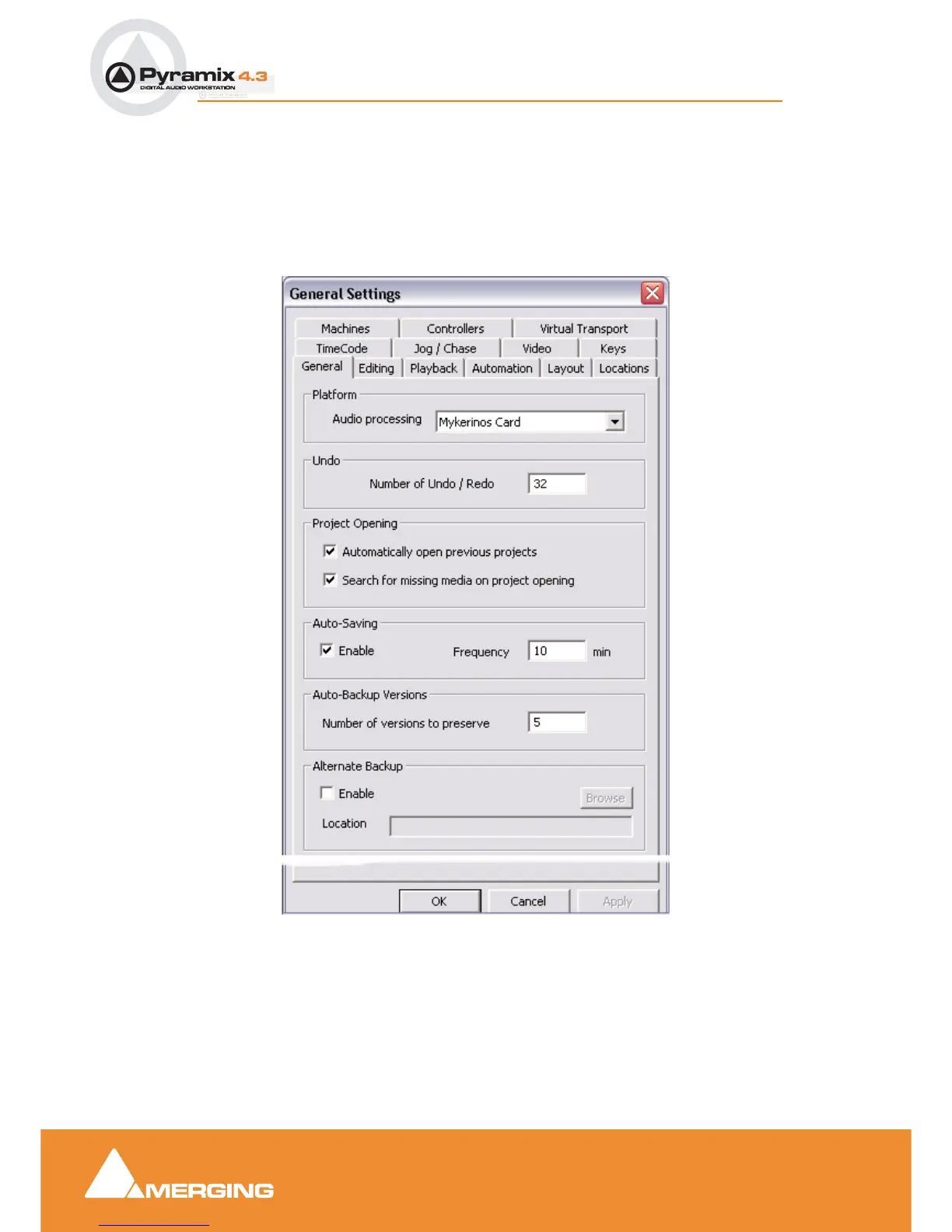
User Manual : General Settings
User Manual
82
General Settings
Selecting Settings > General Settings from the pull-down menu in the main window opens the Gen-
eral Settings dialog box with the default General Tab page open.
This dialog box contains a number of Tabs which enable general Pyramix Virtual Studio configuration.
General
Platform
Audio processing
The drop down list, offers a choice of which audio device to use with Pyramix. The available choices are
Mykerinos Card or Native Processing. I.e. the computer’s host processor(s) & sound card, if you
have purchased this option.
General Settings dialog box - General Tab page



 To Next Page