User Manual : Conforming and Reconforming
User Manual
180
Conforming and Reconforming
Pyramix can conform audio to match a CMX format EDL and also reconform an existing project to
match a CMX change EDL.
Importing a CMX EDL
Select Project > Import choose CMX EDL in the InterChange-Import dialog then click on the Import
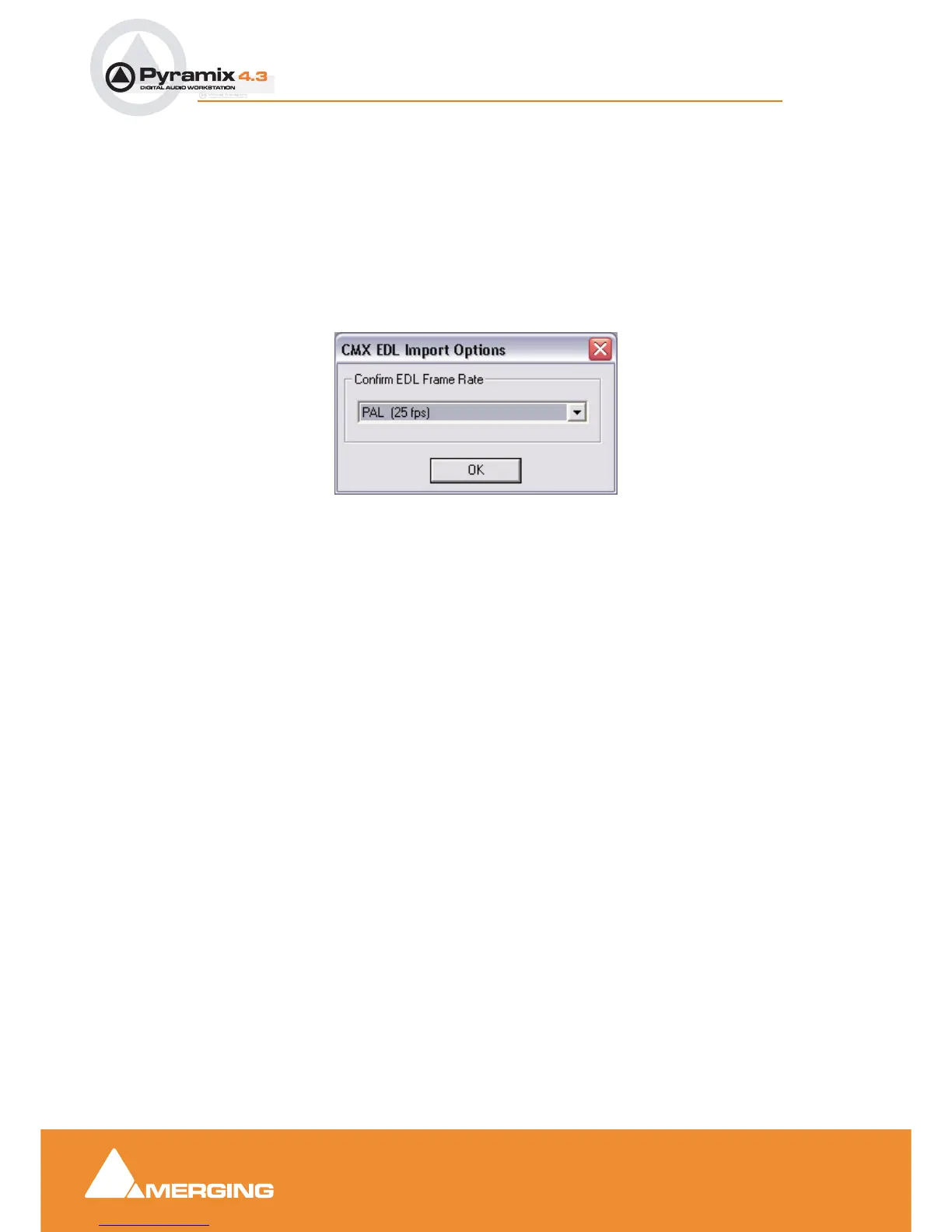
button. Select the desired edl file in the Open file-browser window. The CMX EDL Import Options dialog
opens:
If the EDL Frame Rate is correct, simply click the OK button. Otherwise, select the correct rate from the
drop down list and click the OK button.
CMX EDL Import Options dialog



 To Next Page