User Manual : Project Interchange
User Manual
261
Export
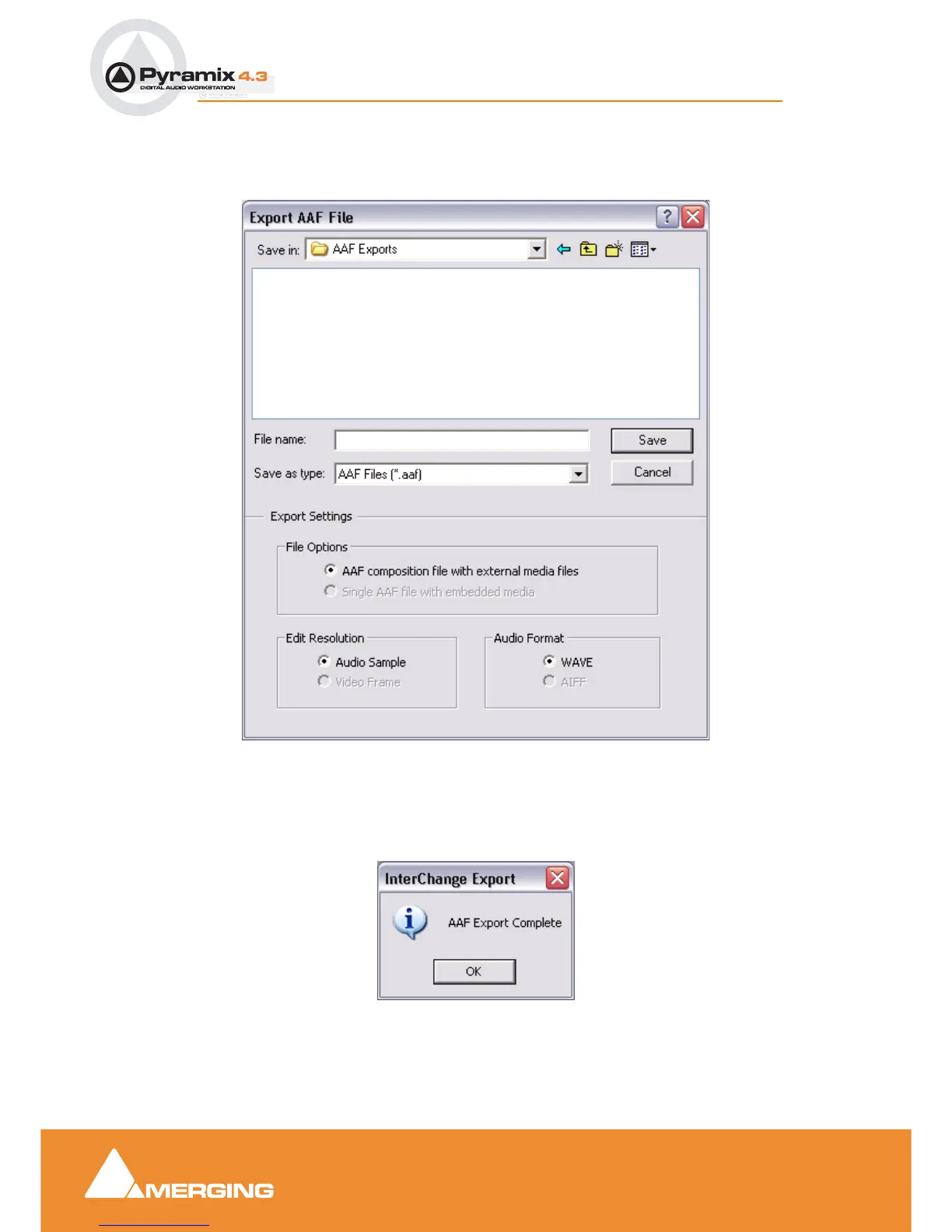
Select AAF in the Interchange Export dialog. Choose the appropriate export option and click on
Export. The Export AAF File dialog opens:
Navigate to the required drive/folder, type a suitable filename in the File name text box, choose the
appropriate file type from the Save as type drop-down list. Make appropriate choices in the Export Set-
tings section then click Save to begin the export process. When the export is concluded this info box
appears:
Export AAF File dialog
Interchange Export info box



 To Next Page