User Manual : Beginning a New Project
User Manual
39
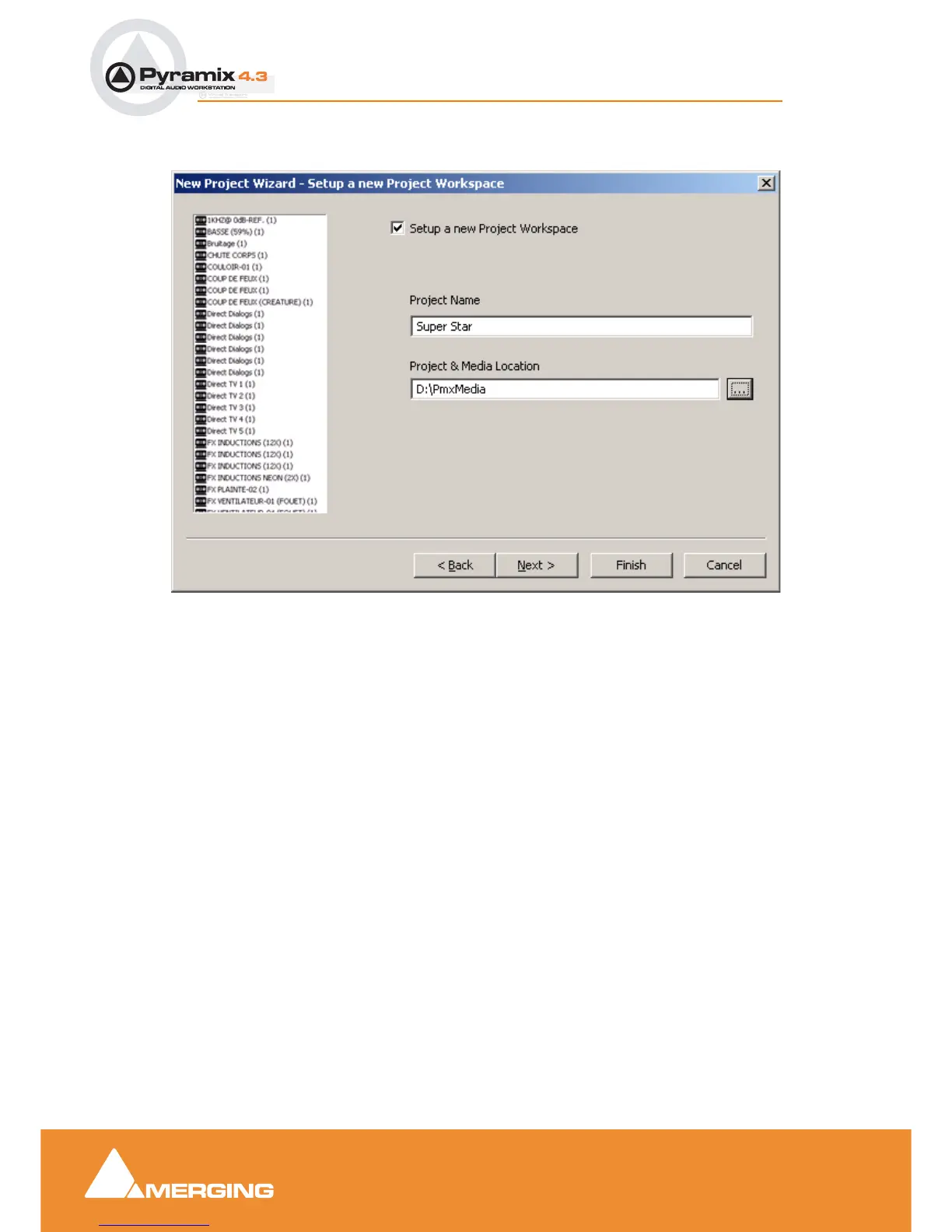
Step 2: Setup a new project workspace
Checking the box labeled: Setup a new Project Workspace, allows you to name the new project and
choose a location for the Project and Media Files. Type in a name for the Project and either type in a
valid path or use the Browse button to browse to a suitable folder. When you have entered the infor-
mation, click the Next button to get to the next step.
Note: If you uncheck the Setup a new Project Workspace box, when the new project
is created it will be given the working name Project 1 (or the next available number if
Project 1 already exists) and the save path will be the default.
New Project Wizard - Setup a new Project Workspace



 To Next Page