• Press ENTER (↵) on the QA-90 and the transmission will
start.
If the communication is successful, >>>>>>> will appear conti-
nuously at the display on the QA-90. When the program is trans-
mitted, a normal startup menu will appear on the QA-90. The
computer will either show a picture for program transmission, or a
clear screen.
4. Check the Calibration Constants
Check the calibration constants in the QA-90 through the hidden
menu. If necessary, press F5, F6 or F7 to type your noted calibra-
tion constants, then press ENTER (
↵).
To store in Flash memory, go back to SYSTEM SETUP.
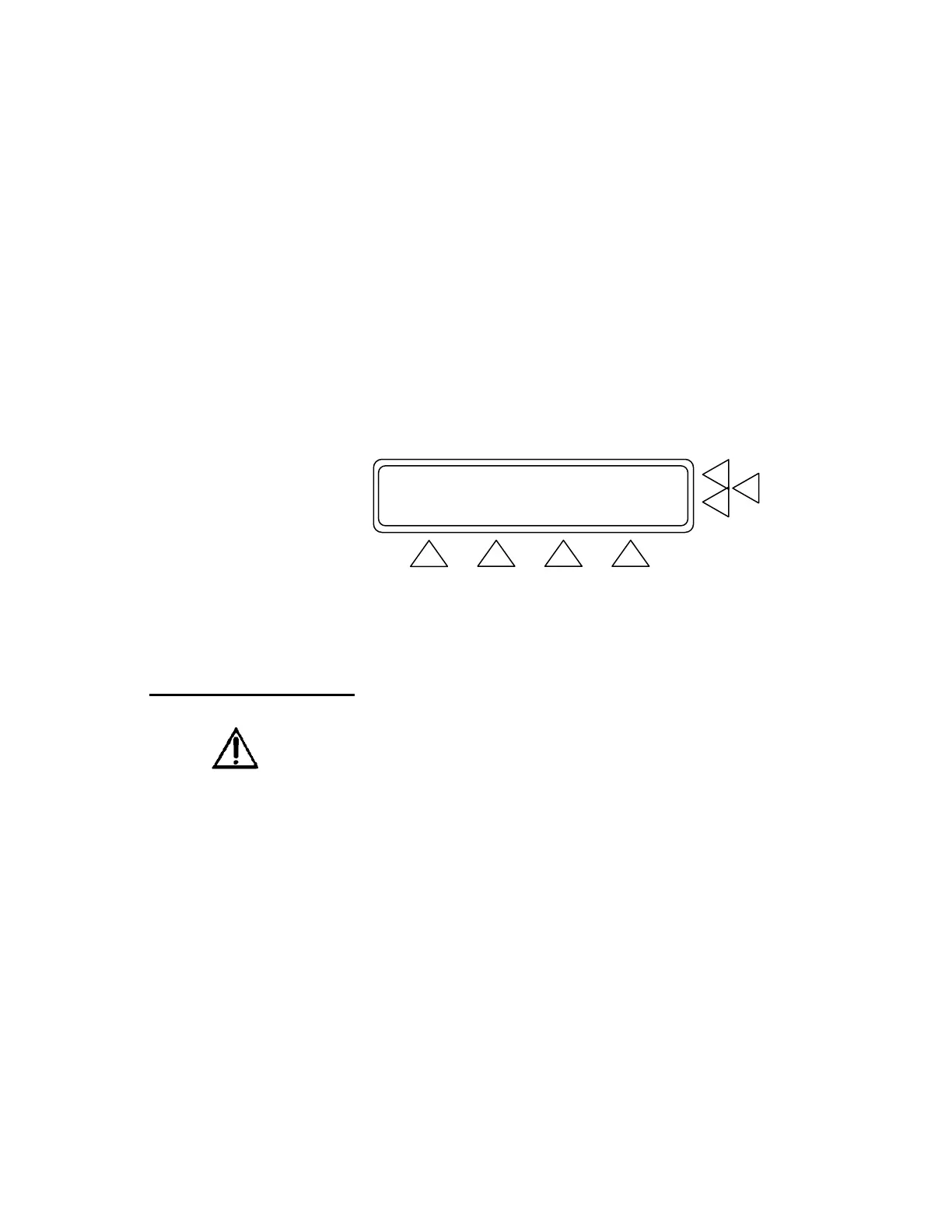
SYSTEM SETUP F7
Operator : ...> F6
Establishment : ...> F5
MORE STORE CAL. MAIN MENU
F1 F2 F3 F4
Press STORE (F2) and the display will show you setup parame-
ters stored in flash.
3.9 Cleaning the QA-90
The outside of the instrument may be cleaned using a damp cloth and
mild detergent. Please note that solvents like Methanol may dam-
mage the overlay and cabinet.



 To Next Page