Mettler Electronics Corp.— Rev.J_09/13/17
24
Surge
Hz
s
0 1 0
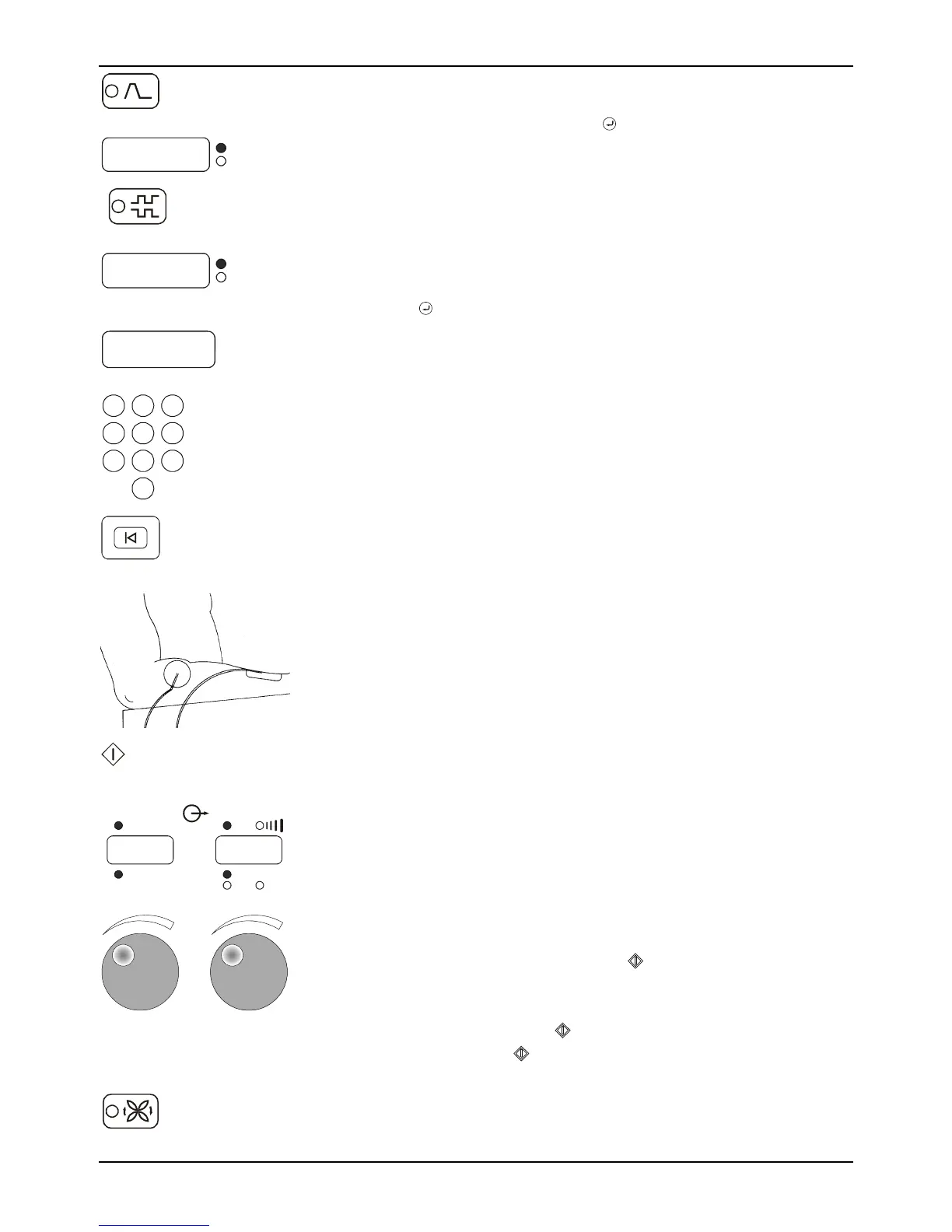
Surge Mode—
Press Surge selector until you see the On/Off duty cycle that
you would like to use. Press the key to accept the values.
Preset On/Off choices are 5 5, 10 10, 10 30 and 10 50.
Reciprocation
Hz
s
1
Reciprocation Mode—
To setup a Reciprocation program you must have stimulation
set up for two-channel operation. If Channel 1 is lit, press
Channel 2.
Press the Reciprocation key. Enter a value from 2 to 240 and
press the key.
smin
5. 00
123
456
789
0
6. Enter the treatment time using the numeric keypad. The
maximum treatment time is 60 minutes. If you do not enter a
time, the time will count up during a treatment session, but
will not exceed 60 minutes.
Reset
Setup
7. At any time up until the start key is pressed, the “Reset
Setup” key may be pressed to clear the setup information.
Return to number 2 to restart the setup process.
8. Apply the electrodes to the patient. Attach the electrode
cables to the electrodes.
Start
9. Press the start key to begin treatment. The output display will
show 0’s.
Output
Stimulation/ Ultrasound
mA
W
12
mA
2
W/cm
00 1 00 1
10. Adjust the output intensity by turning the knobs clockwise.
The numeric display shows the output in the units indicated
by the lit LED below the display for that channel. Please note:
Adjust the intensity at the peak when the current is on with
an amplitude modulation function. Adjust intensity down
any time during the On time.
NOTE 1: For the surge mode, adjust the output intensity for
the active channels and then press
to start the Surge cycle.
The timer will then begin counting.
NOTE 2: For the reciprocation mode adjust the intensity for
Channel 1 and then press . Then adjust the intensity for
Channel 2 and press
.
Amplitude
M odulation
11. In the interferential mode, press the amplitude modulation
(vector rotation) key after the output intensity is adjusted.
Adjust intensity Up only at the peak and Down at any time.



 To Next Page