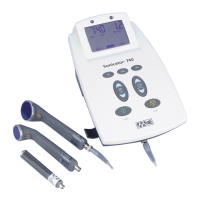
Sonicator Plus 930 Instruction Manual— Rev.J_09/13/17
21
4.2 General Operating Instructions:
Before you start.
a) Review precautions, contraindications and side effects/adverse reactions
listed in Section 5.
b) Use Mettler Electronics electrodes to ensure safe and effective operation.
c) Verify connection of the line cord to a grounded wall receptacle and the
Sonicator Plus 930.
d) For ultrasound and combination therapy make sure that the applicator is
securely connected to the applicator cable and the applicator cable is connected
to the Sonicator Plus 930.
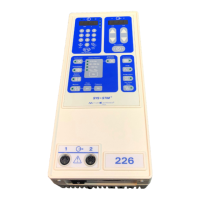
e) For combination therapy make sure the single line electrode cable (ME 2261) is
attached to electrode cable connection for Channel 1. For electrical stimulation
connect electrode cables (ME 2260) into the electrode connections for the
channels that are going to be used.
f) Note: Descriptions of the symbols used on controls are in Section 2.
4.3 General Set-up Procedure
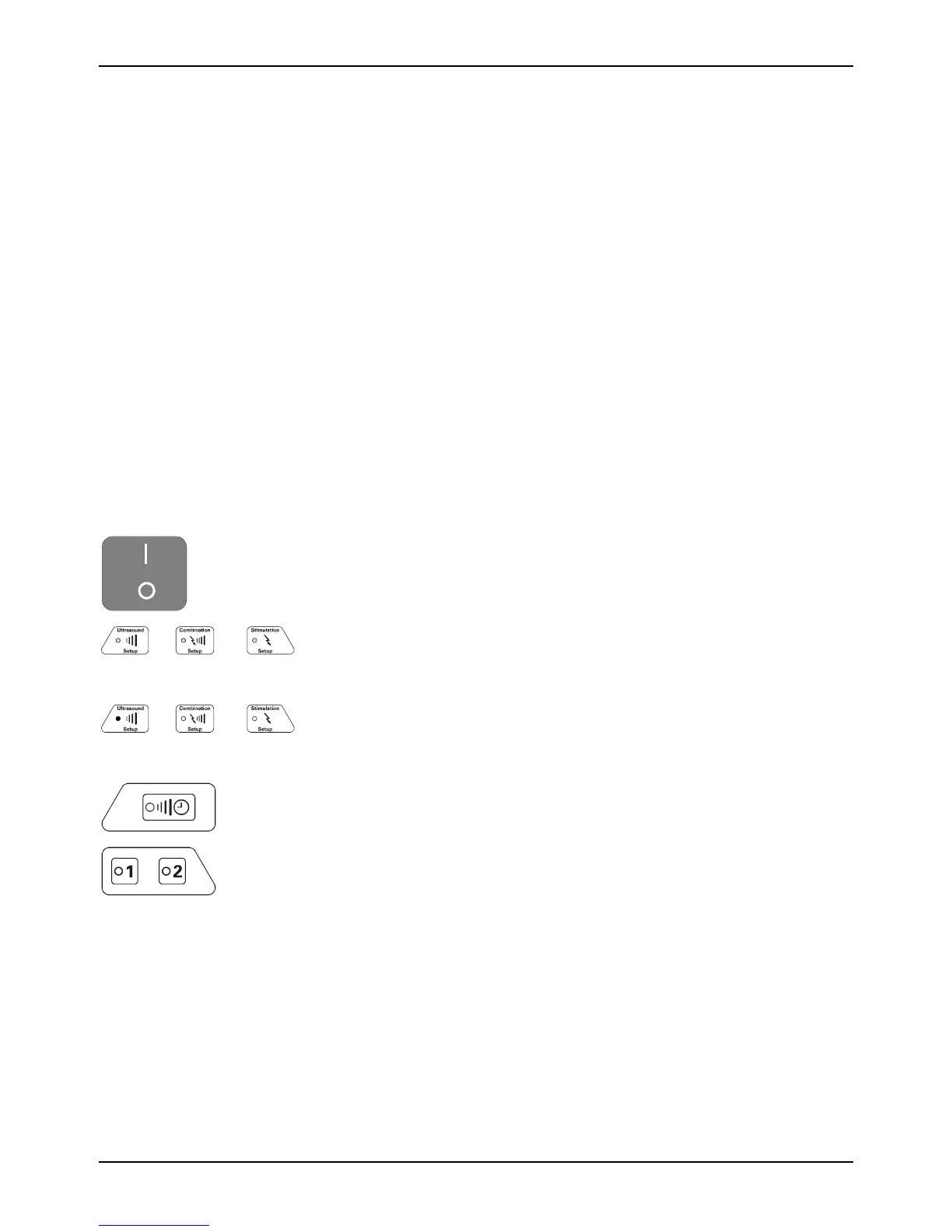
1. Turn on the mains power switch by pressing “I” icon on
switch.
2. When you first turn the Sonicator Plus 930 on, the LED’s for
treatment selectors will flash. NOTE: This is how you will know
what your choices are when setting up a treatment.
3. Select the treatment you wish to perform: Electrical
Stimulation, Ultrasound or Combination Therapy. Return to
this step to begin additional treatment setups.
Ultrasound
Channel
Stimulation
Channels
4. The green LED indicators will illuminate for the channel(s) or
ultrasound treatments that will be active for this session.
Indicators will blink for channels that have already been
programmed, but are not being programmed currently.
To view the parameters for a channel, whose indicators are
blinking, press the blinking channel selector button. You will
then be able to view selected treatment parameters, treatment
output and time remaining or elapsed.
5. Set up the various treatment parameters specific to the
treatment you have selected. Details are listed below.



 To Next Page