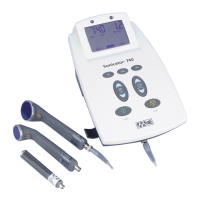
Sonicator Plus 930 Instruction Manual— Rev.J_09/13/17
25
Hold
12. Press the “Hold” key to temporarily suspend treatment. All
treatment parameters except output intensity will be
retained. Press to resume treatment and then readjust the
output intensity.
13. After the treatment ends, the output intensity will return to
zero and the output displays show “- - - - - -“. Remove the
electrodes from the patient at this time. After the treatment
ends, you can press the “Reset Setup” or the channel selector
to free up the channel(s) for the next treatment selection.
4.5 Ultrasound Set-up
Procedure
Ultrasound
Setup
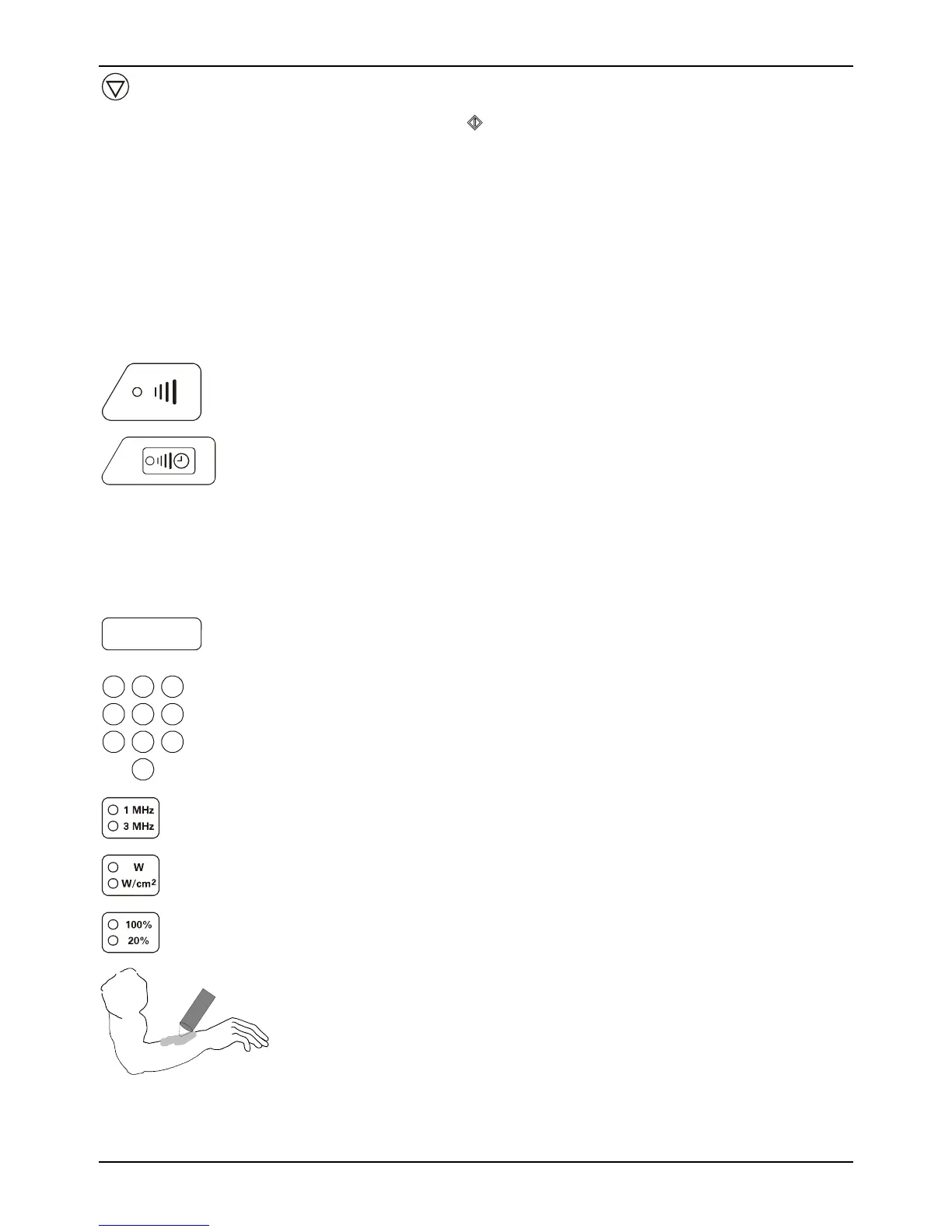
1. Press the ultrasound setup key.
Ultrasound
Channel
2. The green LED indicator will illuminate for the ultrasound
treatment. Indicators will blink for channels that have already
been programmed, but are not being programmed currently.
To view the parameters for a channel, whose indicators are
blinking, press the selector button. You will then be able to
view selected treatment parameters, treatment output and
time remaining or elapsed.
smin
0 5. 0
123
456
789
0
2. Input treatment time. The maximum treatment time is 30
minutes. If you do not input time the timer will display
elapsed time during the treatment and stop at 30 minutes.
3. Press this key to select the output frequency.
4. Press this key to select either Watts or Watts/cm² for the
output display.
5. Select the duty cycle for the ultrasound from continuous
(100%) or pulsed (20%).
6. Apply a layer of Sonigel (ultrasound couplant gel or lotion) to
the treatment area.



 To Next Page