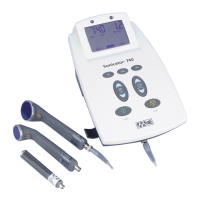
Sonicator Plus 930 Instruction Manual— Rev.J_09/13/17
29
Output
Stimulation/ Ultrasound
1
mA
00 1
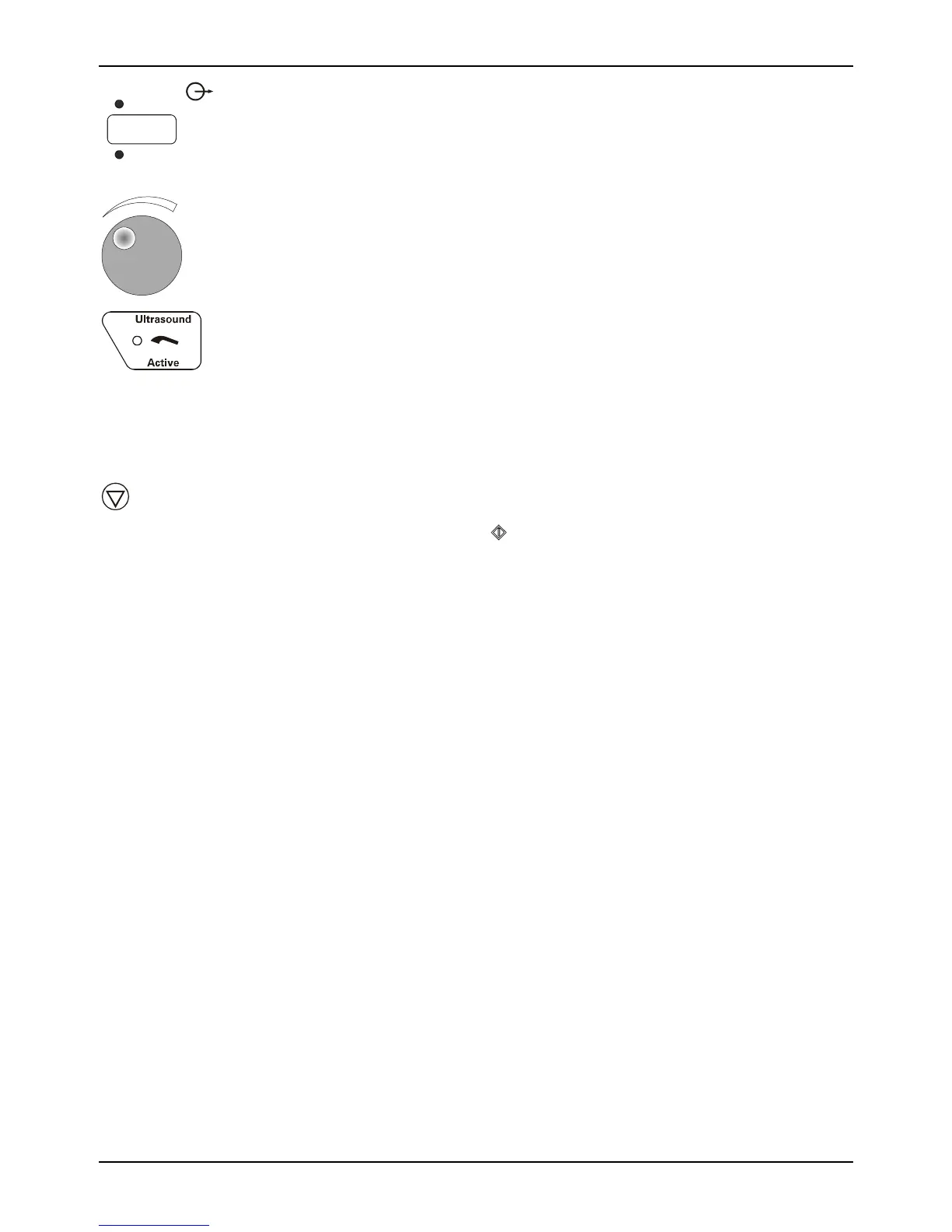
14. Adjust the stimulation output to the desired output intensity
by turning the control knob clockwise to increase intensity
and counter-clockwise to decrease it.
15. If the applicator is not in contact with the patient or
ultrasound is not being efficiently transmitted to the patient,
the LED in the symbol pictured to the left will blink. If
inadequate coupling occurs for more that 30 continuous
seconds the Sonicator Plus 930 will automatically stop
ultrasound output, beep twice and display “E002” in the time
display.
Hold
16. Press the “Hold” key to temporarily suspend treatment. All
treatment parameters except stimulation output intensity will
be retained. Press to resume treatment and then readjust
the stimulation output intensity.
17. At the end of a treatment the output intensity will return to
zero and the output displays show “- - - 000“. Remove the
electrodes from the patient at this time. Wipe any gel residue
from the patient’s skin. After the treatment ends, you can
press the “Reset Setup” for either the ultrasound channel or
channel one selector to free up the channel(s) for the next
treatment selection.



 To Next Page