© Microhard Systems Inc. 143
5.0 AT Command Line Interface
5.1.2 Telnet (TCP/IP)
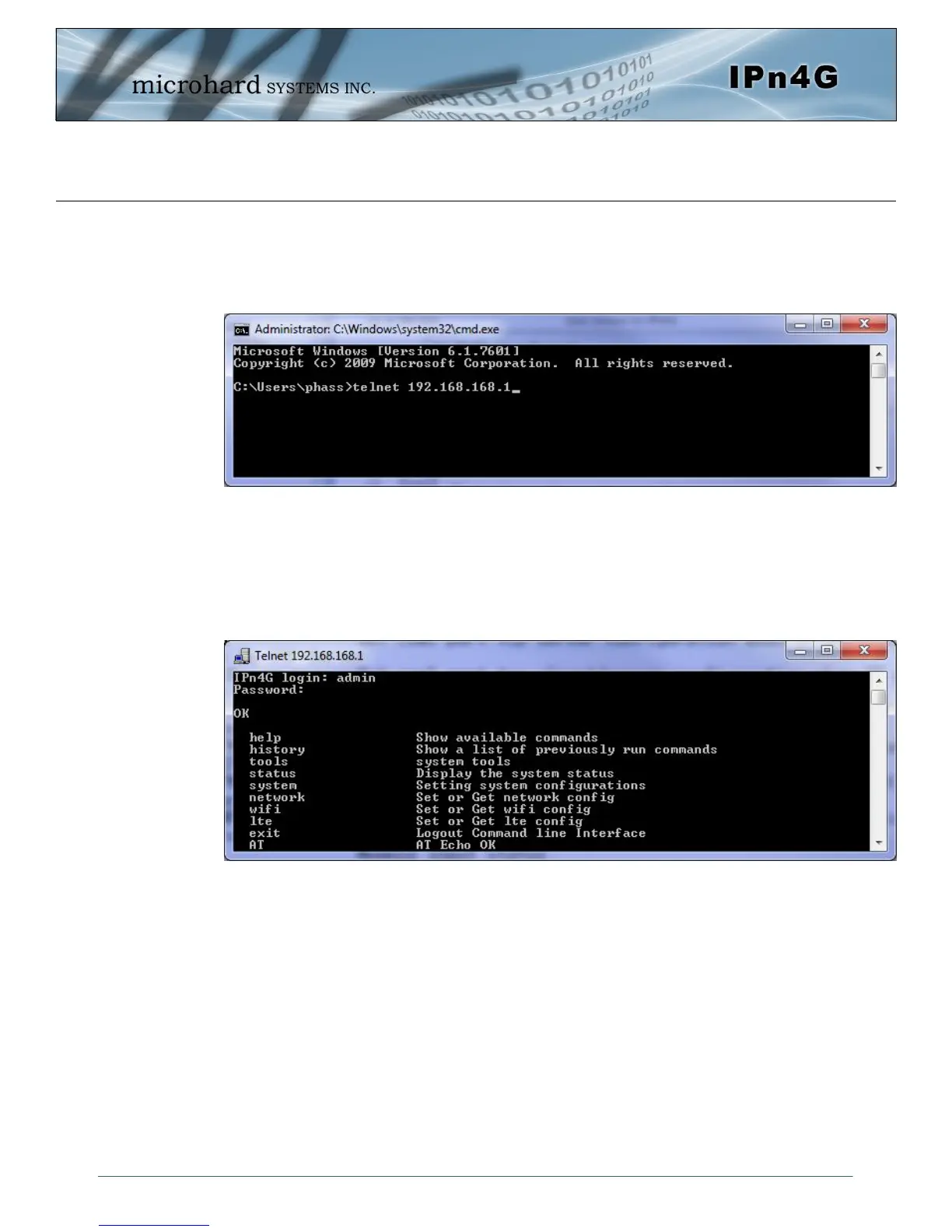
Telnet can be used to access the AT Command interface of the IPn4G. The default port is TCP Port 23. A
telnet session can be made to the unit using any Telnet application (Windows Telnet, Tera Term,
ProComm etc). Once communication is established, a login is required to continue.
Image 5-3: Establishing a Telnet Session
A session can be made to the WAN IP Address (if allowed in the firewall settings) for remote configuration,
or to the local RJ45 interface (default IP: 192.168.168.1).
Once a session is established a login is required to continue. As seen in the Serial port setup, the default
login is admin, and the password is admin. Once verified, the AT Command Line Interface menu is shown
and AT Commands can now be issued. (Type “?” or Help to list the commands)
Image 5-4: Telnet AT Command Session



 To Next Page