© Microhard Systems Inc. 28
4.0 Configuration
The modem can be configured to report system level events to a third
party Syslog server, as shown below. Syslog data can then be filtered
and depending on the features of the Syslog server application, alerts
can be generated accordingly.
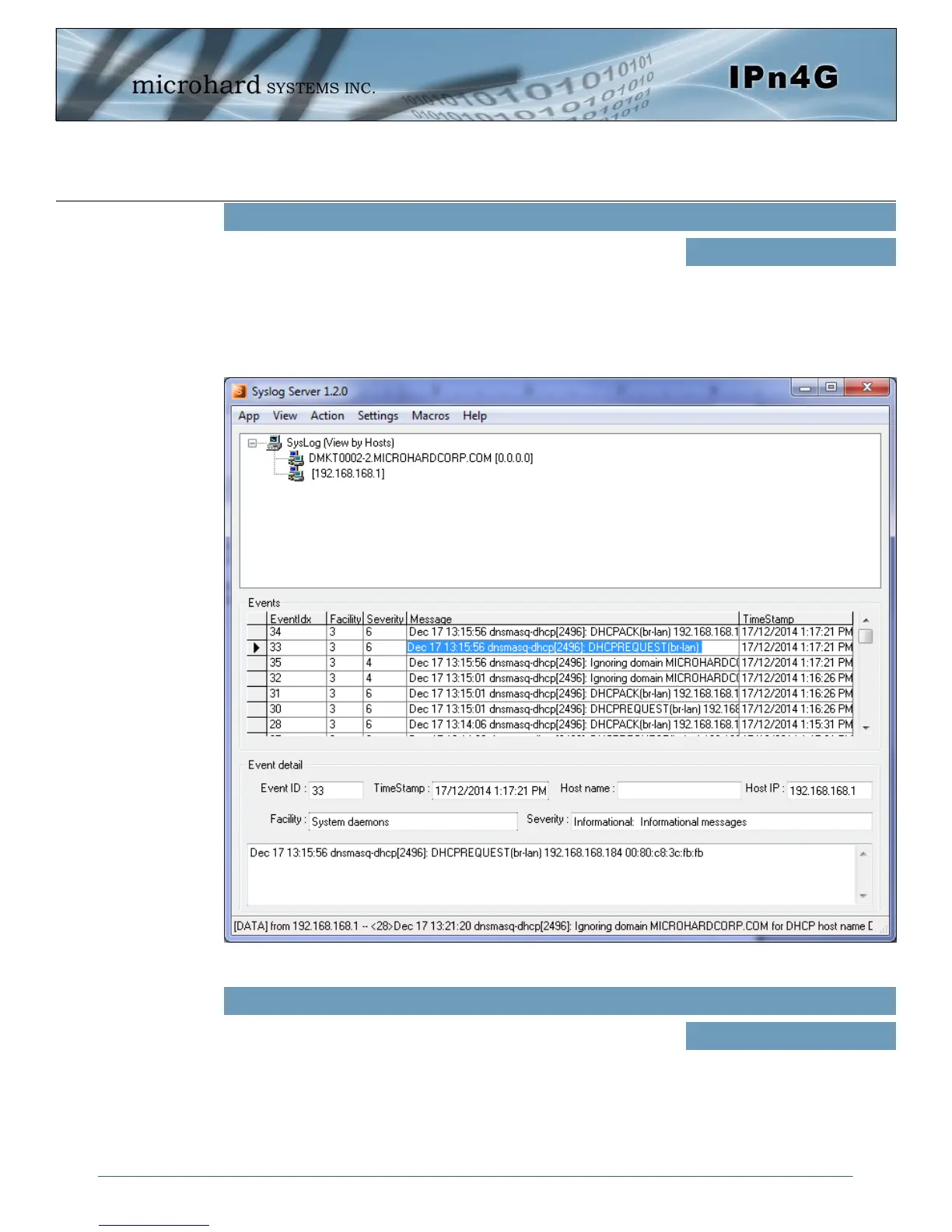
The screenshot below shows a sample from a simple Syslog Server
application.
System Log Server IP/Name
Values
0.0.0.0
Enter the UDP port number on the Syslog Server where the actual
service is running. Consult with the documentation of your chosen
Syslog Server for the correct port number. The most common port is
514, which has been set as the default.
System Log Server Port
Values (UDP Port #)
514
Image 4-1-3: System Settings > Syslog Server Example



 To Next Page