© Microhard Systems Inc. 39
4.0 Configuration
4.2 Network
4.2.1 Network > Status
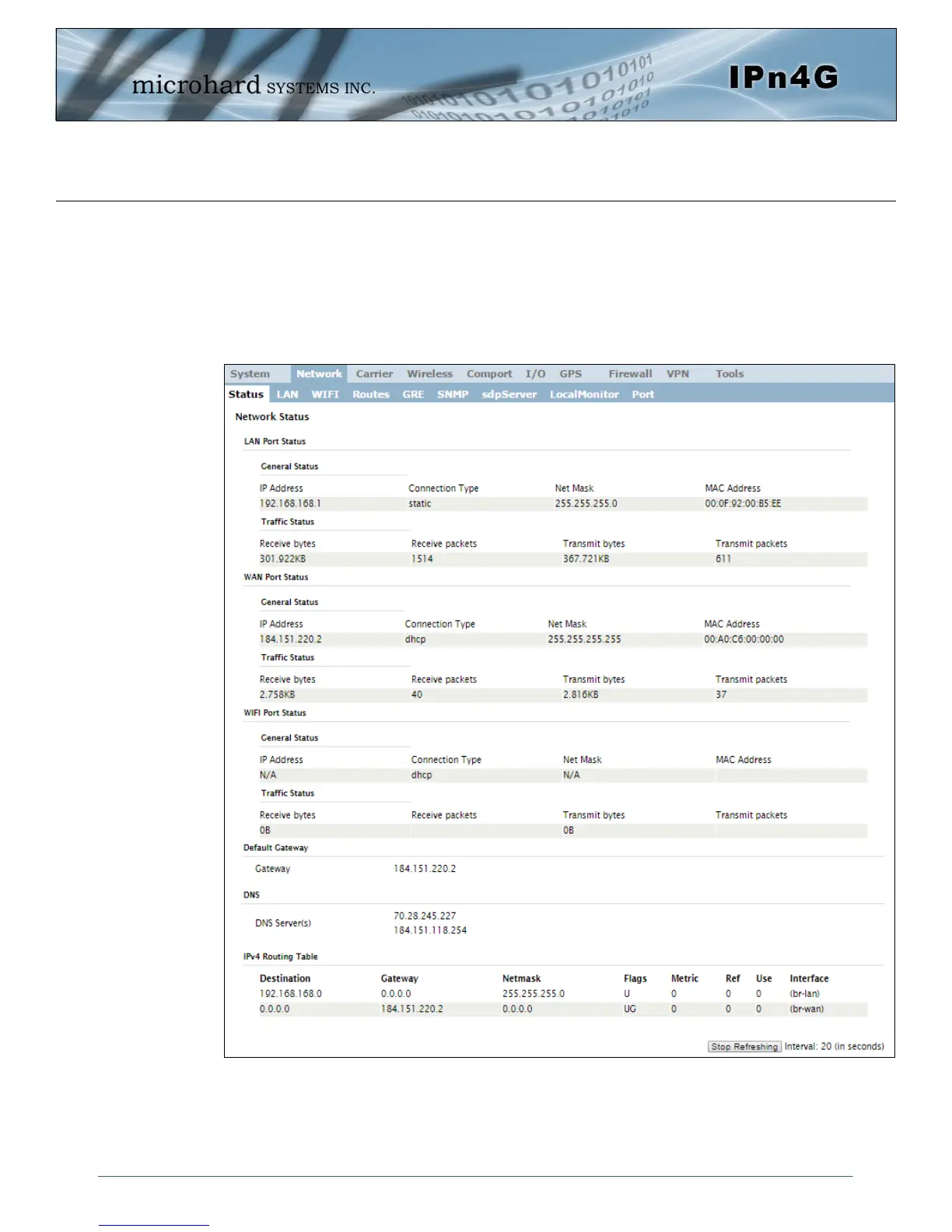
The Network Status display gives a overview of the currently configured network interfaces
including the Connection Type (Static/DHCP), IP Address, Net Mask, Default Gateway, DNS,
and IPv4 Routing Table.
Image 4-2-1: Network > Network Status



 To Next Page