© Microhard Systems Inc. 24
4.0 Configuration
4.0 Web User Interface
Initial configuration of an IPn4G using the Web User (Browser) Interface (Web UI) method
involves the following steps:
configure a static IP Address on your PC to 192.168.168.10 (or any address on the
192.168.168.X subnet other than the default IP of 192.168.168.1)
connect the IPn4G ETHERNET port to PC NIC card using an Ethernet cable
apply power to the IPn4G and wait approximately 60 seconds for the system to load
open a web browser and enter the factory default IP address of the unit: 192.168.168.1
logon window appears; log on using default Username: admin Password: admin
use the web browser based user interface to configure the IPn4G as required.
refer to Section 2.0: Quick Start for step by step instructions.
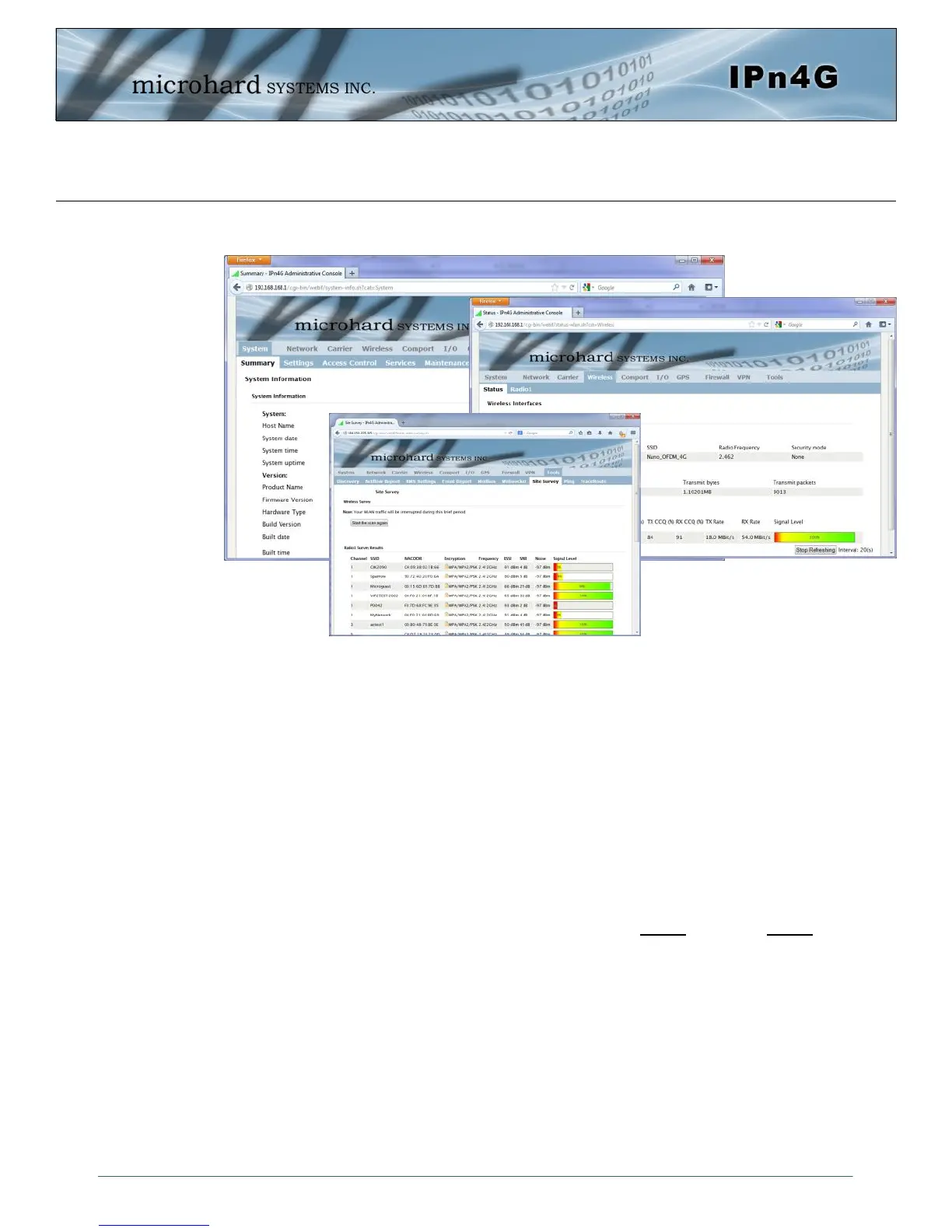
In this section, all aspects of the Web Browser Interface, presented menus, and available
configuration options will be discussed.
Image 4-0-1: WebUI



 To Next Page