Restore to Microscan Factory Settings
Operating System
Recovery
G
HAWK MV-4000 Smart Camera Guide G-5
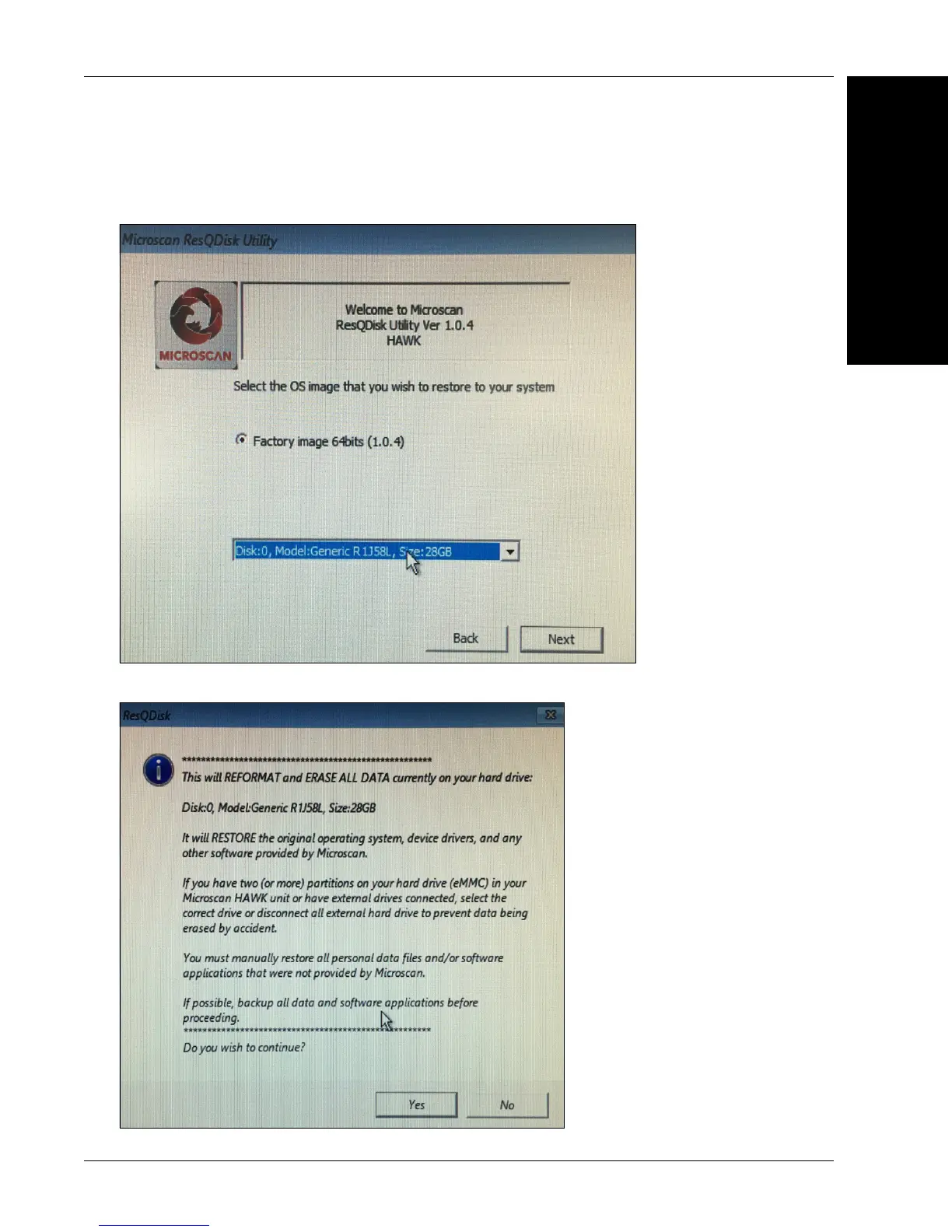
8. Open the dropdown to select the drive to restore, which should say: Disk:0, Model:
Generic R1J58L, Size:28GB, click Next.
9. Click Yes. All data on the camera will be lost.



 To Next Page