Chapter 2 System Components
2-12 HAWK MV-4000 Smart Camera Guide
Connecting the HAWK MV-4000
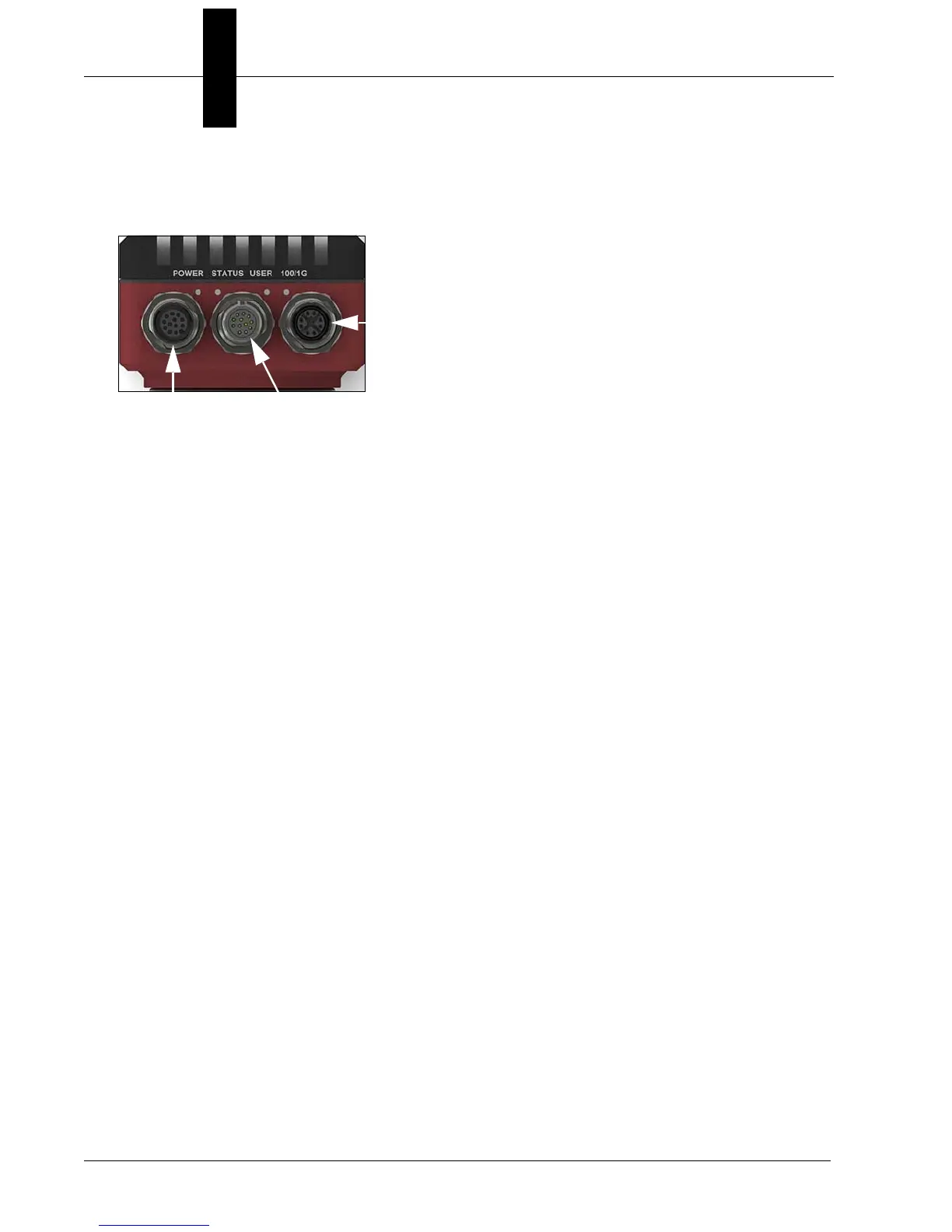
• The HAWK MV-4000 Smart Camera has the following interfaces:
• 100/1000 Base-T Connector. Provides connectivity between the HAWK MV-4000
and your computer or your network. The HAWK MV-4000 can gain access to a LAN
via Gigabit Ethernet (GigE, 1G Base-T, or 1000Base-T), fast Ethernet (100Base-T), or
twisted pair Ethernet (10Base-T).
• VGA/USB Connector. Provides connectivity between the HAWK MV-4000 and a
display device and/or USB device (such as a keyboard or a mouse).
• Digital I/O and Power Connector. Receives power from an external power source.
This connector can also receive trigger input and send/receive general auxiliary I/O
signals to/from third-party I/O devices. In addition, the connector has a specialized
analog dimmer output intended to be used with advanced Illumination lighting devices.
100/1000Base-T
Connector
Digital I/O and
Power Connector
VGA/USB
Connector



 To Next Page