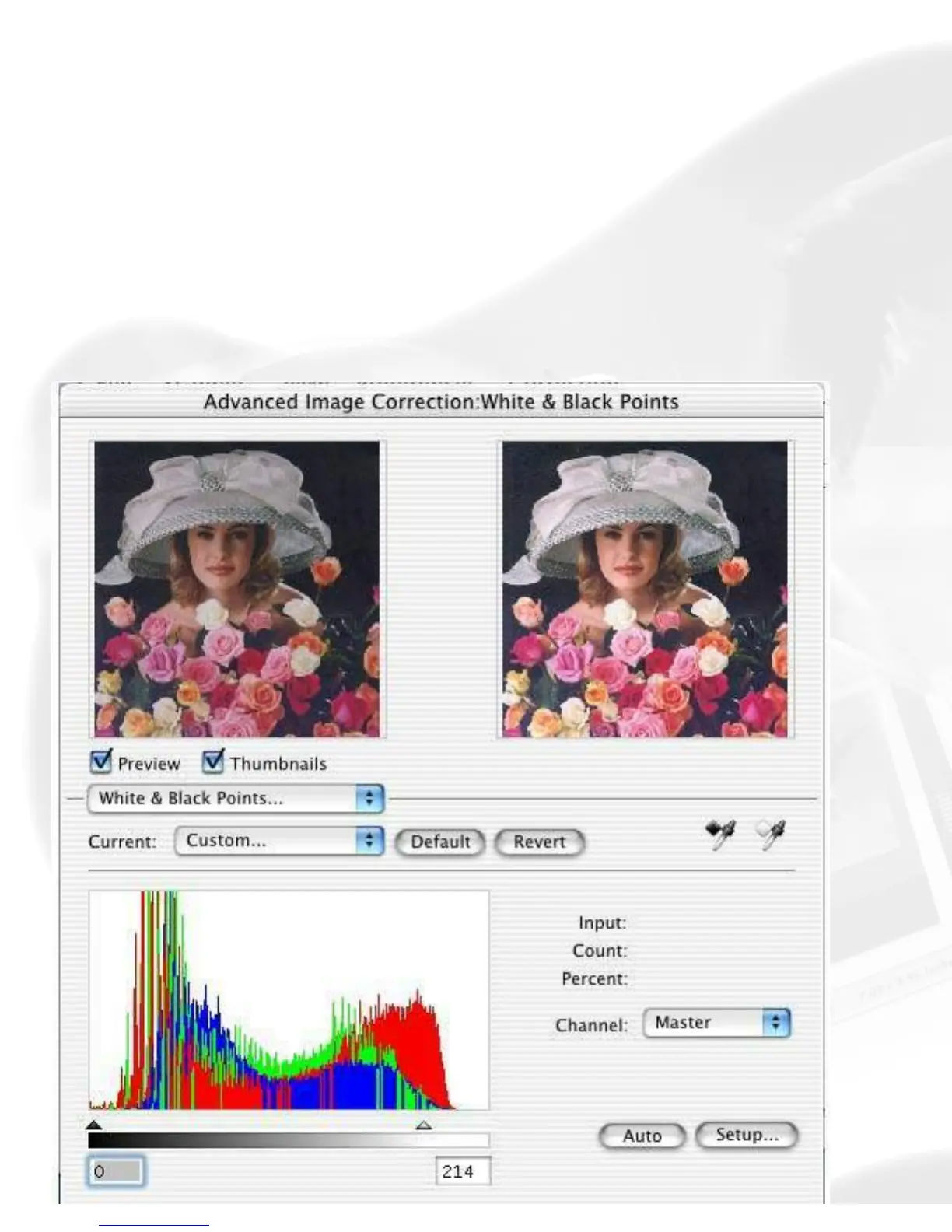
Advanced Control Panel > Settings window
White/Black Points tool
The White & Black Points tool is used to change the shadow and highlight
points of an image.
By using this tool, you can manipulate an image to either bring out the
highlights in a very dark image, or bring out more of the shadows in a very
light image. The White & Black Points tool can also be used to neutralize
the color cast in the highlight and shadow regions.












 To Next Page