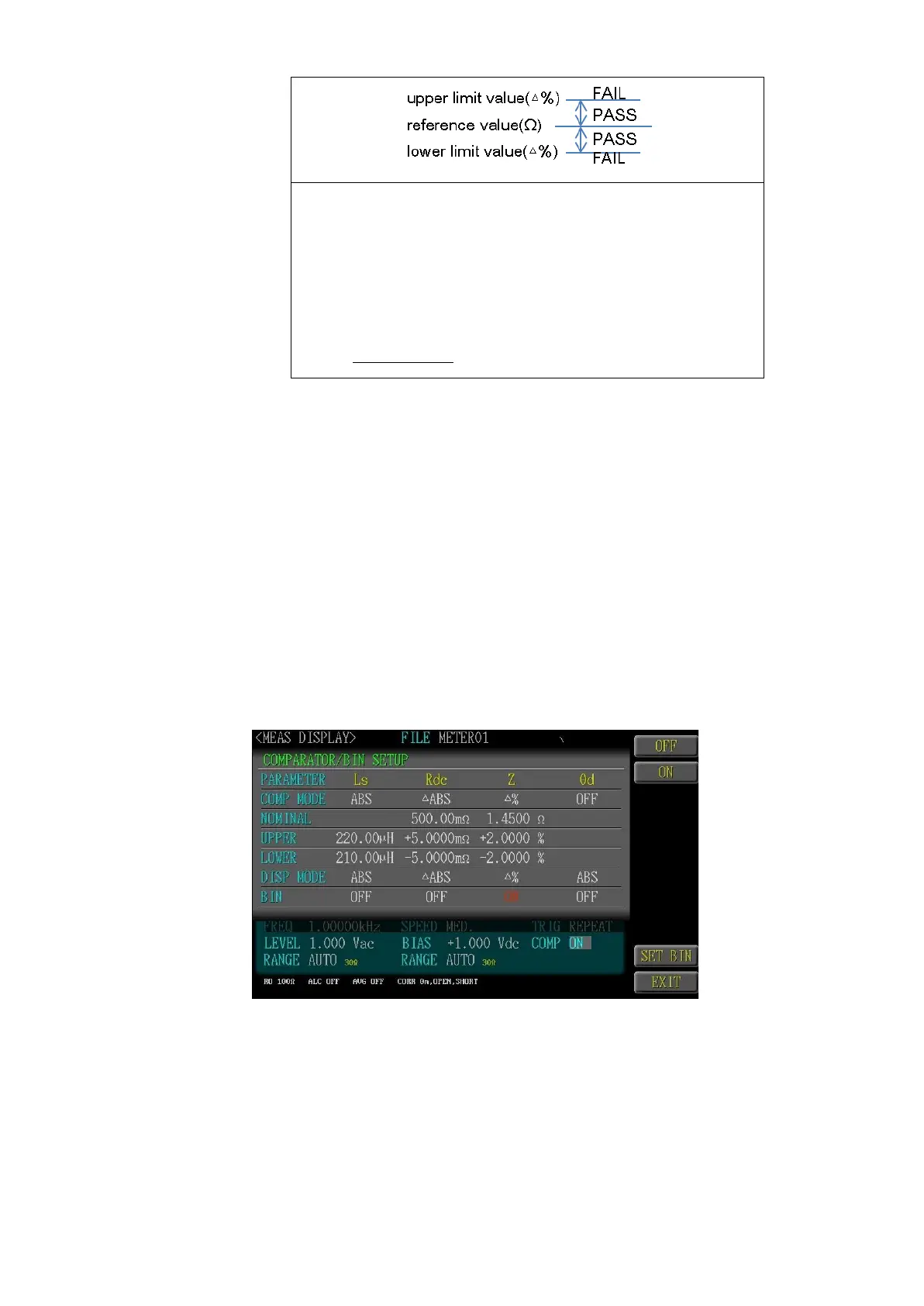
Enter reference values and then set percentages corre-
sponding to the reference values as the upper limit and lower
limit values.
The measurement values displayed are displayed in devia-
tions (△%) from the reference value.
The following equation is used to calculate and display △%
△% =
4.16.3 UPPER
Thenominal value is used for executing the addition of Hi Limit.
4.16.4 LOWER
The nominal value is used for executing the subtraction of Lo Limit. If
selecting “△Abs” or “△%”, then the user needs to key in the negative
mark before inputting the digits for the negative tolerance.
4.17 BIN SETUP
Select <Bin>for setting the bin conditions of each parameter, including Bin class
2~9. The Bin Method comprises sequence, error, random, equalization; whereas,
the Value Mode comprises the Measuring Value, Tolerance value and Tolerance
%.



 To Next Page