34
5. LIST TEST
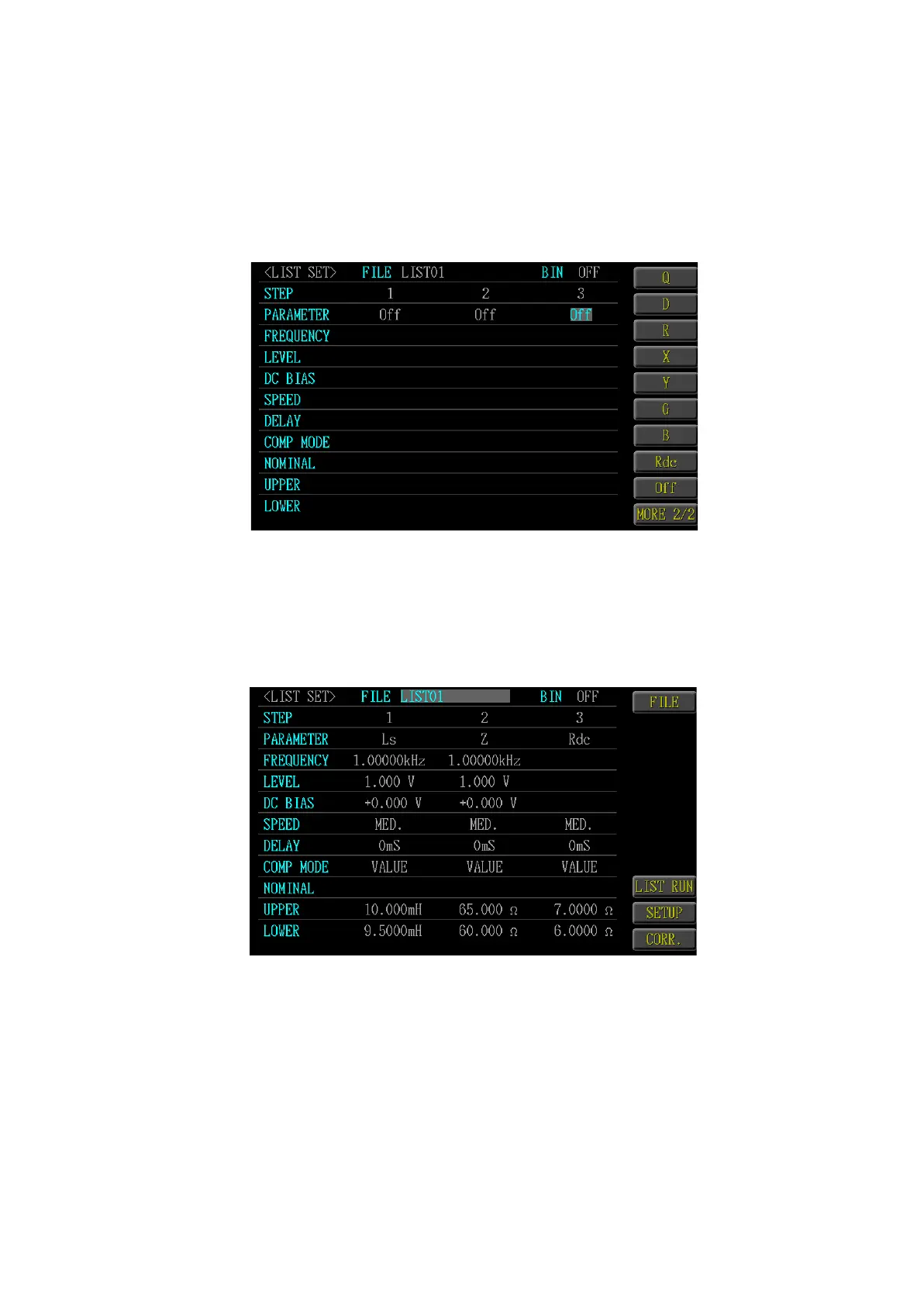
Press <Menu> key and select <LIST SET>for executing the multi-step setup. The
measurement frequency or measurement signal level differs for each panel allows
you to simply evaluate the characteristics of the DUT. Such function can be used
in the production line or the automation test and, at most, 15 testing steps can be
set.
5.1 LIST SET
Select <LIST SET> function key. Press left/right <Direction> key to select Step
1~15 STEP, and press up/down <Direction> key to select PARAMETER, FRE-
QUENCY, LEVEL, SPEED, DELAY, COMP MODE, NOMINAL, UPPER and
LOWER. After being set, select <List Run> key to access multi-step testing page.



 To Next Page