1-2
ARC-6000
98-05012
R3
OFF SET- UP DEC.
ON OPERATE INC.
ARC-6000
Automatic
Rate Controller
MID-TECH
MIDWEST TECHNOLOGIES, INC.
123456789
%Rate
DISPLAY SELECTOR
Speed
Field Area Impl.Width
Distance
Test
Speed
Prime
Total Applied
Application Rate
Scan
Total Area
Product Vol.
BOOMS
.
-Ac
Flow
RATE
Gal./
123456789
%Rate
DISPLAY SELECTOR
Speed
Field Area Impl.Width
Distance
Test
Speed
Prime
Total Applied
Application Rate
Scan
Total Area
Product Vol.
BOOMS
¨
%Rate
DISPLAY SELECTOR
Speed
Field Area Impl.Width
Distance
Test
Speed
Prime
Total Applied
Application Rate
Scan
Total Area
Product Vol.
SET- UP
OPERATE
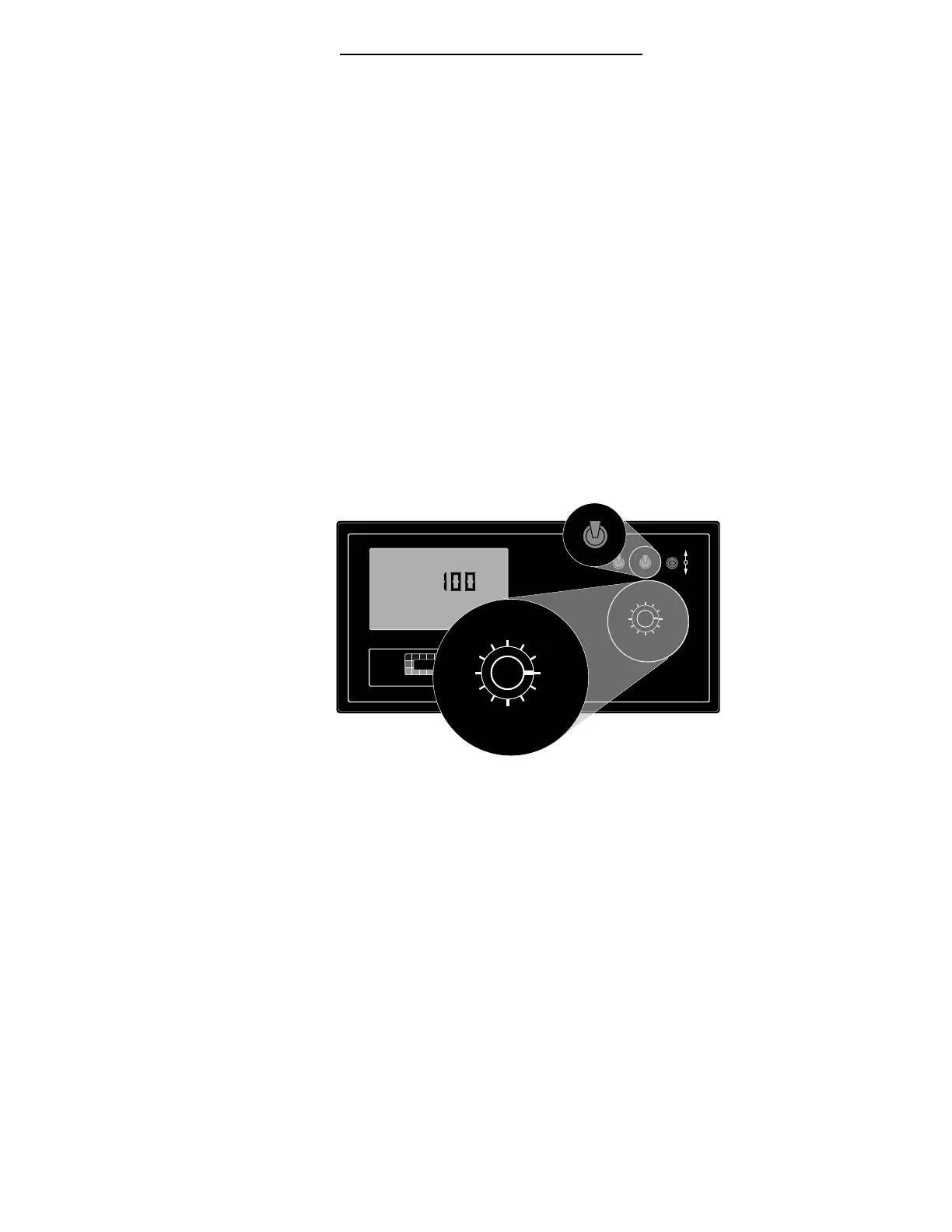
INC / DEC SWITCH
The Increase/Decrease (INC/DEC) switch (See #3 in
Fig. 1-1) is used, in both the OPERATE and SETUP
modes, to change the values appearing in the display.
Boom Section “ON/OFF” Indicators
The boom section On/Off indicators (See #5 in Fig. 1-
1.) indicate which boom sections are selected by the
operator. When a boom is been selected, its indicator
lamp is lit. Boom section number 1 is usually the one
to the left of the sprayer. There are a maximum of nine
boom sections available.
Display Selector Switch
The Display Selector (See #4, Fig. 1-1) is used to
choose which of the various console functions is to be
displayed on the screen and available for adjustment
by the operator.
Display Selector Functions - Operate Mode
Speed: The current
vehicle speed.
Field Area:
Accumulated Area.
(Pg. 3-1)*
Total Area:
Accumulated Area.
(Pg. 3-1)*
Product Vol:
Amount of product
aboard the sprayer.
(Pg. 2-14)**
% Rate: The percent by which the programmed
application rate, at which the product is being
applied, is changed with each activation of the INC/
DEC switch. (Pg. 2-3)***
Fig. 1-2. Display Selector
Functions - Operate Mode


 To Next Page