2-11
98-05012
R3
ARC-6000
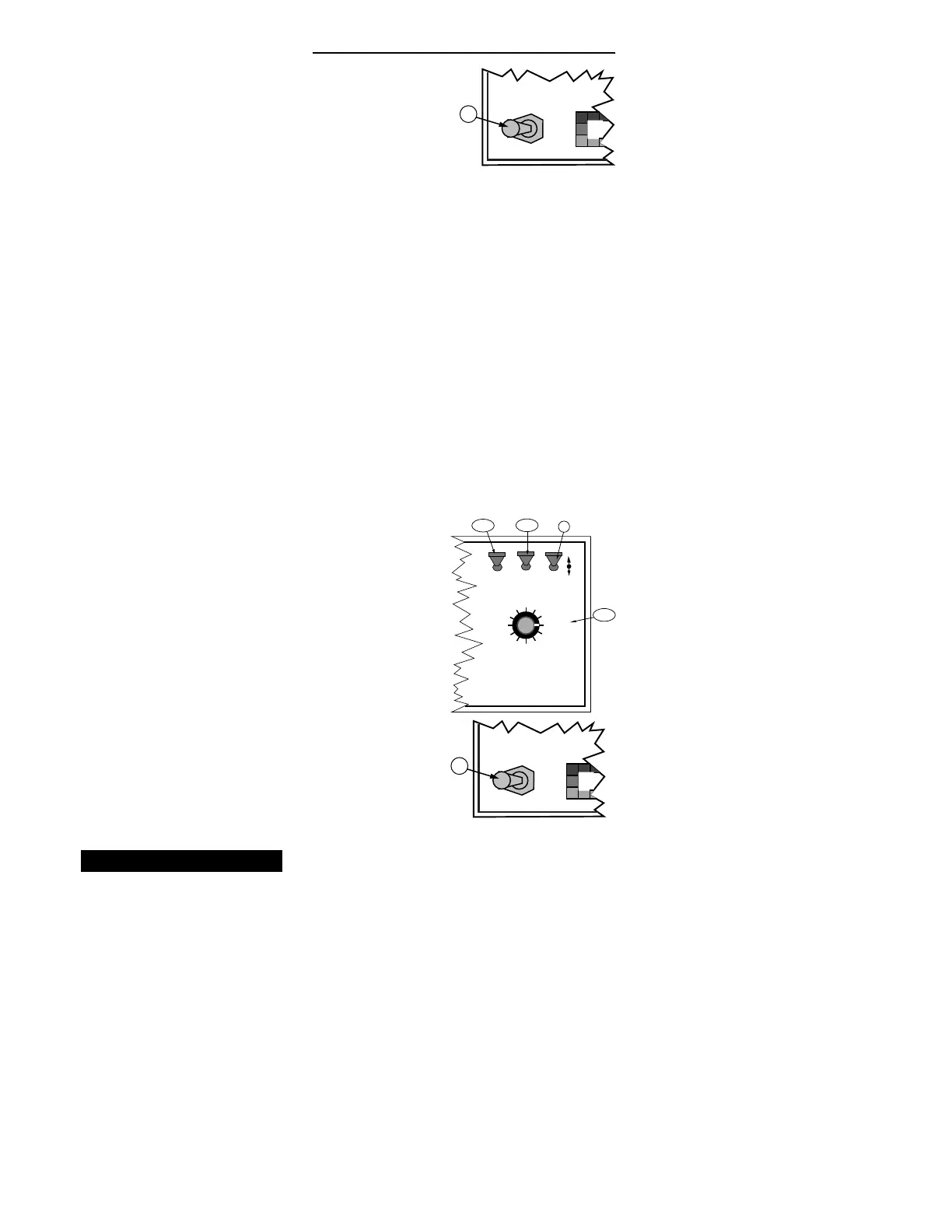
B. All Booms (or Master Switch) "OFF"
C. Hold the INC/DEC switch up to display the current
setting. Continuing to hold the INC Switch up causes
the display to cycle between the two options at about
three to ten second intervals. The option appearing in
the display when the INC Switch is released is the
response selected.
All Booms Off
When the "HOLD" condition is selected, an “ All Booms
OFF" condition causes the Flow Control Valve to hold its
current position. When the booms are turned "ON" again
the Flow Control Valve is already open and product flow
is instantaneous.
When the "CLOSE" condition is selected, an “ All Booms
OFF" condition (all Boom Switches “ OFF” or Master
Switch “ OFF” ) automatically causes the Flow Control
Valve to CLOSE. This response is used when the Flow
Control Valve is used to stop the product flow.
Use the following procedure to set the All Booms Off
response.
A. Set the Console to the following positions;
1. Power “ ON”
2. Mode Selector “ OPERATE”
3. Display Selector “ IMPL. WIDTH”
B. All Booms (or Master Switch) "OFF"
C. Hold the INC/DEC switch up to display the current
setting. Continuing to hold the switch up causes the
display to cycle between the two options at about
three to ten second intervals. The option appearing in
the display when the INC Switch is released is the
response selected.
Setting the Test Speed Value
The Test Speed function is used to provide a speed input
for stationary testing of the sprayer. Use the following
procedure to set the Test Speed.
MASTER
ON
OFF
MI
B
MASTER
ON
OFF
MI
B
DISPLAY SELECTOR
Speed
Field Area Impl. Width
Distance
Test
Speed
Prime
Total Applied
Application Rate
OFF SET- UP DEC.
ON
OPERATE INC.
Scan
Product Vol.
Total Area
BOOMS
123456789
% Rate
C
A-1
A-2
A-3


 To Next Page