2-10
ARC-6000
98-05012
R3
C. Write this number down for future reference. This is
the number to use for these specific conditions
(product and applicator configuration).
Fine tuning of the calibration number can also be done
based on field experience. If liquid is consistently left
over after applying on a known number of acres, adjust
the calibration number up slightly. If there is consistently
too little material to cover the desired acres, adjust the
calibration number down slightly.
Setting The HOLD/CLOSE Response
T
he operator can select either a "HOLD" or
"CLOSE" response of the Flow Control Valve to
both the Implement Status Switch and to an “ All
Booms OFF" condition. These responses are independent
of each other, allowing the operator to select a "HOLD"
condition for one and a "CLOSE" for the other. Careful
consideration should be given to both conditions and the
response selected for your application.
IMPLEMENT STATUS S WITCH
When the "HOLD" condition is selected, opening the
Implement Status Switch causes the Flow Control Valve
to hold in its current position. When the Implement Status
Switch is closed the Flow Control Valve is already open
and product flow is instantaneous. This response assumes
that some other device, such as a boom section valve, has
stopped the product flow.
When the "CLOSE" condition is selected, opening the
Implement Status Switch automatically causes the Flow
Control Valve to close. This response is preferred when it
is necessary to use the Flow Control Valve to stop the
product flow.
Use the following procedure to set the Status Switch
response.
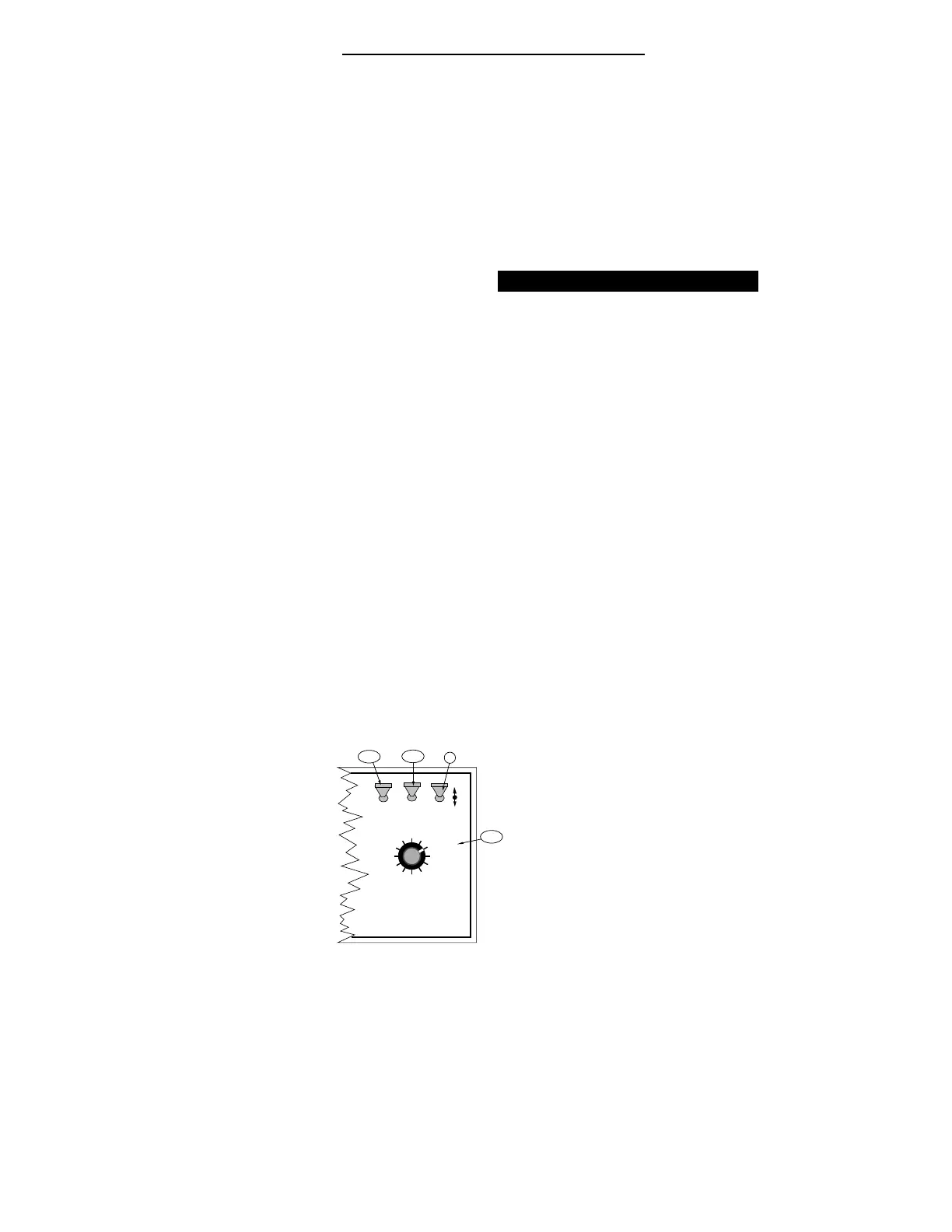
A. Set the Console to the following positions;
1. Power “ ON”
2. Mode Selector “ OPERATE”
3. Display Selector “ TOTAL APPLIED”
DISPLAY SELECTOR
Speed
Field Area Impl. Width
Distance
Test
Speed
Prime
Total Applied
Application Rate
OFF SET- UP DEC.
ON
OPERATE INC.
Scan
Product Vol.
Total Area
BOOMS
123456789
% Rate
C
A-1
A-2
A-3


 To Next Page