2-2
ARC-6000
98-05012
R3
Setting the APPLICA-
TION RATE to 0.0 will
turn off the flow
control function.
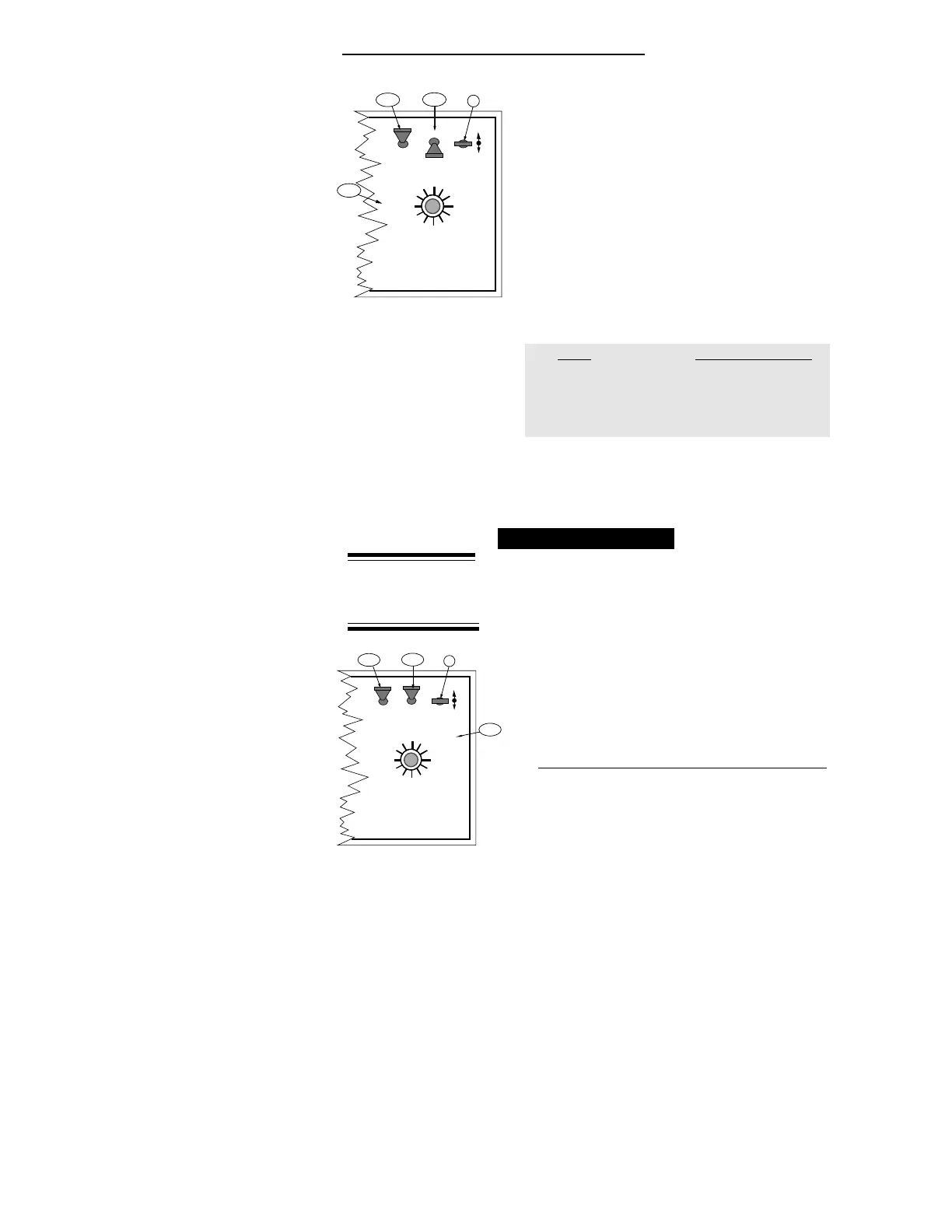
DISPLAY SELECTOR
Speed
Field Area Impl. Width
Distance
Test
Speed
Prime
Total Applied
Application Rate
OFF SET- UP DEC.
ON OPERATE INC.
Scan
Product Vol.
Total Area
BOOMS
123456789
% Rate
B
A-1
A-2
A-3
DISPLAY SELECTOR
Speed
Field Area Impl. Width
Distance
Test
Speed
Prime
Total Applied
Application Rate
OFF SET- UP DEC.
ON OPERATE INC.
Scan
Product Vol.
Total Area
BOOMS
123456789
% Rate
B
A-1
A-2
A-3
CHANGING UNITS
A. Set the console switches to the following positions:
1. Power “ON”
2. Mode Selector “OPERATE”
3. Display Selector “SPEED”
The display shows the current speed units.
B. Using the INC/DEC Switch, select the measuring
system desired (See following chart). The INC/DEC
Switch must be held for approximately 5 sec. before
the change occurs.
Units INC./DEC. Switch
English to Metric “ DOWN”
Metric to English “ DOWN”
English to Metrish “ UP”
Metrish to English “ DOWN”
NOTE: Metric to Metrish is not available. Change to
English first and then to Metrish.
Setting Application Rates
T
he ARC 6000 system is designed to maintain a
constant, pre-selected application rate. In order for
the Control Console to do this, the operator must
enter the desired application rate. To set the desired
application rate:
A. Set the console switches to the following positions:
1. Power “ON”
2. Mode Selector “OPERATE”
(Application Rate is set in the Operate Mode!!!)
3. Display Selector “APPLICATION RATE”
The display shows the current application rate.
B. Using the INC/DEC switch, set the desired rate.


 To Next Page