3-4
ARC-6000
98-05012
R3
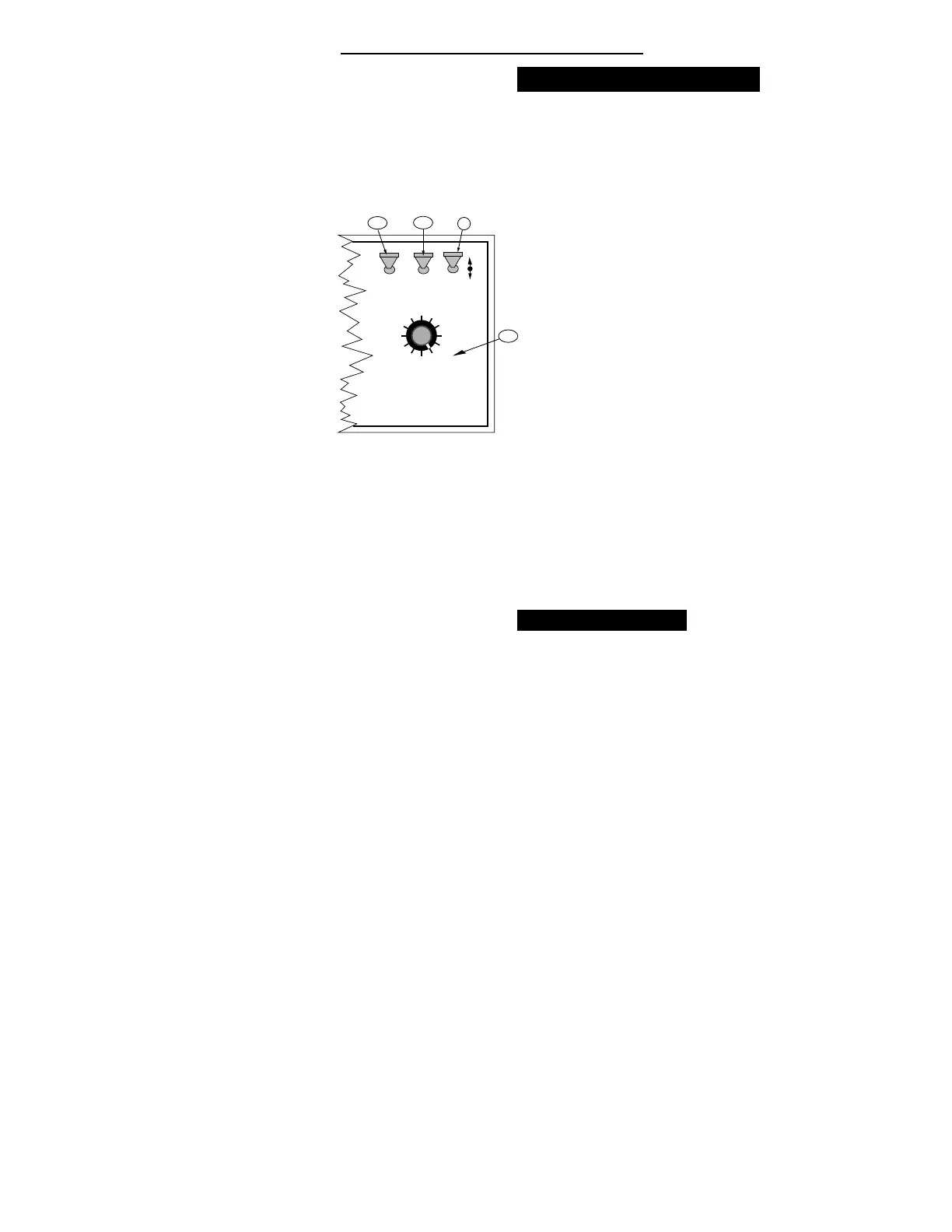
DISPLAY SELECTOR
Speed
Field Area Impl. Width
Distance
Test
Speed
Prime
Total Applied
Application Rate
OFF SET- UP DEC.
ON
OPERATE INC.
Scan
Product Vol.
Total Area
BOOMS
123456789
A-3
A-2
C
% Rate
A-1
Priming the Main Pump and Boom
U
se the following procedure to “ PRIME” the
main pump and boom lines prior to spraying.
A. Set the console switches to the following posi-
tions:
1. Power “ ON”
2. Mode Selector “ OPERATE”
3. Display Selector “ PRIME”
B. A series of five dashes (- - - - -) appears on the
display.
C. Hold the INC/DEC switch up for about three
seconds. The main control valve moves to full
open. While operating in this mode, there is no
accumulation of area, distance or carrier volume.
D. The main pump can be run, with the booms or
handgun open, to prime the sprayer. The control
valve remains "OPEN".
E. Select any position, other than “ PRIME” , with the
Display Selector Switch to return the ARC System
to normal spraying.
Ground Speed Override
A
n optional Ground Speed Override (GSO)
Switch can be added to allow temporary
operation using the "GSO Speed" instead of
actual ground speed, (See page 2-12). The GSO feature
is used to start spraying quickly when starting from a
complete stop or to maintain a good spray pattern
when the vehicle is being operated at very low ground
speeds.
The ARC operates normally when the Ground Speed
Override Switch is in the "OFF" (open) condition. (If
you do not have a GSO Switch, the shorting connec-
tor must be in place in the Boom Interface cable
connector labeled “GSO”. This feature can then be
disabled by setting the GSO speed to zero.)


 To Next Page