6-3
98-05012
R3
ARC-6000
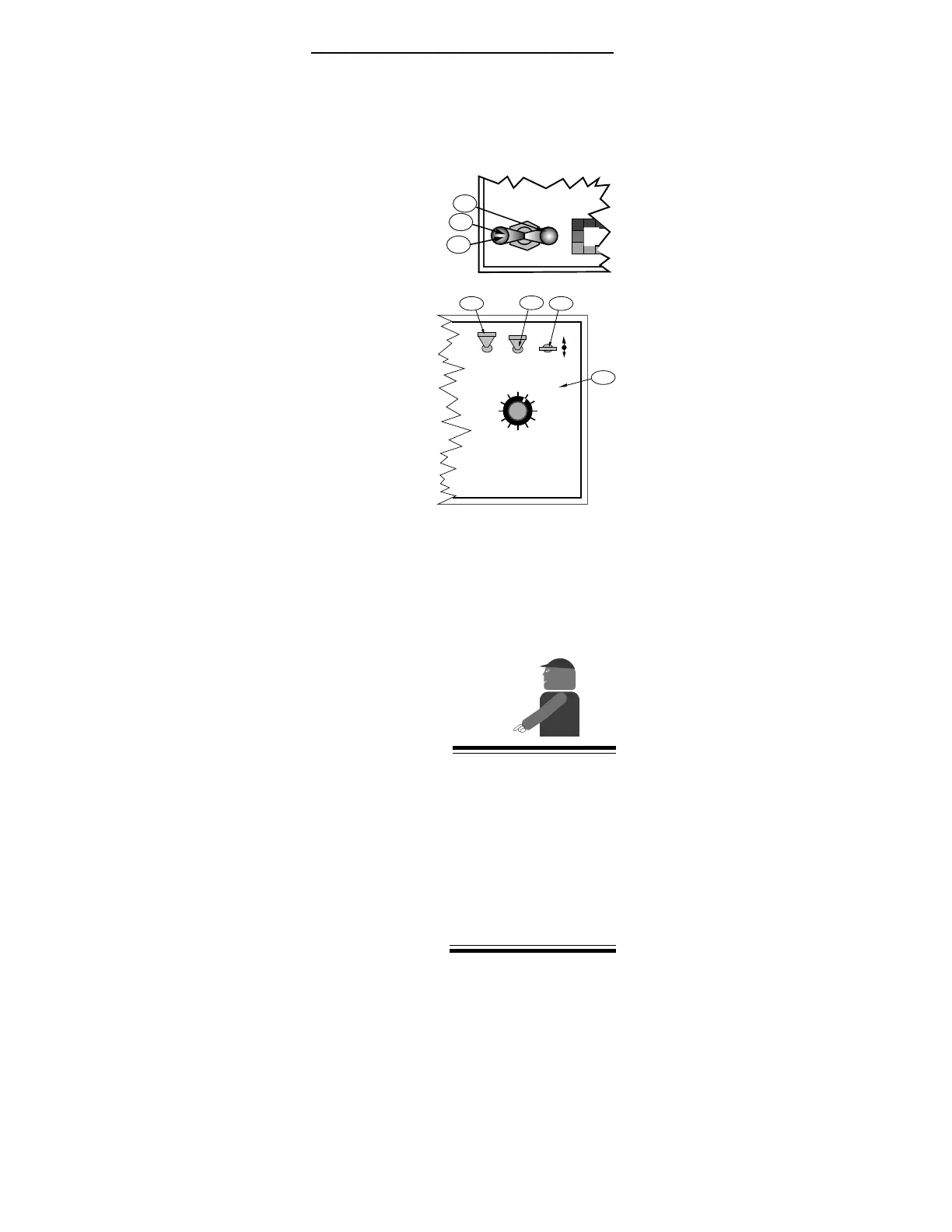
A. With the vehicle stopped
1. All boom sections “ OFF”
2. Power “ ON”
3. Mode Selector to “ OPERATE”
4. Display Selector to “APPLICATION RATE”
5. Use the INC/DEC switch to set an applica-
tion rate of 0.0.
B. Disconnect the flow control valve at the cable
disconnect. If the valve has failed in a position
allowing sufficient flow for a good spray pattern,
no further valve adjustment is needed. If not, it
will be necessary to remove the electric actuator
assembly and manually rotate the valve stem to
an open position. CAUTION: MARK THE VALVE
POSITION BEFORE REMOVING ACTUATOR.
FULL OPEN TO FULL CLOSE IS ONLY 90
0
OF
ROTATION.
C. Adjust the Boom Pressure:
1. Turn “ ON” the desired boom sections
2. Using a nozzle chart, determine the boom
pressure that gives the desired application
rate at the target speed.
3. Adjust the pump bypass valve (if one is
provided) or manually turn the valve stem
to generate the desired boom pressure.
4. Turn all boom sections “ OFF” .
D. Drive toward the swath to be sprayed. When the
vehicle reaches the starting point of the desired
swath, turn on the appropriate boom switches and
the sprayer will start to spray. At this point, the
operator is enjoying some monitoring functions
of the ARC, but has no positive control of the
flow control valve.
E. Monitor APPLICATION RATE. Actual application
rate is displayed. Adjust the ground speed to
maintain the desired rate.
F. The console cannot automatically adjust for
changes in boom widths. If booms are shut off,
pressure must be reset. Volumes and areas accumu-
late normally. Speed reads correctly.
MID-TECH recom-
mends this procedure as
a temporary, emergency
procedure only. The
problem should be
resolved as soon as
possible to allow full
automatic control of the
sprayer to be reestab-
lished.
MASTER
ON
OFF
MI
A-1
C-1
C-4
DISPLAY SELECTOR
Speed
Field Area Impl. Width
Distance
Test
Speed
Prime
Total Applied
Application Rate
OFF SET- UP DEC.
ON OPERATE INC.
Scan
Product Vol.
Total Area
BOOMS
123456789
% Rate
A-2
A-4
A-5
A-3


 To Next Page