English - 42
003-2915-99
© Midmark Corporation 2018
Troubleshooting
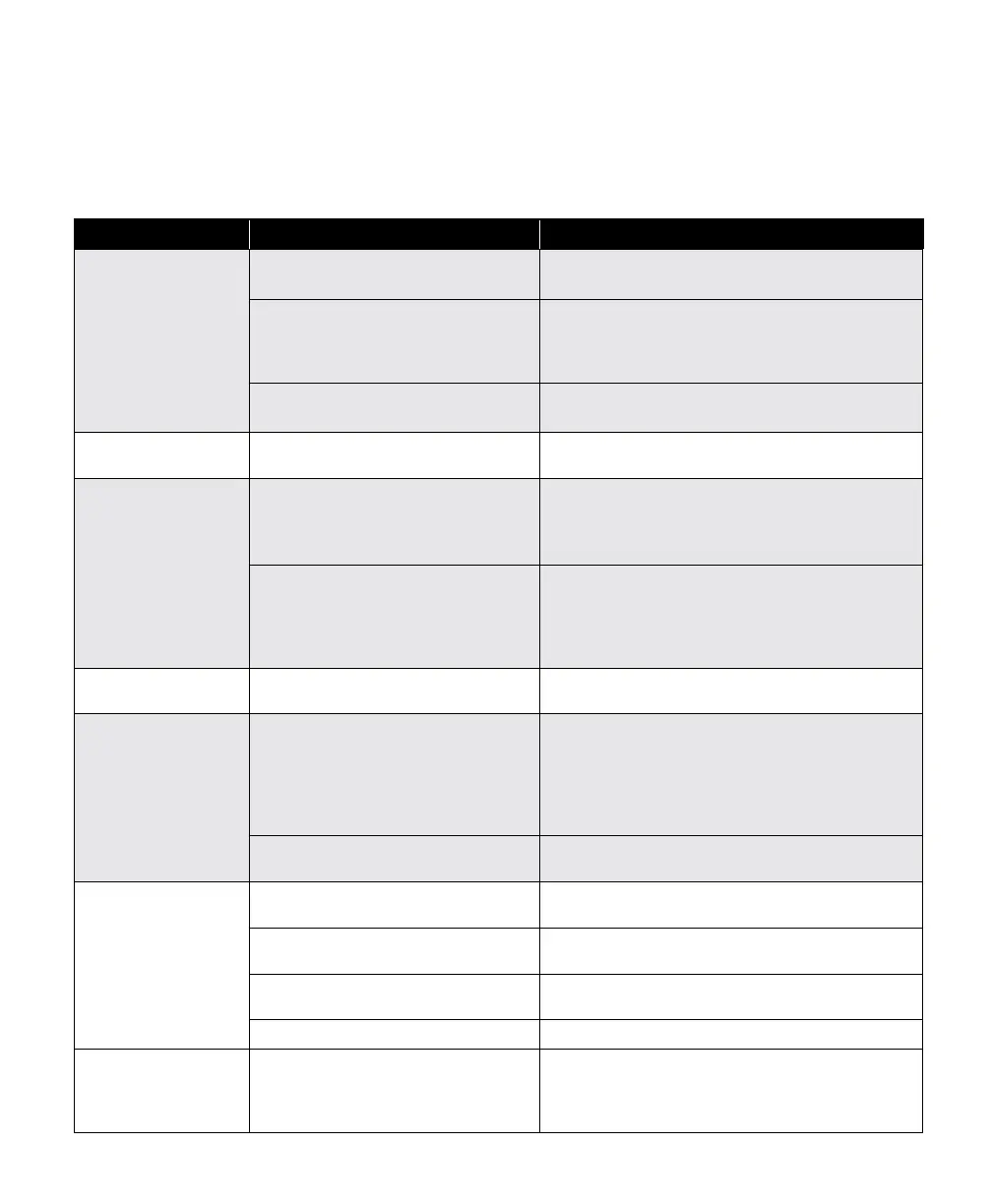
Troubleshooting Chart
Use the following chart to assist in correcting minor problems with the sterilizer.
Problem Possible Cause Solution
Sterilizer does not
operate (no display).
Sterilizer power cord came loose from
supply outlet or back of sterilizer.
and sterilizer.
No power at Sterilizer supply outlet.
authorized service technician.
(see “Calling for Service”)
Fuse open on main P.C. Board. Unplug unit power cord and contact an authorized
service technician. (see “Calling for Service”)
Steam escaping from
pressure relief valve.
Pressure relief valve not properly
seated.
(see “Monthly Maintenance”)
Sterilization
failure evidence from
process monitor
(chemical indicator,
biological indicator,
etc.).
Sterilization conditions were not
present at location of the indicator.
unplug unit power cord and contact an authorized
service technician. (see “Calling for Service”)
malfunctioned.
indicator manufacturer for additional information on
-
plication or malfunction.
Door gasket leaks. Door gasket is damaged or dirty. Clean or replace door gasket.
(see “Weekly Maintenance”)
Items are not dry at
end of Dry Cycle.
Sterilizer is improperly loaded.
loading the M9 / M9D or M11.
consistently not dry at the end of the dry cycle
increase the cycle drying time (see note on page 26)
or reduce the load.
Filter screen(s) clogged.
(see “Monthly Maintenance”)
Printer not printing. Printer cables are not connected
properly.
Ensure that printer cables are connected to printer.
multiple times per second)
then plug sterilizer power cord back in.
Printer is out of paper. (status light
installation section)
Wrong paper
Display goes blank /
black / is non legible
the display without aborting the cycle. Pressing stop
will also reset the display but will also abort the cycle
in process.



 To Next Page