Setup - 10 Midway Amusement Games, LLC
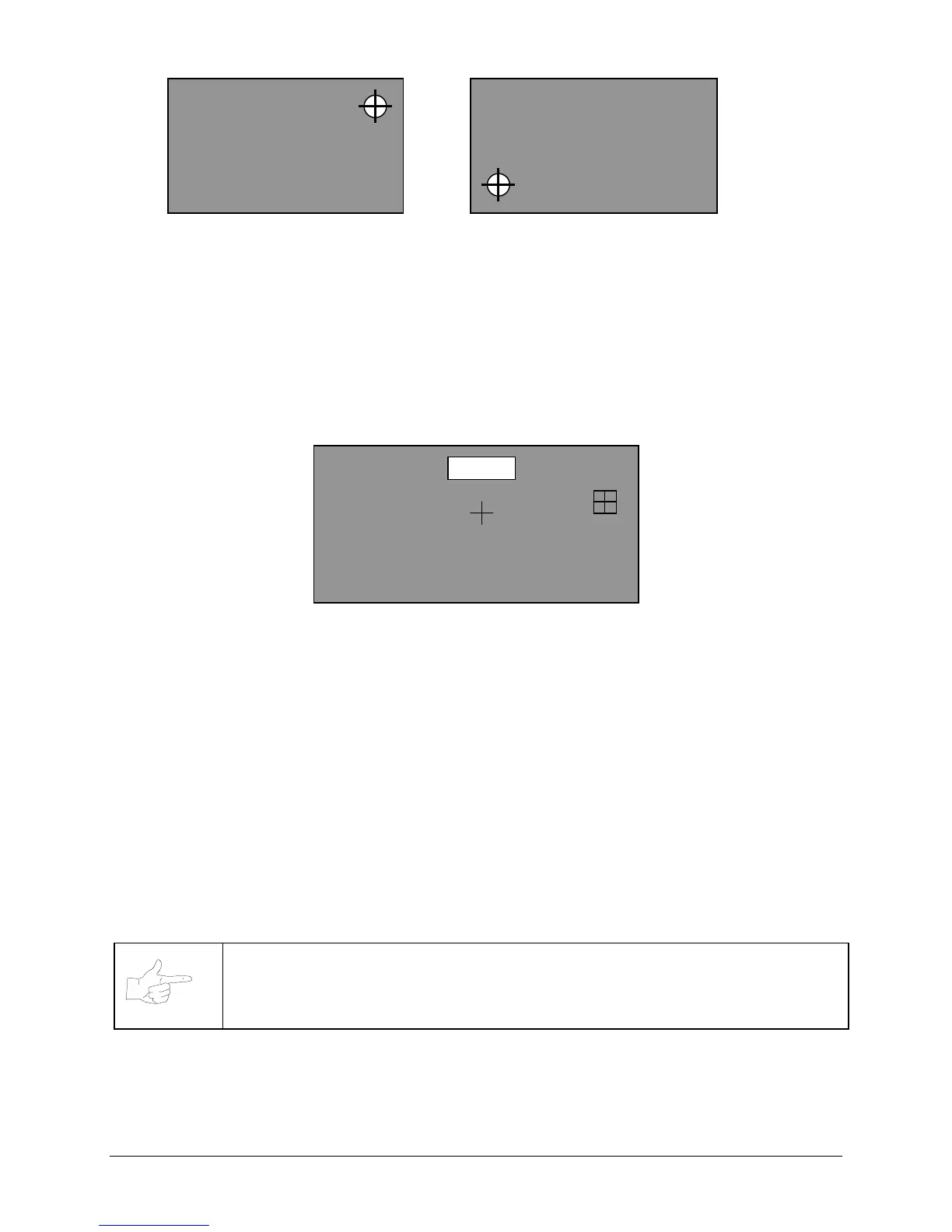
FIRST CALIBRATION SCREEN SECOND CALIBRATION SCREEN
14. The first calibration dot appears in the upper right-hand corner of the screen. Touch the center of this
circle with your finger. Finger position will be verified by an audible tone.
15. The second calibration dot appears in the lower left-hand corner of the screen. Touch the center of
this circle with your finger. The VGM enters the Test Screen mode accompanied by an audible tone.
16. Touch the screen and note that the crosshair centers beneath your fingertip. Touch all four corners
and the entire bottom edge of the touchscreen. Touch the EXIT TEST button on the screen when
done.
17.
TRACKING TEST
Press the SETUP button. Touch the TEST SCREEN button on the screen.
TRACKING TEST SCREEN
18. A cross will appear in the center of the test screen. Touch the center of the cross and observe that the
crosshair centers on the cross. The crosshair will follow your finger as you move it across the screen.
19. Touch the EXIT button on the screen.
If the crosshair was not centered on your finger, note the distance and direction it is off center. Return
to the calibration screen and place your finger on the screen slightly away from, but in the same
general direction and distance, from the dot to where the crosshair was off center.
Example: If the crosshair appears slightly below where you touched the screen, place your finger just
below the calibration dot. If the crosshair appears slightly above and to the right of where you touched
the screen, place your finger just above and to the right of the calibration dot.
Repeat the previous step for the second calibration dot. When the crosshair is centered on your finger
the screen is accurately calibrated. To accurately calibrate the screen, several attempts may be
required to compensate for the individuality of the touchscreen and its mounting on the CRT. Use the
CALIBRATE mode as needed to calibrate the screen as accurately as possible.
NOTICE
If the existing touchscreen cannot be calibrated correctly, troubleshoot and
repair or replace any defective components before proceeding. The kit electronics will
not make these symptoms go away.
CALIBRATION SCREEN
TOUCH CENTER OF CIRCLE
CALIBRATION SCREEN
TOUCH CENTER OF CIRCLE
EXIT












 To Next Page