System - 6 Midway Amusement Games, LLC
MENU SYSTEM
SYSTEM OVERVIEW
Game variables and diagnostics are presented in a series of on-screen menus. The SYSTEM SETUP
menu allows you to enter information, make changes, or verify equipment operation. Each sub menu
screen displays one specific group of choices. The detail menu presents data or runs the required test.
You must be at the detail menu level to detect errors, make changes, or activate tests. Both the operator
controls and the player controls are used to move through the menus and start or stop particular routines.
Each menu is different, but the general location of objects is consistent.
The area at the top center of each screen displays the current menu title.
The center of the screen is used for data (menu items, video signals, statistics, reports, etc.).
The bottom of the screen is reserved for control functions (increase, decrease, next, return, etc.).
ORGANIZATION
You must activate the menu system manually and deactivate it manually to return to Attract mode.
SYSTEM SETUP menu choices fall into three categories: audits, options and tests.
Audits provide you with information about earnings and the performance of each game.
Option items permit you to change the game and customize or return to factory defaults.
Tests are used to verify proper operation of the equipment.
Sub menu screen items offer you choices within a category. Some items have no sub menu while others
may have several. You can return to the previous menu or go on to the next menu.
Detail menu screen items contain specific information. You interact with the system to get results or to
make changes. There is always a way to go back to the previous menus from a detail menu.
Touch the screen to select or highlight an item on any menu screen. Only one item can be highlighted at a
time. To restore the game to normal play, touch the RETURN box on each sub or detail menu and then
select the EXIT box at the Main Menu to restore game play.
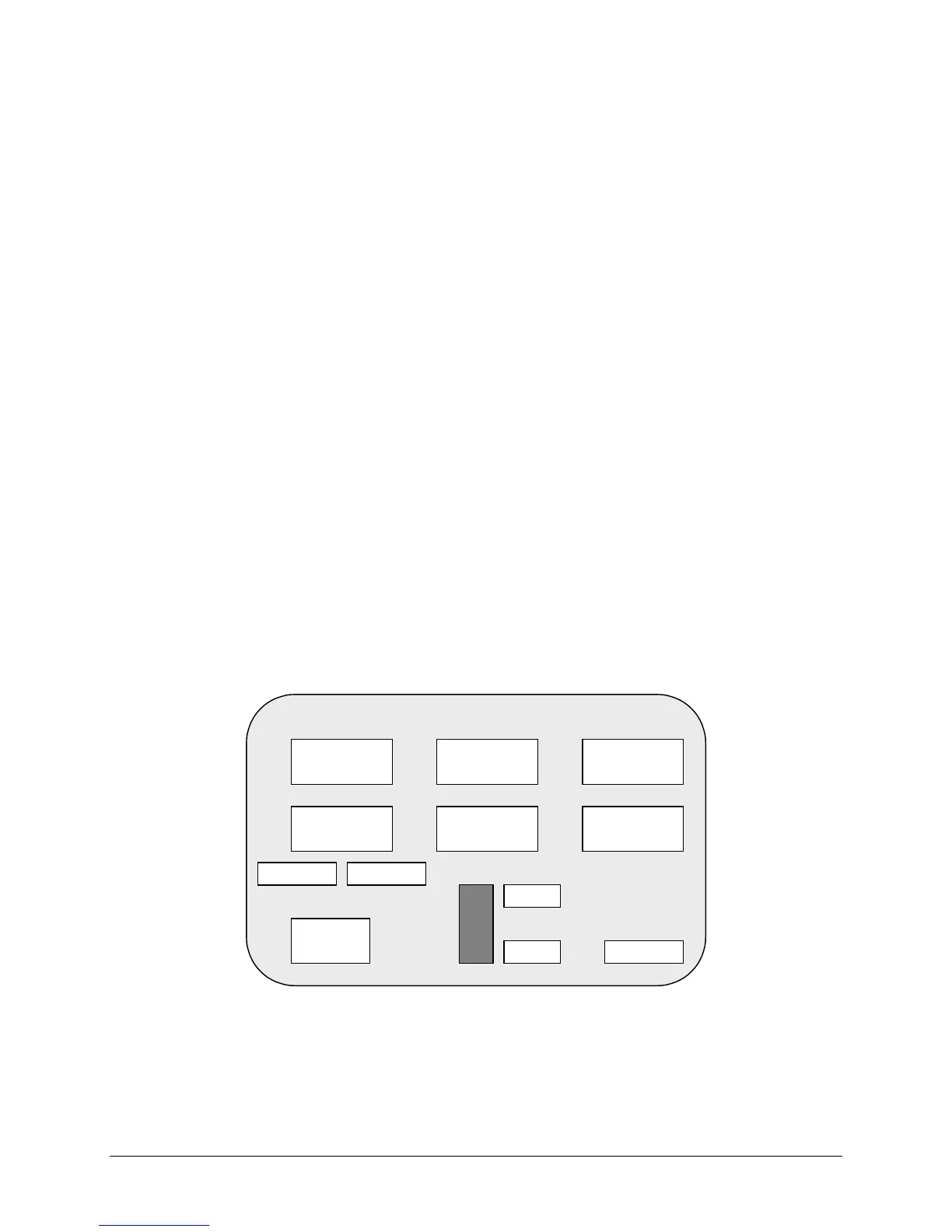
Press and release the SETUP button inside the cabinet to enter the menu system. A Main menu, similar
to the one below, appears. After completing any task, you must return to this screen to restore game play
TYPICAL SYSTEM SETUP SCREEN
SYSTEM SETUP
VER : X.XX XXXXX XX/XX/XX
DISPLAY
AUDITS
OPERATOR
MESSAGE
GAME-COIN
SETUP
HIGH
SCORES
LOCATION
SETUP
DIAGNOSTIC
ENGLISH ESPANOL
+
-
V
O
L
U
M
E
EXIT
FREE
CREDIT
0












 To Next Page