Touchmaster
®
Conversion Kit Service - 5
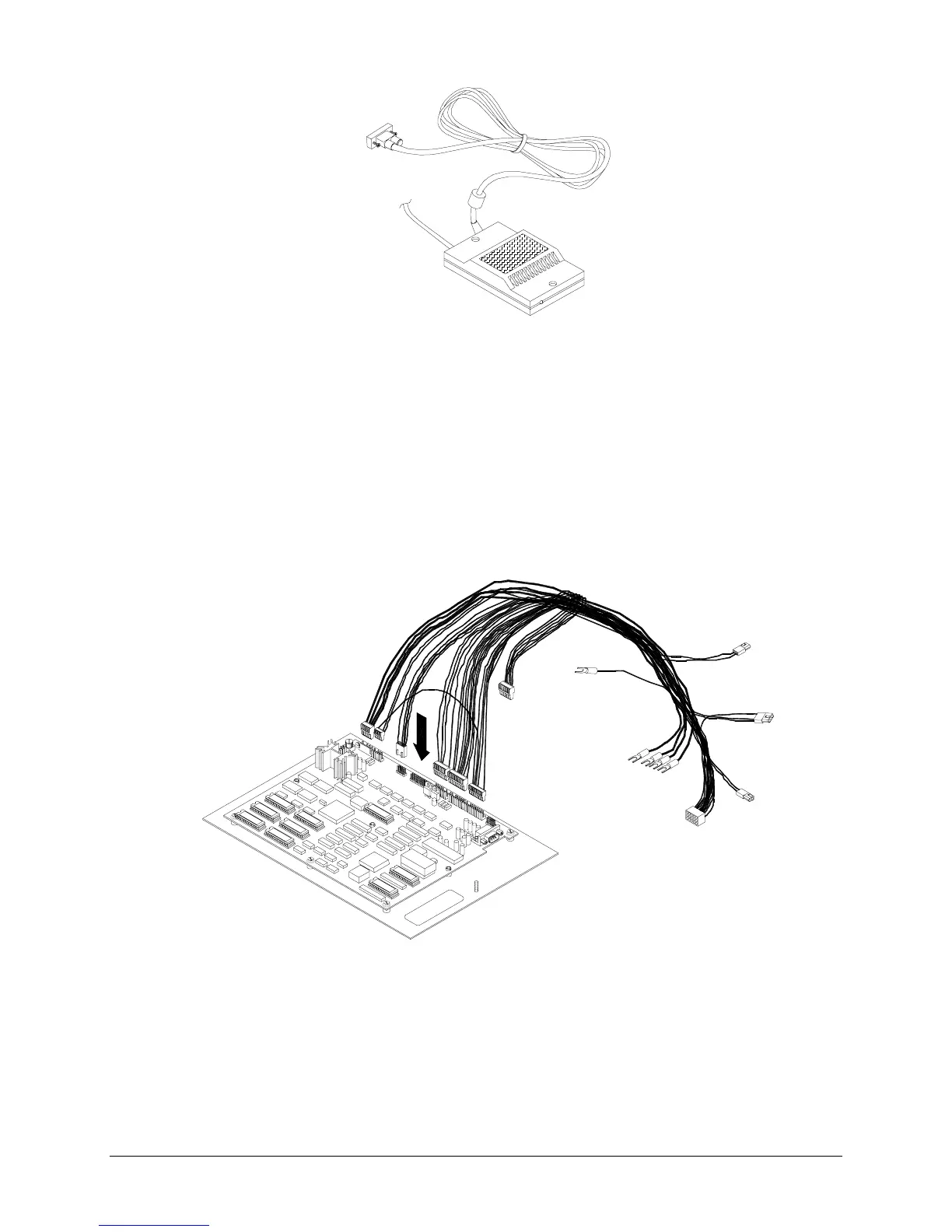
TOUCHSCREEN CONTROLLER
♦
Touchscreen
Contact your authorized distributor for information regarding replacement touchscreens.
♦
CPU Board Assembly
Switch off power to the VGM and unplug from AC power. Unlock and open the rear cover. Slide the
rear edge of the CPU Board Assembly out enough to disconnect the Touchscreen Controller cable.
Extract harness cables from the board connectors. Disconnect ground wires as needed. Pull the
assembly out of the cabinet and set in a safe place. Remove the board mounting screws. Anti-static
bags and protective containers from new parts must be used to store the board if not reinstalled
immediately.
CPU BOARD ASSEMBLY WITH WIRING HARNESS
♦
Battery Memory Module
Switch off power to the VGM and unplug from AC power. Remove the top cover. Carefully note
module orientation, as some versions do not have a notch or keying mark. Remove the module using
a chip extraction tool.
To reinstall the module, align the module over its socket and press firmly to seat pins.
Do not force
.












 To Next Page