Touchmaster
®
Conversion Kit System - 15
TOUCH KEY LOCATION ADJUSTMENT SYSTEM
The Touch Key
™
setup feature lets you make some “local adjustments” to games without removing the
cash door to access the SETUP button. A Personal Identification Number (PIN) gives access, allowing
you or other designated employees to vary loudness, insert new messages, reset scores, etc., without
having keys for the cabinet. The PIN can be altered regularly to prevent unauthorized changes to games.
TOUCH KEY PROGRAMMING
These steps explain how to activate the TOUCH KEY™ system.
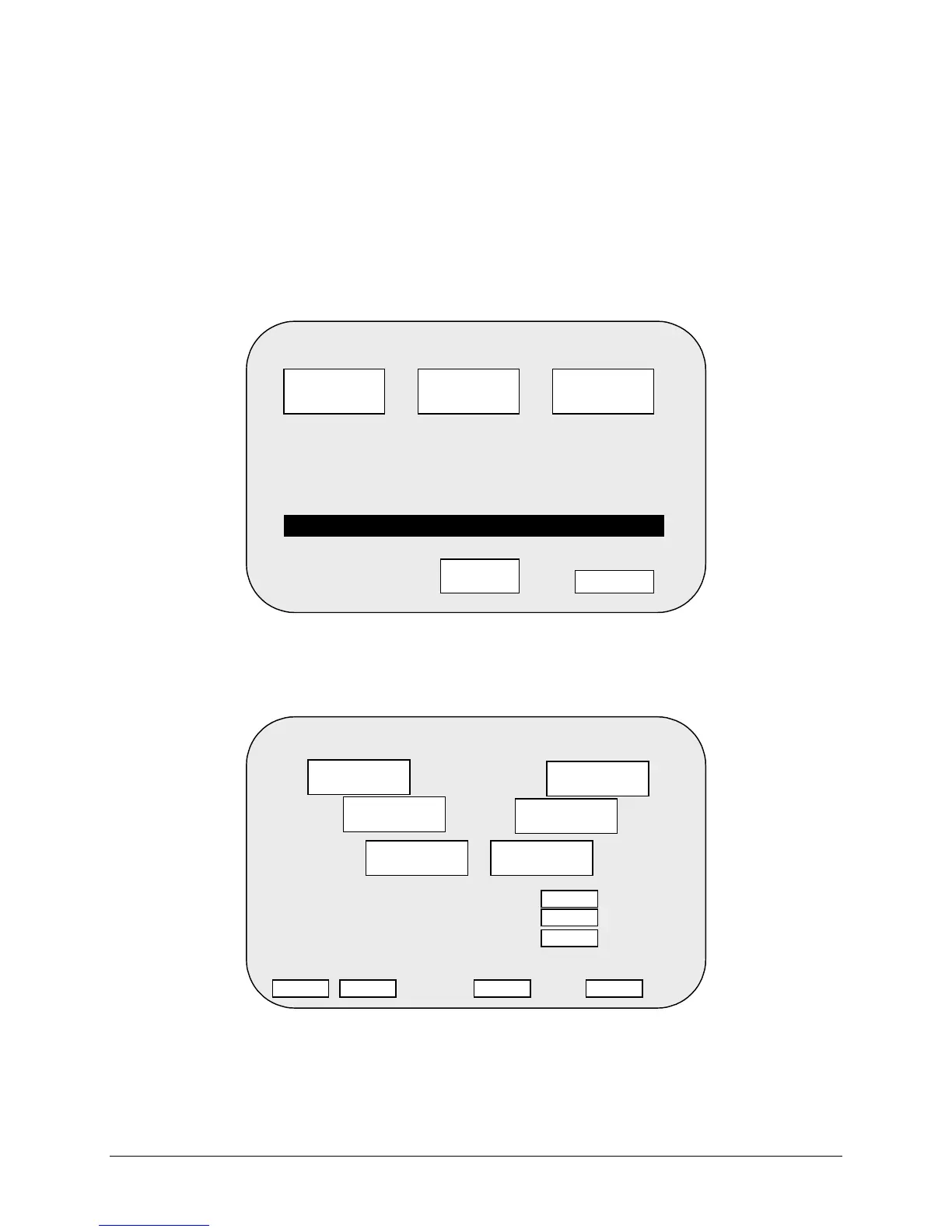
Press the SETUP button inside the cabinet to enter the menu system. Touch the LOCATION SETUP
button on the screen. Touch the TOUCH KEY SETUP button to access the TOUCH KEY menu..
In the TOUCH KEY menu, select a four-digit PIN by sequentially pressing any four keys. You can choose
any of the six keys more than once. Determine what adjustments to allow access to (high score, message
and name, volume, erotic access). Touch the ON button to activate your PIN. When finished, touch the
RETURN button. At the LOCATION SETUP menu, touch RETURN again to return to SYSTEM SETUP
LOCATION SETUP
YOUR CUSTOMIZED NAME
TOUCH KEY
SETUP
MED
LOCATION
NAME
SERIAL NO.
SETUP
SPEED
RETURN
UR CUSTOMIZED NAME ROLLS BY YOUR CUSTOMIZE
TOUCH KEY™
KEYLESS ENTRY SETUP
ENTER 4 DIGIT PIN
YES
EROTIC ACCESS
ALLOW HIGH SCORE ACCESS . . . . .
ALLOW MESSAGE & NAME ACCESS
ALLOW VOLUME ACCESS . . . . . . . . .
YES
YES
YES OFF ON RETURN
1
2
3 4
5
6












 To Next Page