Touchmaster
®
Conversion Kit System - 17
SERIAL NO. SETUP
You can enter a four-digit alpha-numeric serial number. If you have multiple VGMs that can print reports,
serial numbers can identify each unit. SERIAL NO. SETUP cannot be accessed through Touch Key. The
only time you will see your serial number is when you return to this screen or create a printout.
CLEAR
Deletes all characters in the location name at once. Use this to erase old information.
RETURN
Returns you to the Location Setup screen and saves your location and ID number.
SPACE
Enters a space between characters. Use this to separate words and sentences.
DELETE
Deletes the character above the flashing cursor and moves the remaining text to the left.
SHIFT
Changes the letter entry boxes to standard symbols. Use for math, punctuation, etc.
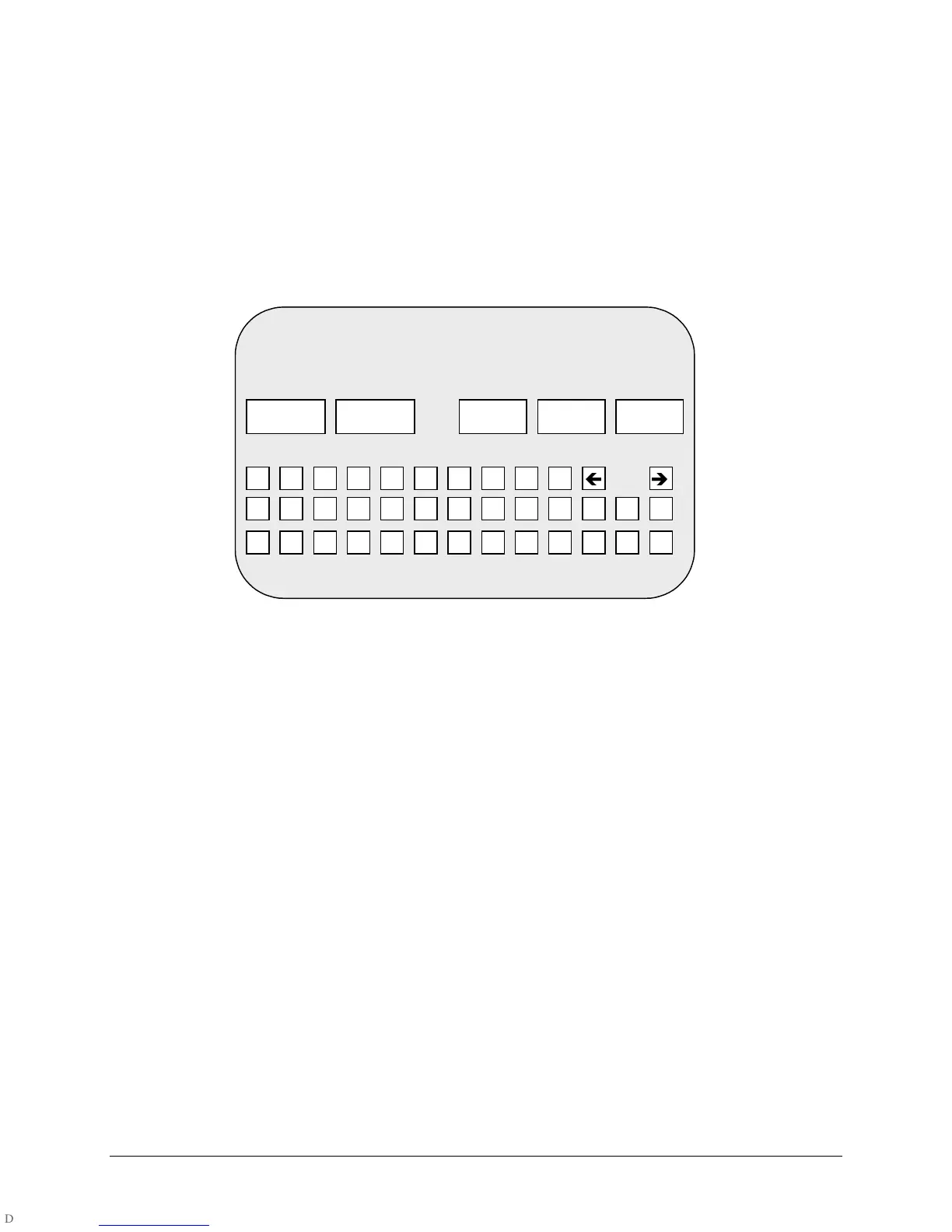
TYPICAL SERIAL NO. SETUP SCREEN
Enter a unique machine number for each unit at a location. Keep a master list of machines for future
reference.
1. To enter your serial number, access the SERIAL NO. SETUP SCREEN through the LOCATION
SETUP submenu.
2. Touch the CLEAR button to erase the existing serial number.
3. Touch the four characters or numerals to spell out your serial number.
4. Use the DELETE button to correct mistakes.
5. Use the SHIFT button to access punctuation and other symbols.
6. Use the SPACE button to insert empty space between characters.
7. Touch RETURN to save your number and return to the LOCATION SETUP screen.
ENTER MACHINE NUMBER :
RETURN
CLEAR SPACE DELETE SHIFT
A B C D E F G H I J K L M
N O P Q R S T U V W X Y Z
0 1 2 3 4 5 6 7 8 9
Í
Î












 To Next Page