Operation
49
LEDs in the buttons
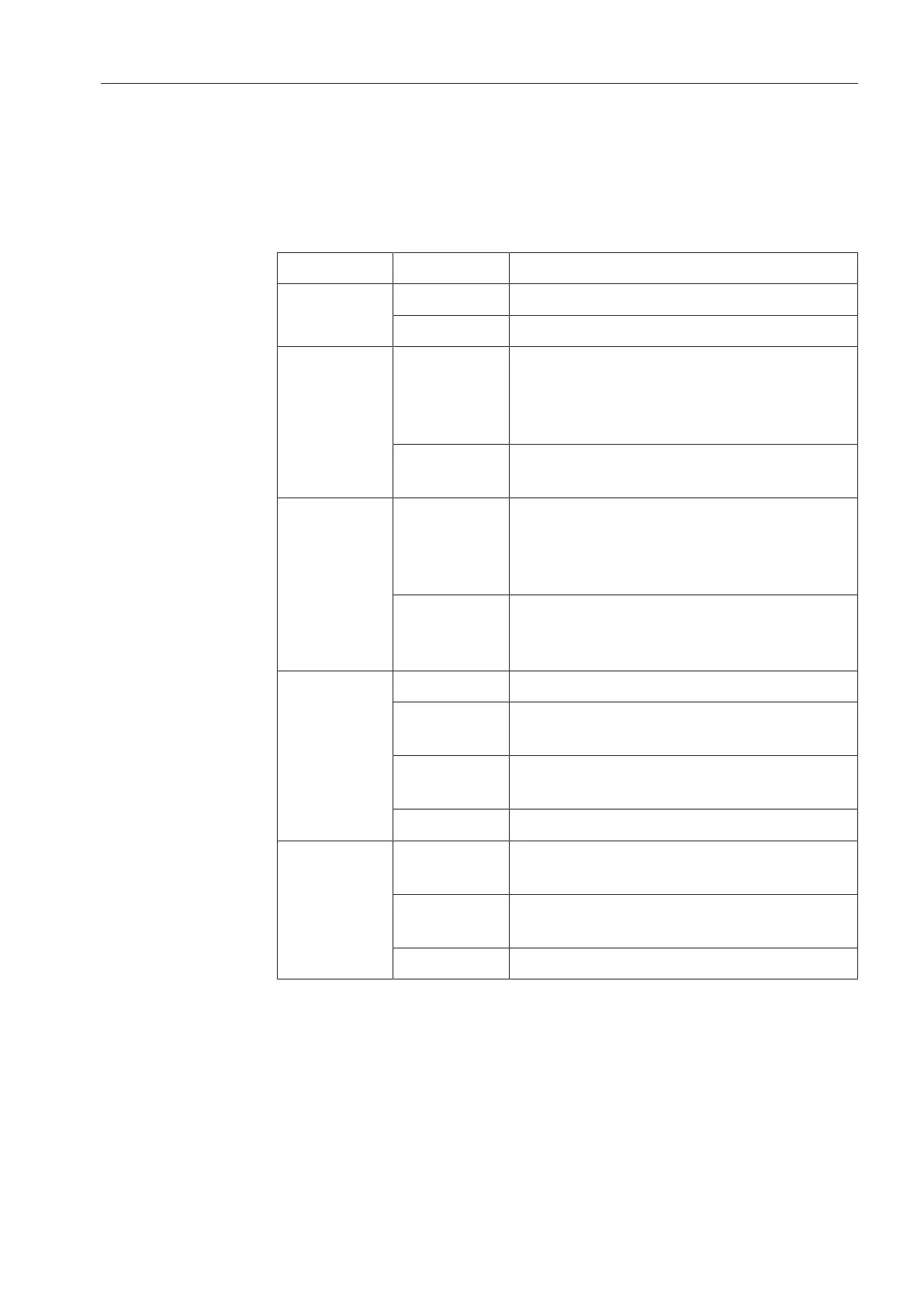
Light-emitting diodes that indicate the status of the dishwasher are
set into the buttons.
Except for the Start/Stop button, which has a green LED in normal
operation, all other LEDs light up yellow.
In the event of a fault the Start/Stop button flashes red.
Button LED Status
On/Off
button
ON The dishwasher is switched on.
OFF The dishwasher is switched off.
Buttons
,
and
Programme
short cut
buttons
ON The respective programme has been
selected. At the end of the programme
the LED will remain lit until a different
programme is selected.
OFF The programme is not selected or the
programme settings are being selected.
Further
programme
s button
ON A programme was selected from the
programme list. At the end of the
programme the LED will remain lit until a
different programme is selected.
OFF No programme has been selected from
the list or the programme settings are
being selected.
Start/Stop
button
ON Programme running
FLASHES
GREEN
A programme has been selected but not
yet started.
FLASHES
RED
A fault has occurred.
OFF A programme has finished.
Door
button
ON A programme has been selected but not
yet started.
FLASHES A programme is finished and the door is
closed.
OFF Programme running



 To Next Page