Settings
58
Opening the Settings menu
To open the Settings menu:
Switch the commercial dishwasher off.
Press and hold the button and switch the dishwasher on using
the button.
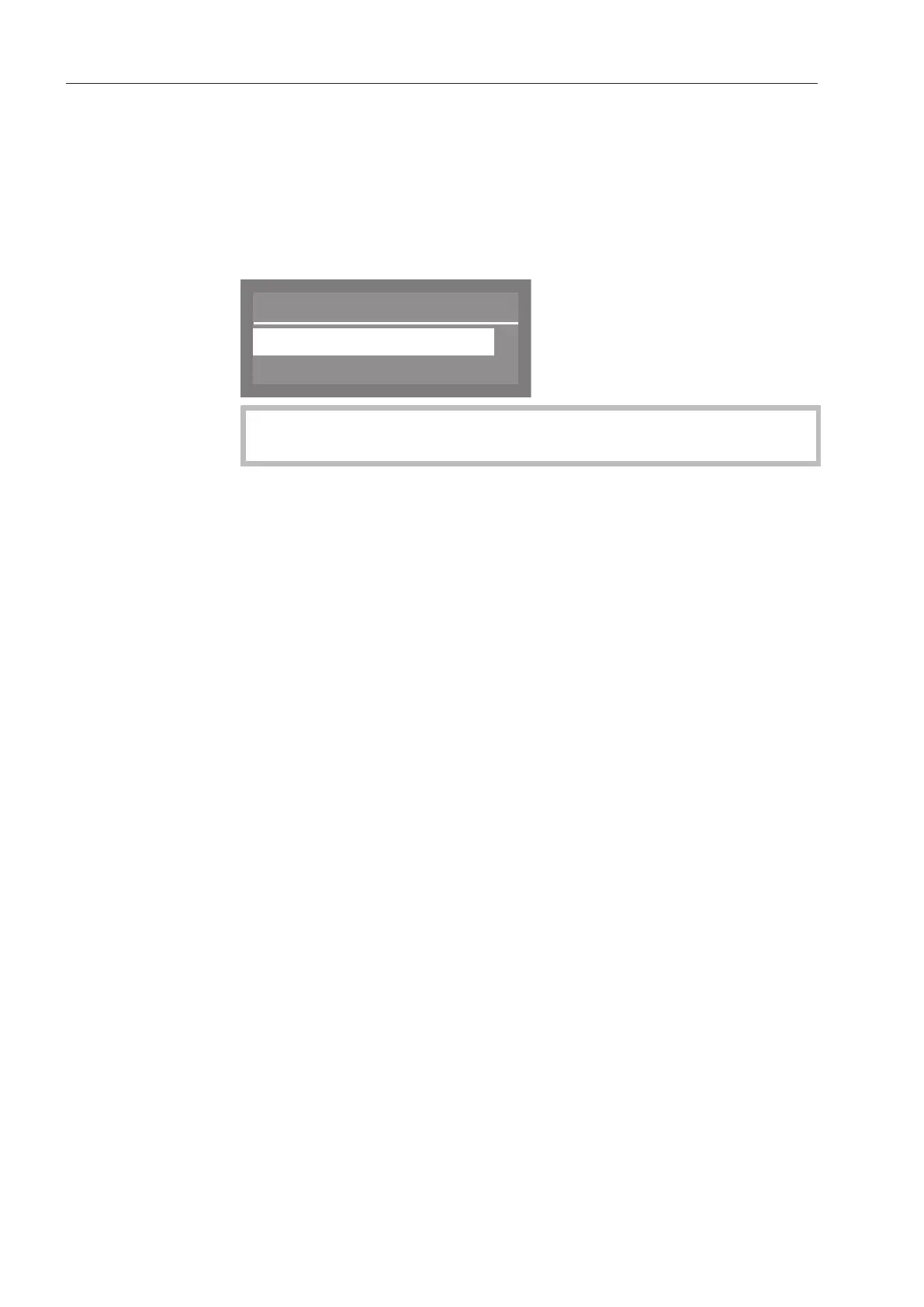
After that, the display will show the following, for example:
Menu
Settings
Further settings
If the button is pressed in this menu, the dishwasher will revert
to normal operation.
Select the Settings option and open the menu for this by pressing
the OKbutton.
Options in the
Settings
menu
- Delay start
Switch Delay start on or off (see “Delay start”)
- Drying
Drying is deactivated at the factory. Drying does not take place.
(See “Drying”)
- Language
Select the operating language (see “Setting the language”)
- DOS venting (Option is only visible if a dispensing module is
activated)
Vent dispensing system (see “DOS venting”)
- Date
Set the date and date format (see “Setting the date”)
- Time of day
Set the time and clock format (see “Time of day”)
- Volume
Set the volume of keypad and buzzer tones (see “Buzzer tones”)



 To Next Page