Operation
50
Switching on
Switch on the water supply if it is off.
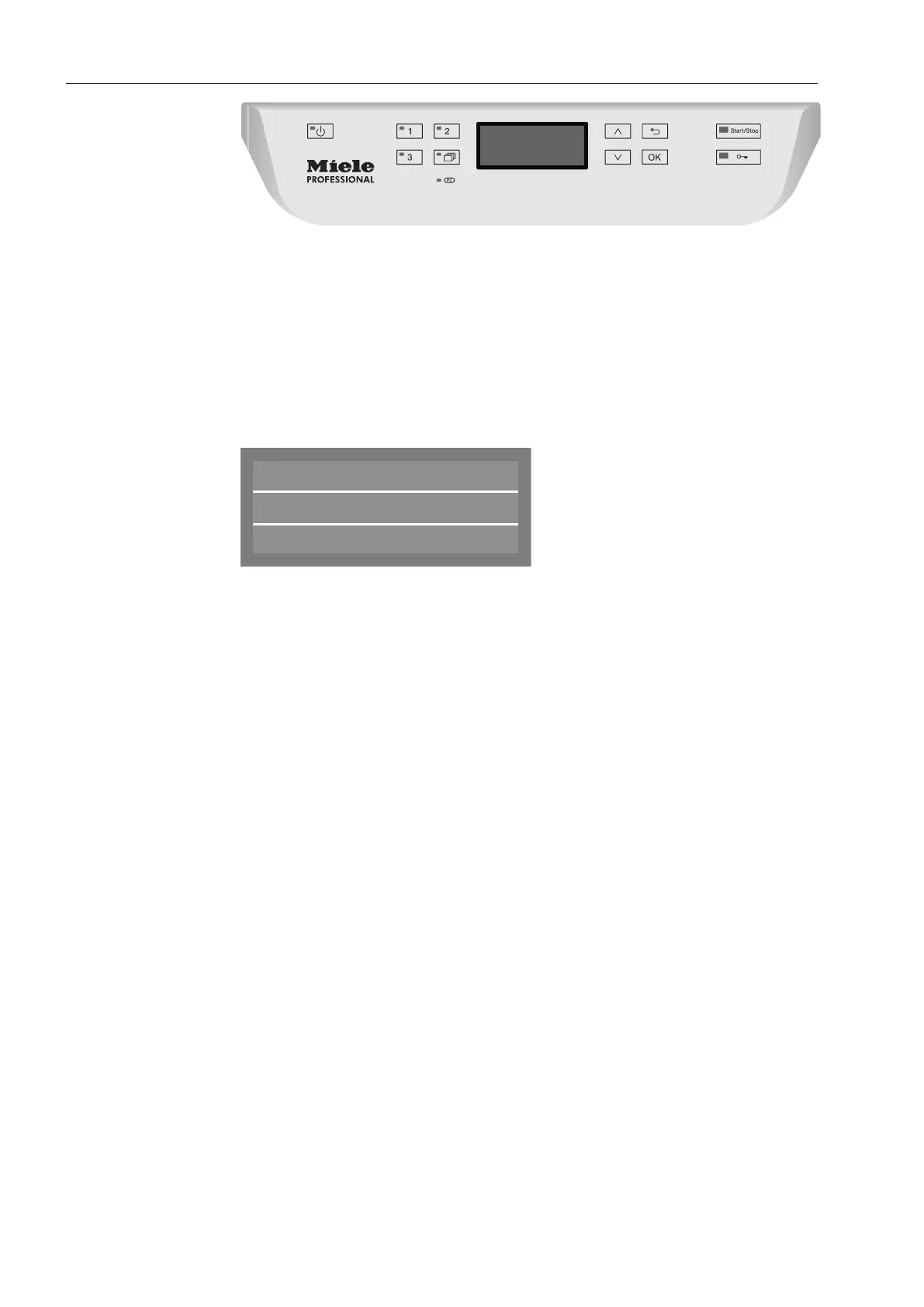
Press the button until the button's LED lights up.
Close the door (the LED on the button will light up).
As soon as the commercial dishwasher is ready for operation, the
display message changes to show the last selected programme,
e.g.:
Universal
Temperature
Duration
G
55 °C
Min
23
Selecting a programme
Choose your programme according to the type of load and how dirty
it is.
Short cut buttons
The most regularly used programmes can be selected via short cut
buttons , or . These can be adapted to suit individual
needs (see “Further Settings”).
The first three programmes from the Programme chart are allocated
to the short cut buttons as the factory default.
Select a programme using the short cut buttons.
The LED for the short cut button will light up and the LED for the
Start/Stop button will flash.



 To Next Page