Settings
63
Setting the date
Select the Settings menu.
Select Date and confirm your choice with theOK button.
In the following menu you can choose between:
- Date format
This option offers two variations for date format.
- Set
This option is used to set the date in the selected format.
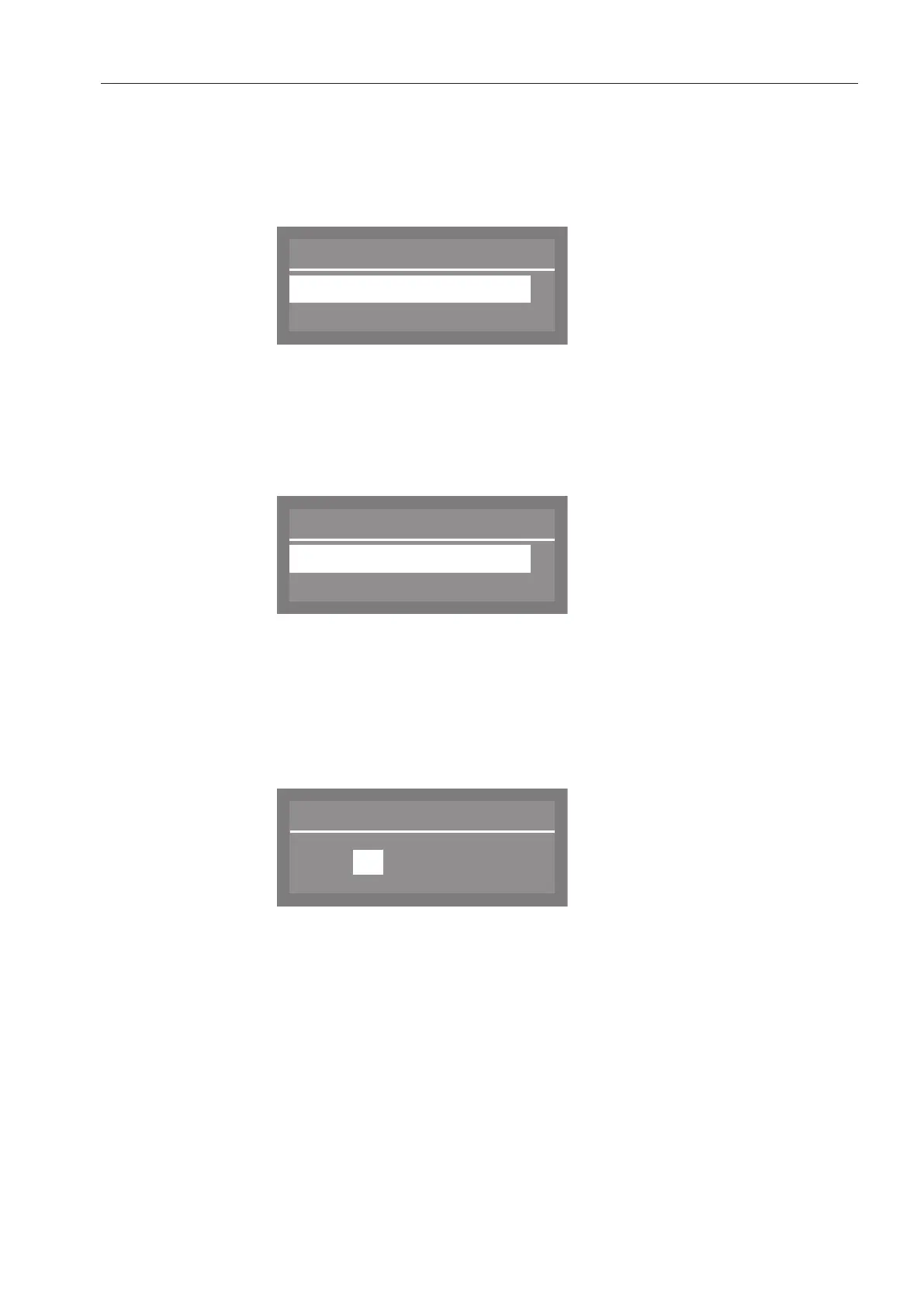
Date format
Select Date format and confirm your choice with theOK button.
Date format
DD:MM:YY
MM:DD:YY
(
DD stands for day
MM stands for month
YY stands for year
Select the date format you want and confirm your choice with the
OK button.
Set
Select Set and confirm your choice with theOK button.
Use the arrow buttons (higher) and (lower) to set the day,
month and year and confirm each entry using the OK button.
When day, month and year have been set, the display reverts
automatically to the Date menu.



 To Next Page