Operation
55
Cancelling a programme
Damage due to leaking water.
The door of the commercial dishwasher must not be opened during
operation.
Once the programme has started, leave the door closed to ensure
that no water drips out.
Only cancel a programme which has already started if strictly
necessary, e.g. if you want to change the programme.
In the event of a fault, the programme will be cancelled automatically.
If you cancel a programme which has already started or a
programme is cancelled due to a fault, select the Drain programme
straight away before opening the door.
Caution! The items and the interior walls of the commercial
dishwasher may be hot.
Danger of scalding and burning.
Press the Start/Stopbutton.
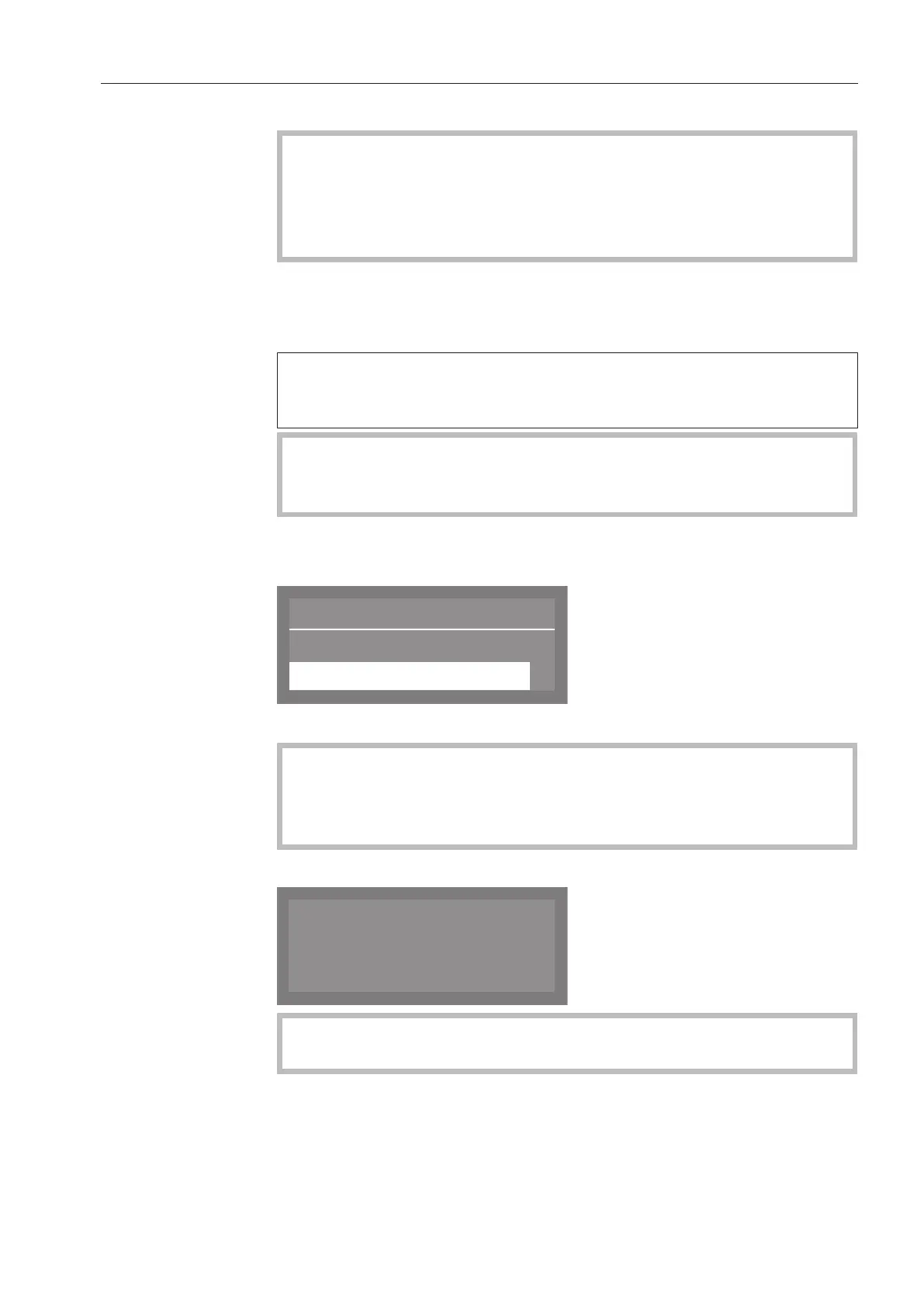
The following will appear in the display:
Select Yes and confirm your choice with the OKbutton.
The programme will only be cancelled when Yes is confirmed.
If there is no further input approx. 20 seconds after the Start/
Stopbutton has been pressed, the display will revert to the
programme sequence.
The following message will appear in the display:
If you change the programme and the cleaning agent dispenser
flap has already opened, add more cleaning agent as needed.



 To Next Page