Further settings
68
Opening the “Further settings” menu
To open the “Further settings” menu:
Switch the dishwasher off.
Press and hold the button and switch the dishwasher on using
the button.
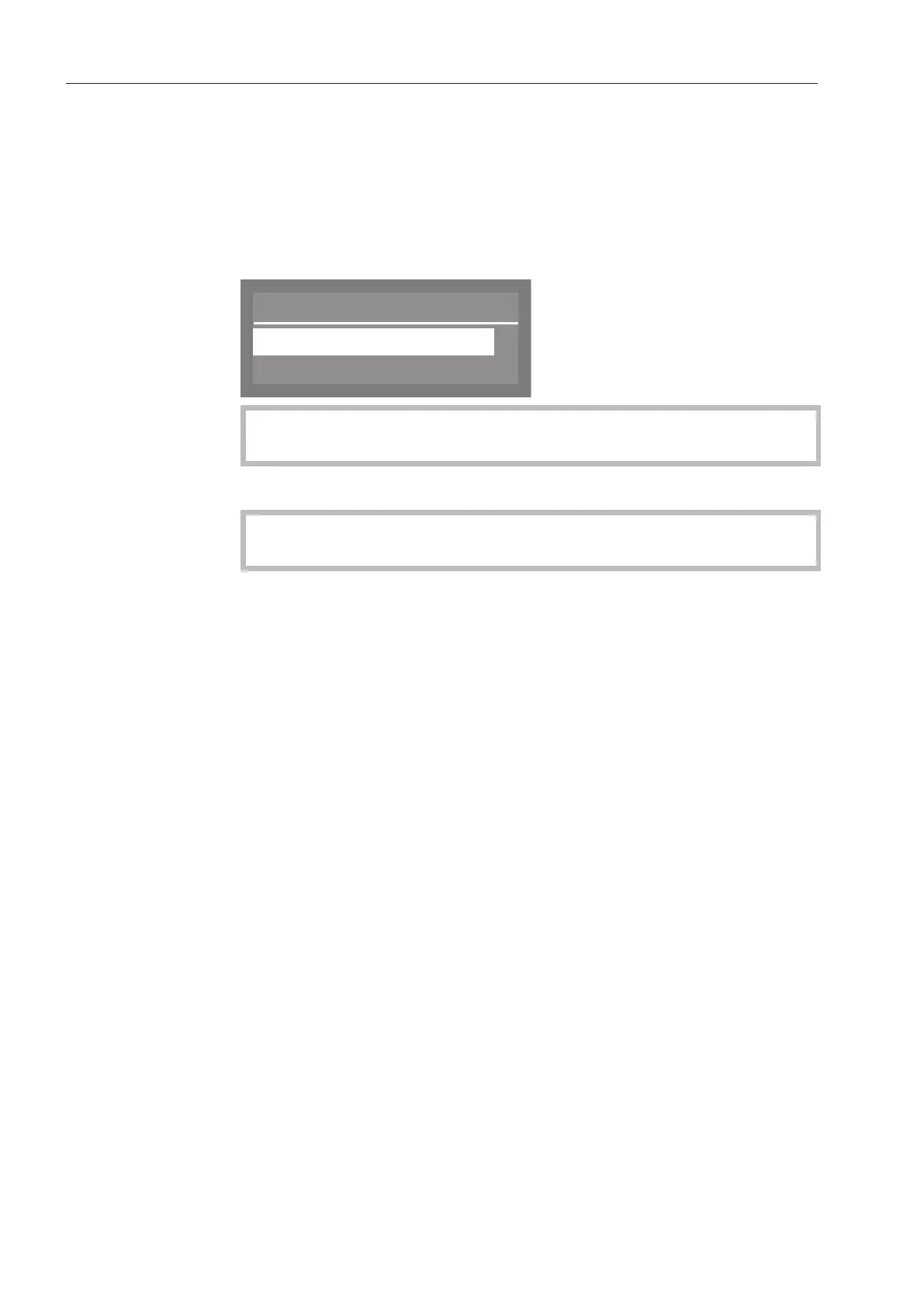
After that, the display will show the following, for example:
Menu
Settings
Further settings
If the button is pressed in this menu, the dishwasher will revert
to normal operation.
Select Further settings and press OK to open the relevant menu.
Options under
Further settings
This menu can be protected with a code (see “Further settings,
Code”).
- Code
Access rights via a code and settings can be administered (see
“Code”)
- Log book
Displays consumption levels for agents used as well as operating
hours (see “Log book”)
- Temperature unit
The temperature can be displayed in °C or °F (see “Temperature
unit”)
- Move programme
Programmes can be allocated to the short cut buttons (see “Move
programme”)
- Additional functions
Programme parameters such as water intake, interim rinses,
temperatures and holding times as well as cleaning agent
concentration levels for the DOS modules can be adapted with this
function (see “Additional functions”)
- Release programme
You can specify which programmes are visible in the display (see
“Release programme”)
- Water hardness
This option is used for setting the water hardness level (see “Water
hardness”)



 To Next Page