User Manual
14
Chapter II Network Connection
There are several methods to connect the camera to the network.
2.1 Setting the camera over the LAN
Connecting the camera to a switch or a router is the most common connection method. The
camera must be assigned an IP address that is compatible with its LAN.
2.1.1 Connect the camera to the PC directly
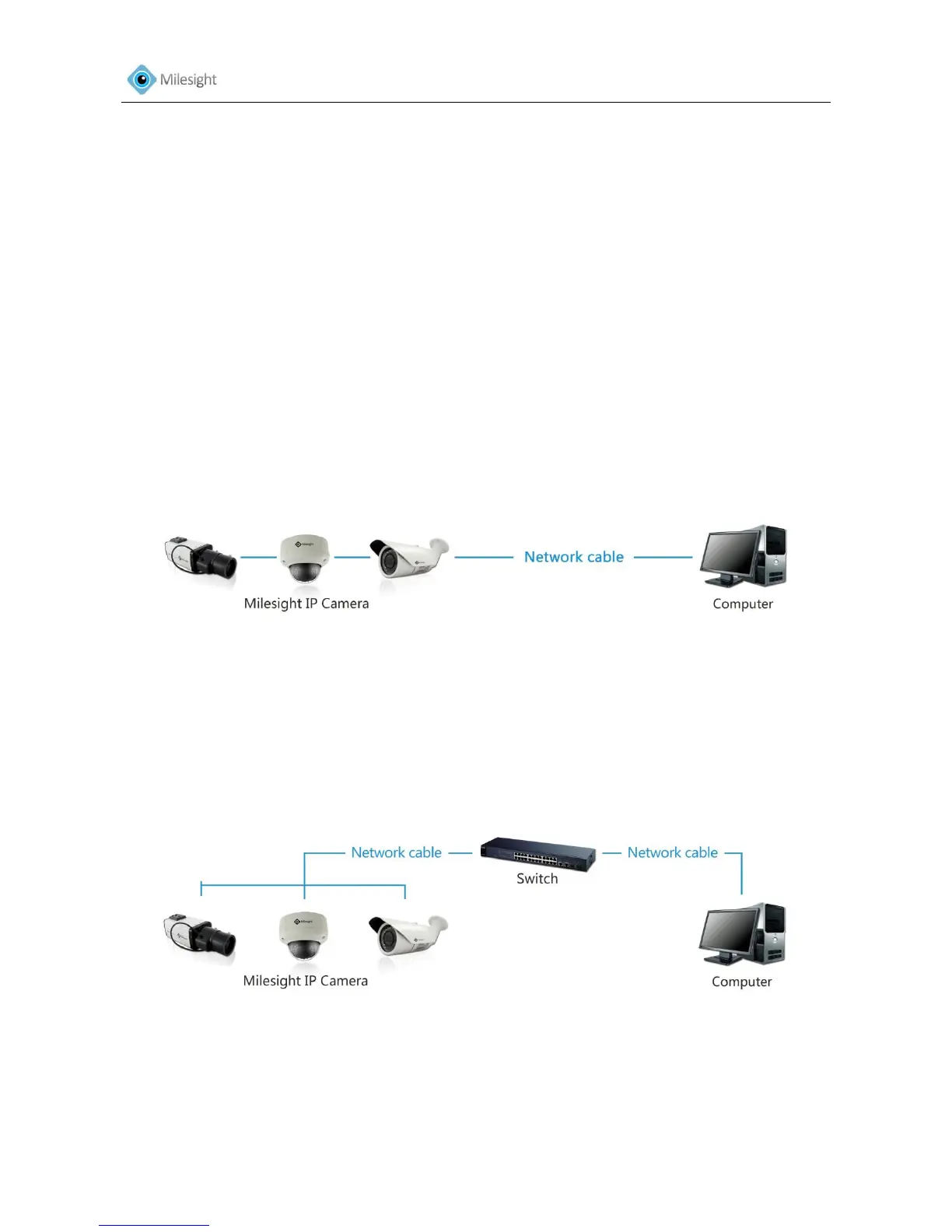
In this method, only the computer connected to the camera will be able to view the camera. The
camera must be assigned a compatible IP address to the computer. Details are shown as below
figure.
Figure 2-1 Connect the camera to the PC directly
2.1.2 Connect via a Switch or a Router
Refer to the following figure to set network camera over the LAN via the switch or router.
Figure 2-2 Connect via a Switch or a Router











 To Next Page