User Manual
41
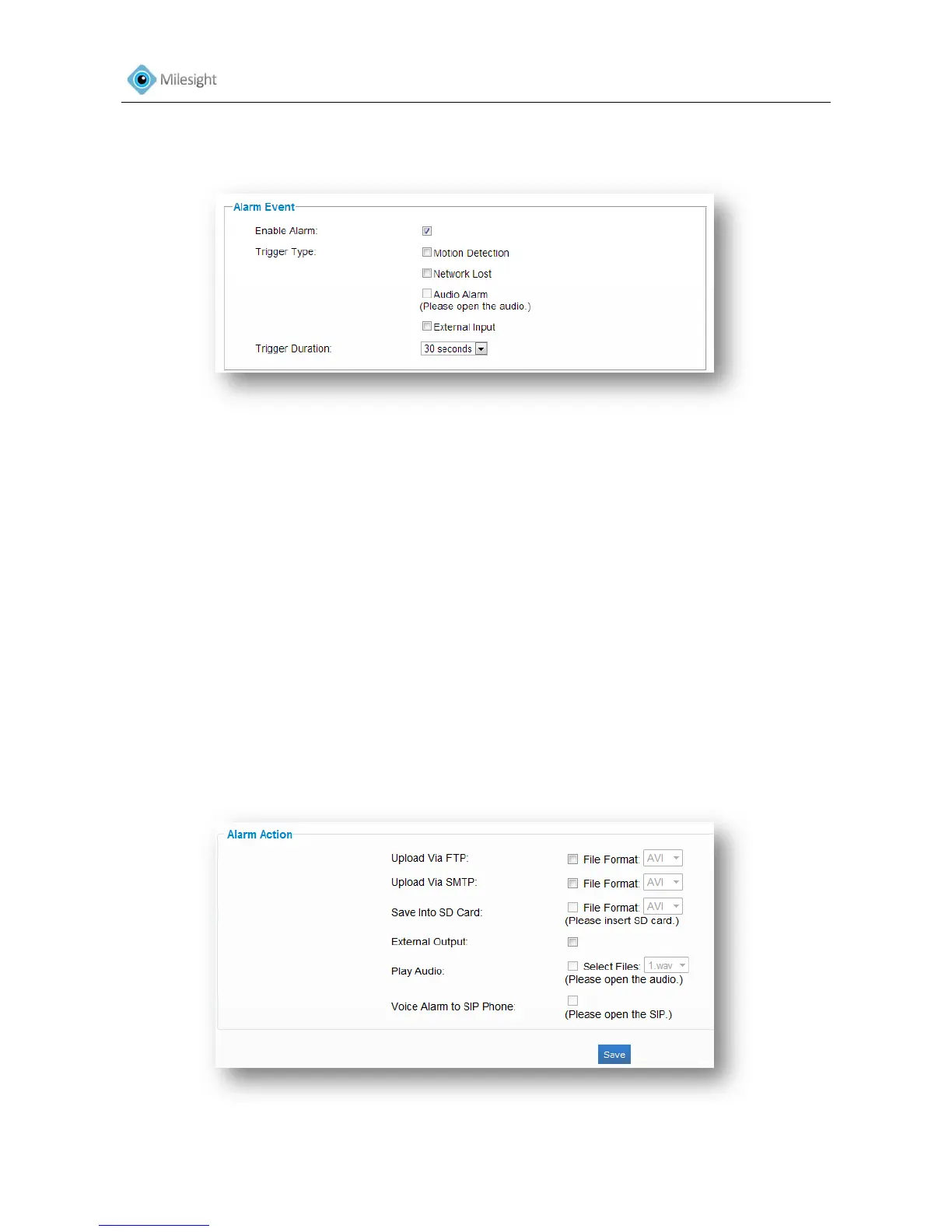
4.3.6 Alarm
Figure 4-19
Alarm Event
Enable Alarm Check the checkbox to enable alarm feature
Trigger Type
Motion Detection Trigger alarm when any movement is detected in motion
detection monitored area. The image is divided into 4*3 areas,
and you can select your preferred areas.
Network Lost Trigger alarm when the network connection is down.
Audio Alarm (Please open the audio) Trigger alarm when the input gained volume is higher than
alarm level.
External Input Trigger alarm when there is external input
Trigger Duration Length of time an alarm lasts
Note:
Audio Alarm and External Input The functions are only applicable when the selected model has
“Audio Input” and “Alarm Input” interfaces.
Figure 4-20











 To Next Page