User Manual
23
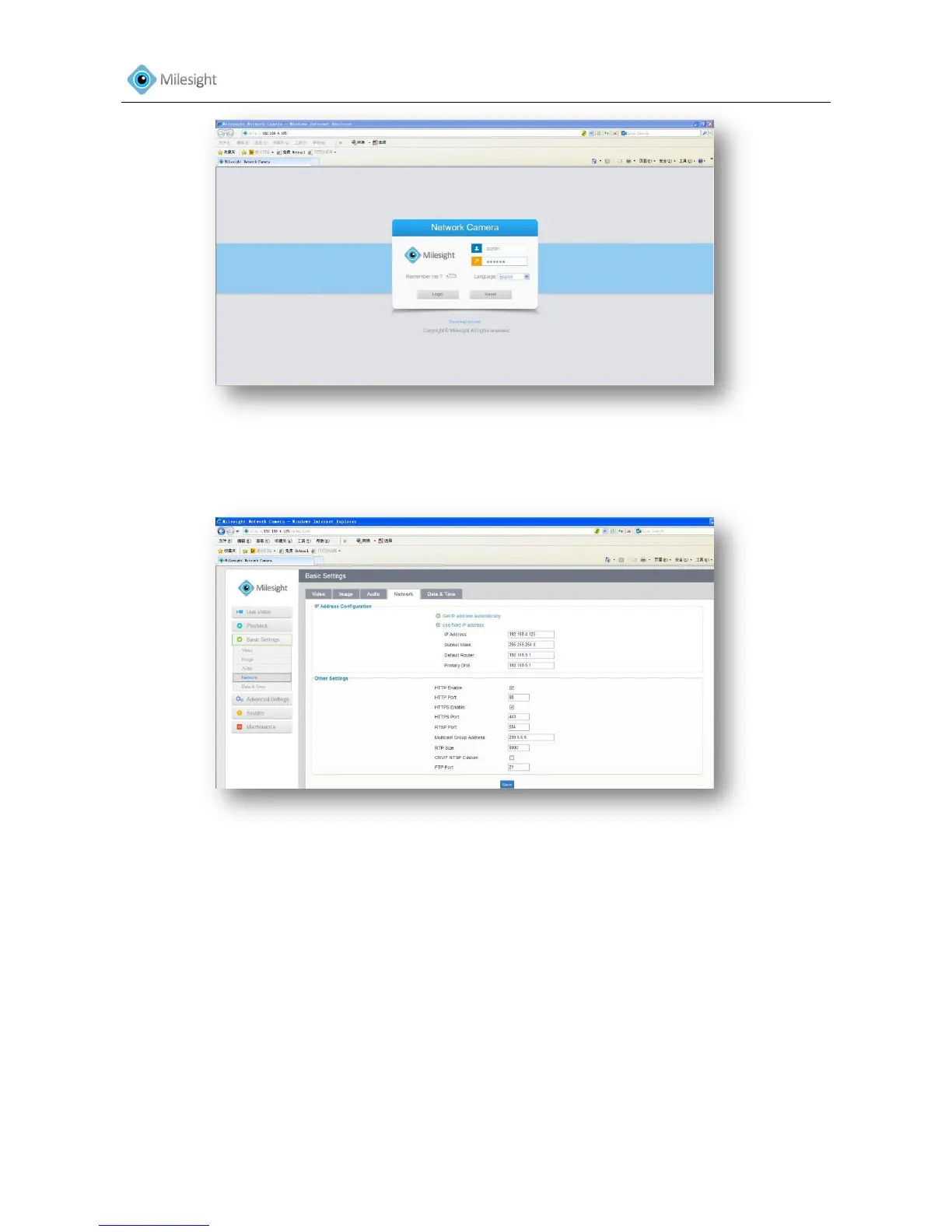
Figure 3-10
Step.4: After login, please select the “Configuration””Basic Settings””Network”. The Network
Settings page appears. (Shown as Figure 3-11)
Figure 3-11
Step.5: Change the IP address or other network values. Then click “Save” button.
Step.6: The change of default IP address is completed.
3.2 Accessing from the Web Browser
The camera can be used with the most standard operating systems and browsers. The
recommended browsers are Internet Explorer, Firefox, Chrome.
3.2.1 Access over IE Browser
Launch the IE browser and enter the IP address of the camera.











 To Next Page