User Manual
45
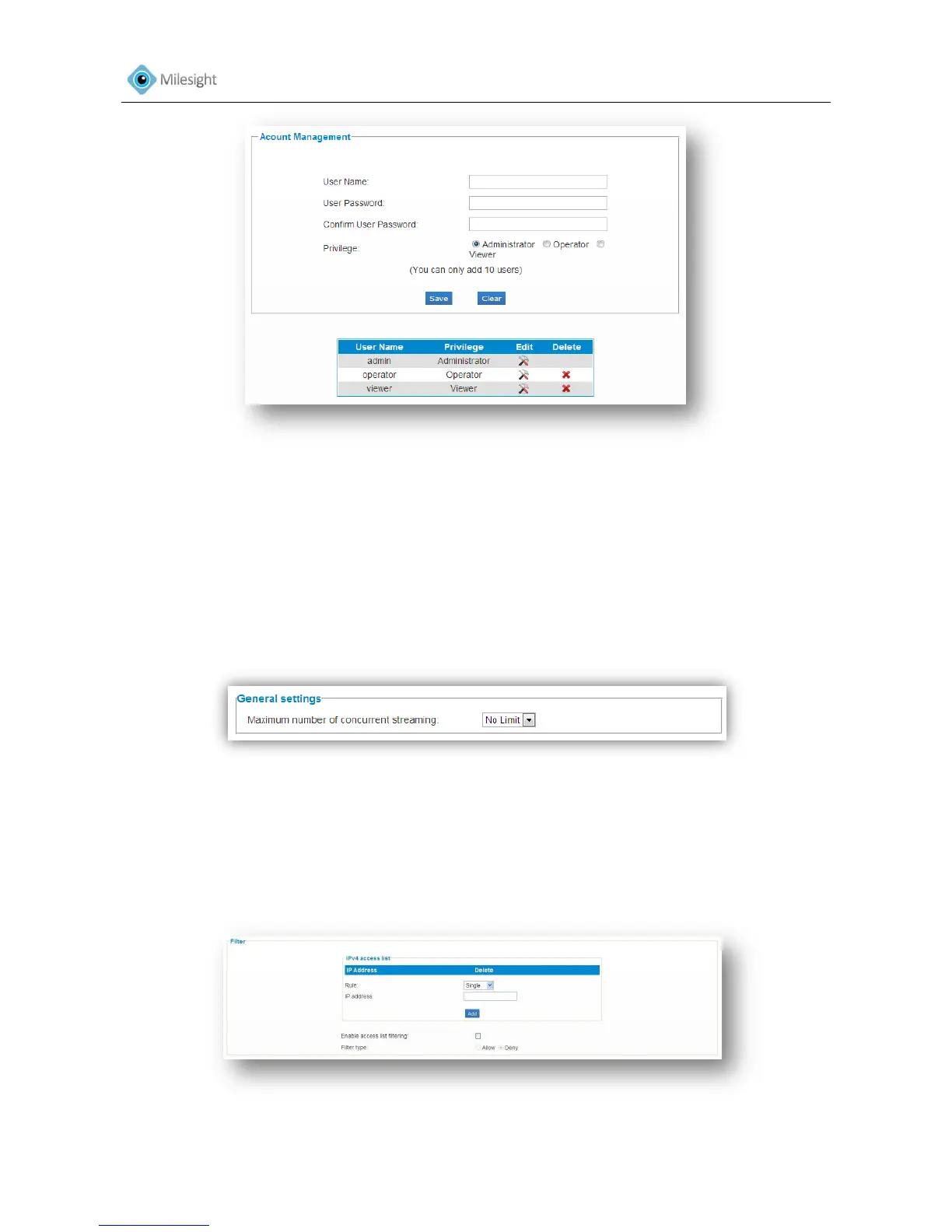
Figure 4-27
Administrator An administrator can manage all configuration pages of the device.
Including change user password, add or delete users (the default user
'admin' cannot be deleted).
Operator An operator can manage all configuration pages except the User page.
Viewer A viewer can`t change any settings.
4.3.11 Access List
Figure 4-28
General Settings
Maximum number of concurrent streaming Select the maximum number of concurrent
Streaming. Options include No Limit, 1, 2, 3, 4, 5.
Filter
Figure 4-29











 To Next Page