User Manual
43
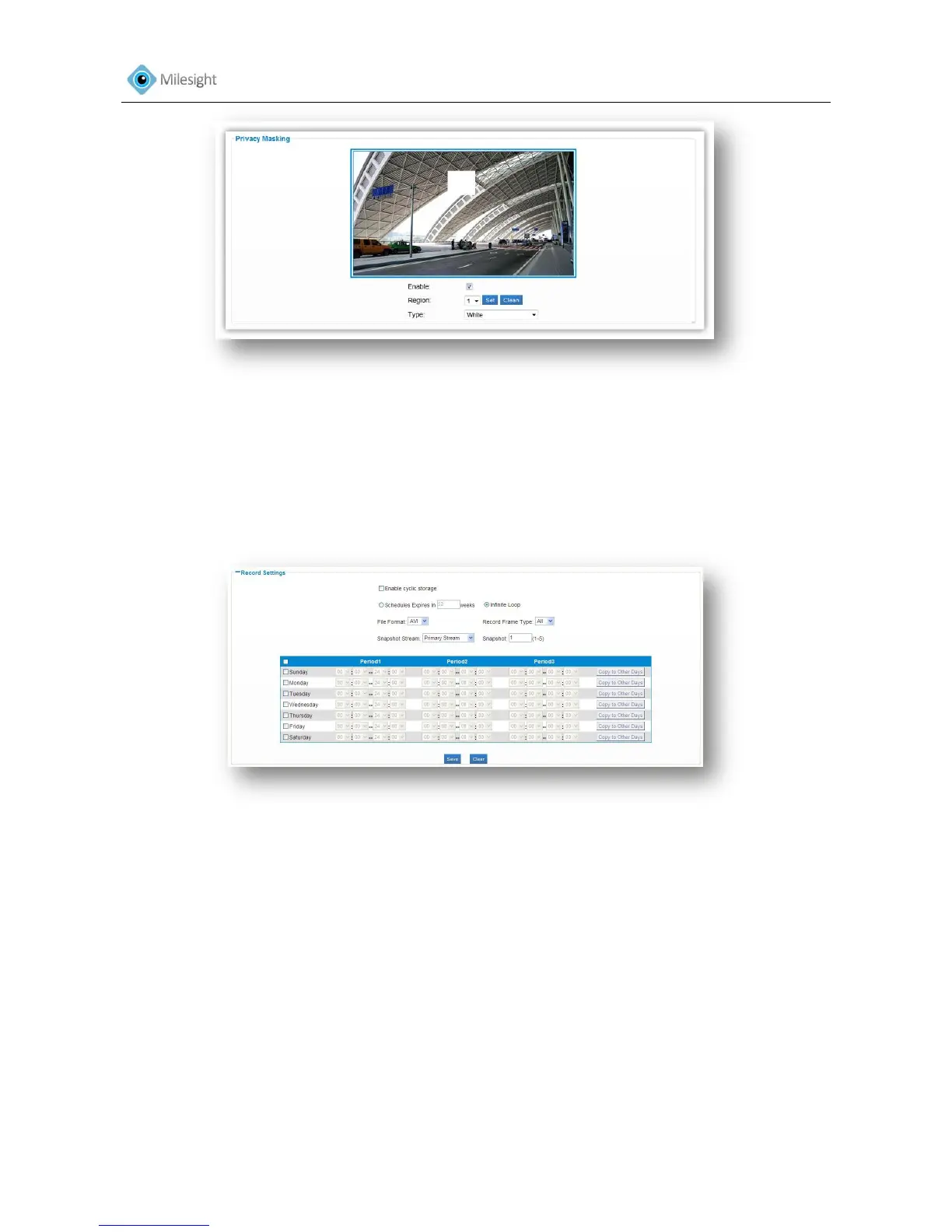
Figure 4-22
4.3.8 SD Card
Files will be seen on this page when they are configured to save onto SD card. You can configure
time schedules of video recording everyday and save video files to your desired location.
Note: Files are visible once SD card is inserted. Don’t insert or plug out SD card when power on.
Figure 4-23
SD Card
Format Format the SD card
UnMount Unmount the SD card. Once unmounted, the files will not be listed.
File Name File name of the video files
Date Date files saved
Time Length of the files in seconds
Size File size
Action Delete files
Storage settings
Schedules Expires in Set the expire time of video files. Infinite Loop means video files will not
expire .Old ones will be deleted when there is not enough space
Schedule Set the time table for video recording











 To Next Page