EasyManua.ls Logo

Milesight Network camera - 4.1 Live Video

Milesight Network camera
49 pages
Print Icon
To Next Page IconTo Next Page
To Previous Page IconTo Previous Page
Loading...
User Manual
28
Chapter IV System Operation Guide
4.1 Live Video
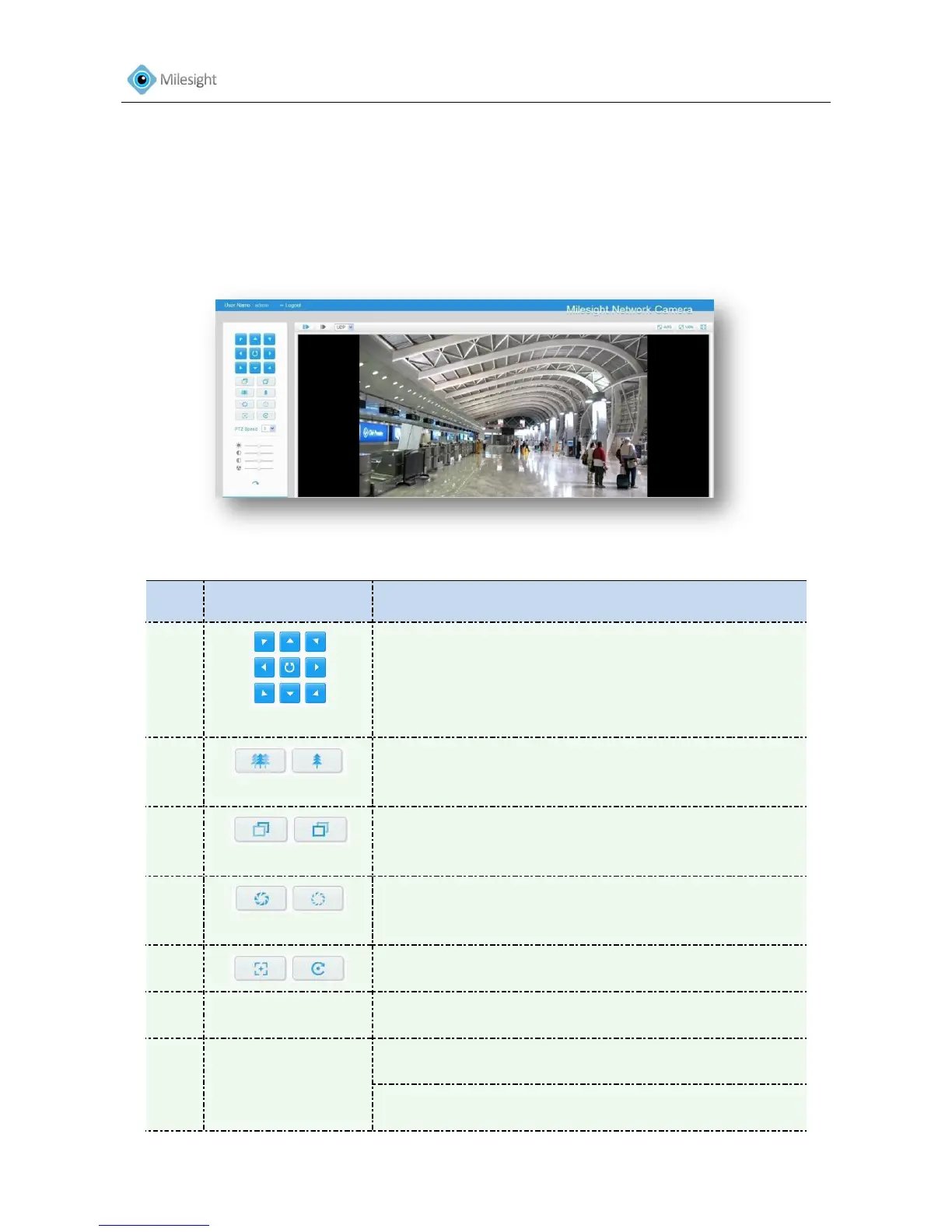
After logging on the network camera web GUI successfully, user is allowed to view live video as
bellow.
Figure4-1
No.
Parameter
Description
1
PTZ Control
Navigation key is used to control the direction. The
rotation key is used for auto-rotation
2
ZOOM
Adjust the focal length of the lens
3
Focus
Adjust focus of the lens
4
IRIS
Adjust the size of IRIS
5
Auxiliary Focus and Lens Initialization
6
PTZ Speed
PTZ rotation speed control
7
Image Adjustment
Brightness A brighter scene appears, if a higher level of
brightness is chosen
Contrast The difference in color and light between parts of
an image

Other manuals for Milesight Network camera

Related product manuals