Saturation A more vivid scene appears, if a higher level
of saturation is chose
Default Settings Restore brightness, contrast and
saturation to default settings
Choose the Stream to show on the current video window
The size of the current video window
Click to access the configuration page
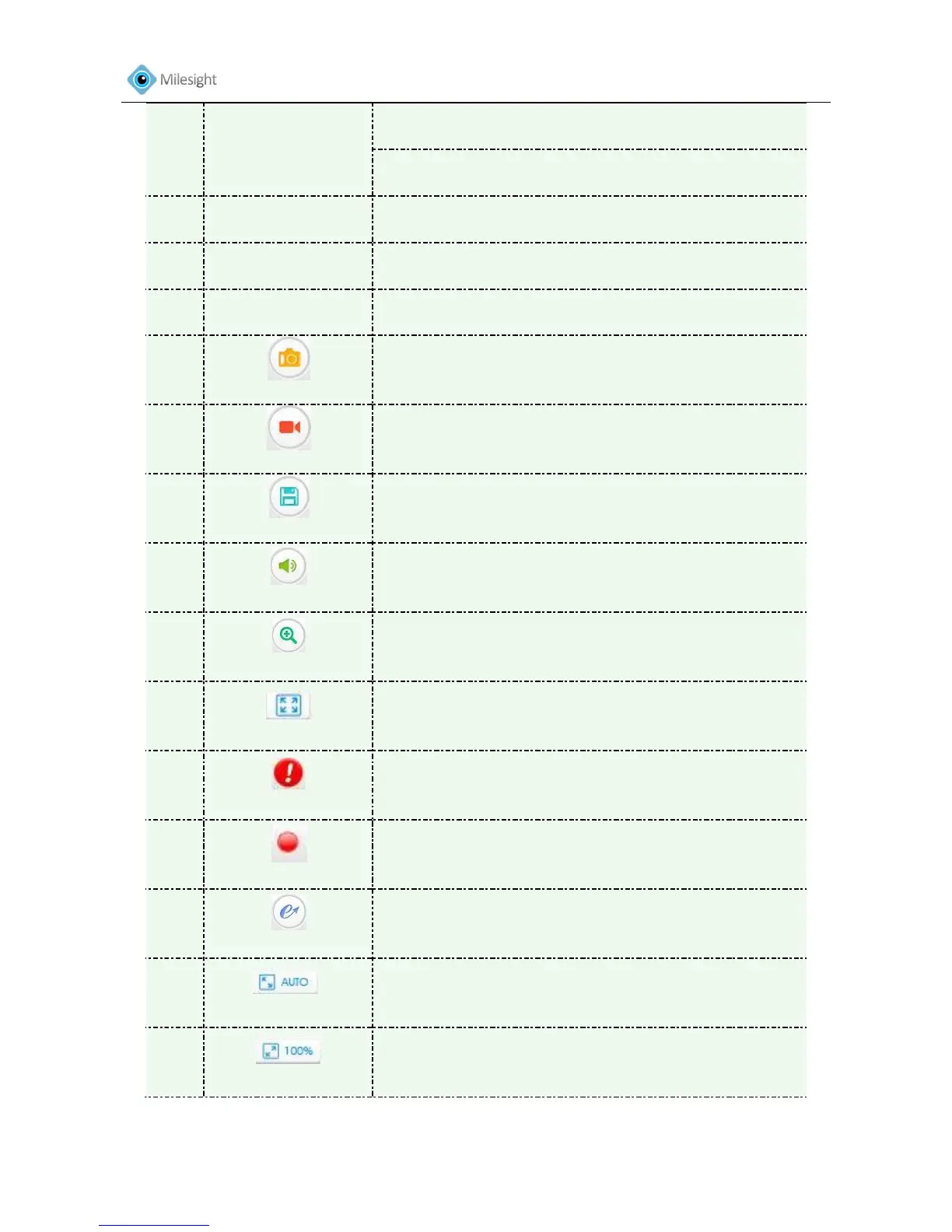
Click to capture the current image and save to the
configured path. Default path is C:VMS\+-1\
IMAGE-MANUAL
Click to start recording video and save to the configured
path. Default path is C: VMS\+-1\MS_Record. Click again
to stop recording
Set the saving path for capture and recording
Enable Audio Input/output. It can also be set in Audio
configuration page
When enabled, you can zoom in on a specific area of video
image with your mouse wheel
Click to display images in a full-screen
When enabled, an alarm occurs, the icon will turn red
When an alarm causes recording, the icon will turn red
Able to use PTZ to move the position(only support under
720P with MS-C26XX or MS-C36XX)
Click to display images in a window size
Click to display images in a real size











 To Next Page