User Manual
34
Audio
Enable Audio Check on the checkbox to enable audio feature
Audio Mode Enable audio input/output
Input Gain Input audio gain level
Alarm level Alarm will be triggered if voice alarm is enabled and input
gained volume is higher than the alarm level
Output Volume The volume of alarm audio output
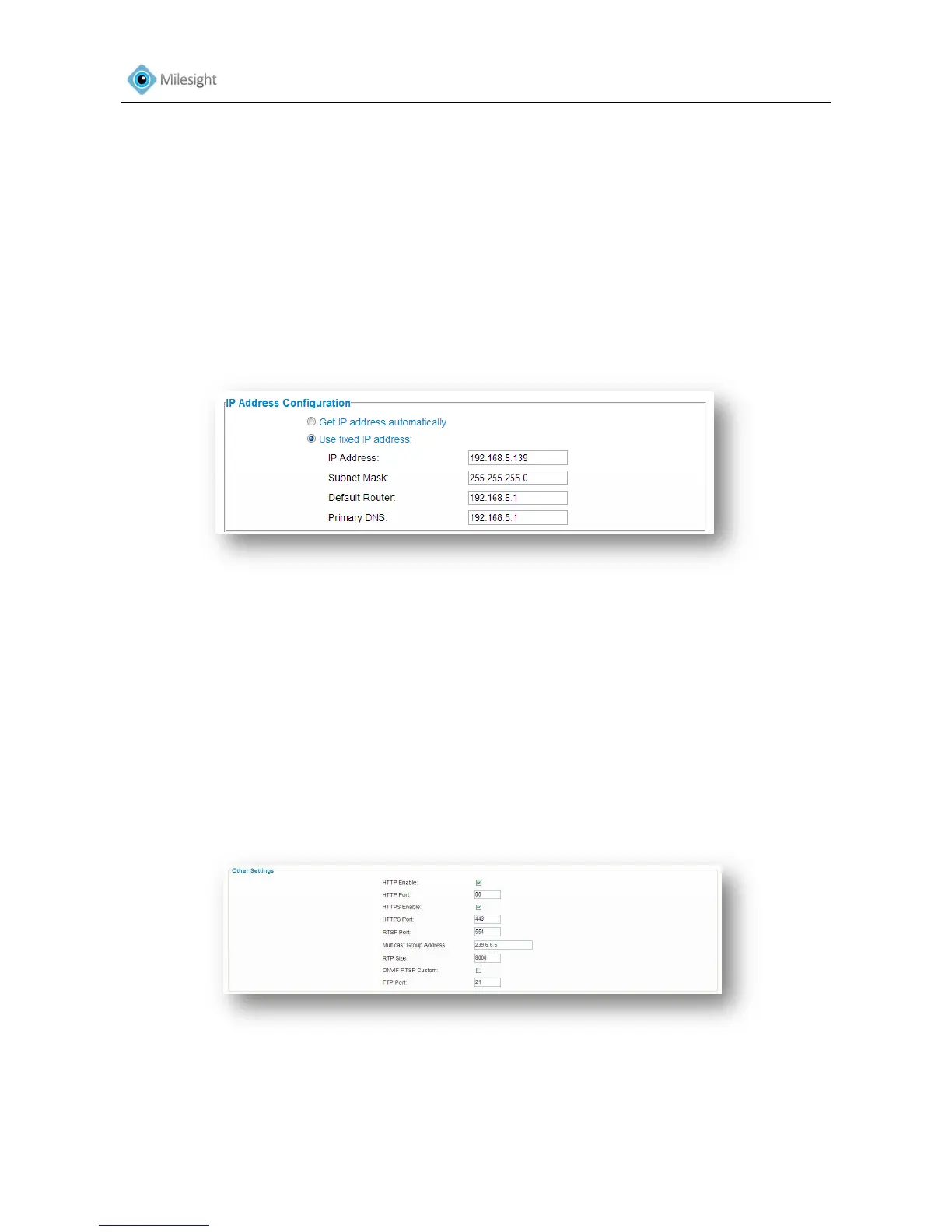
4.2.4 Network
Figure 4-8
IP Address Configuration
Enable DHCP Get an IP address from the DHCP server automatically
fixed IP address
IP Address Address used to identify a network camera on the network
Subnet Mask It is used to identify the subnet where the network camera is
located
Default Router The default router address
Primary DNS The DNS Server translates the domain name to IP address
Other Settings
Figure 4-9
HTTP Enable Start or stop using HTTP
HTTP Port Web GUI log on port, the default is 8080
HTTPS Enable Start or stop using HTTPS











 To Next Page