User Manual
26
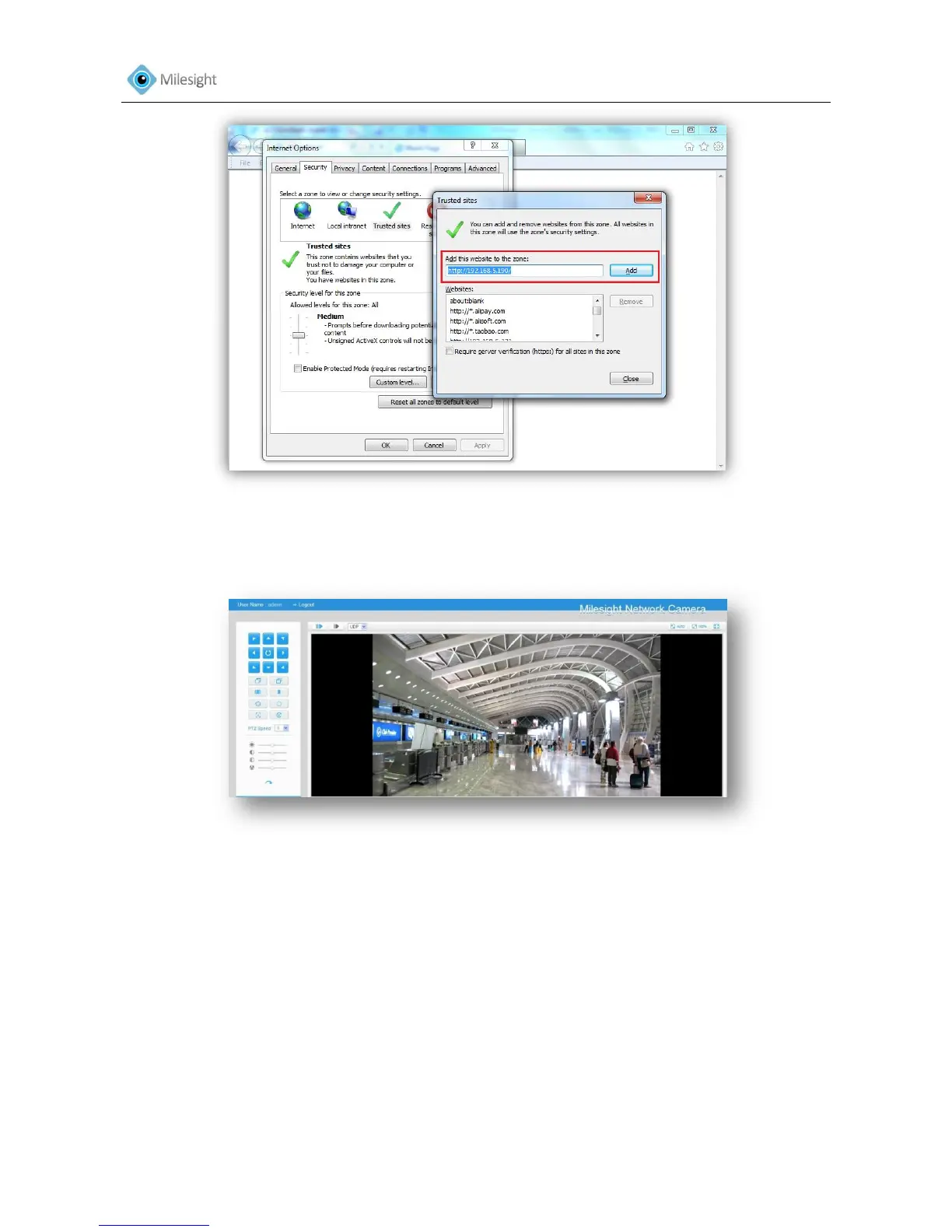
Figure 3-16
Step4: Enter the IP address. After logging on IP camera`s web GUI successfully, user is allowed to
view live video as bellow.
Figure 3-17
3.3 Accessing from Milesight VMS (Video Management Software)
Milesight VMS (ONVIF compatible) is a handy and reliable application designed to work with IP
cameras in order to provide video surveillance, recording settings and event management
functions. The interface of Milesight VMS is very easy to use, intuitive, with easy access to the
most common activities, such as viewing live video, searching through recordings and exporting
videos and snapshots. It's able to integrate with other devices through ONVIF and you can connect
up to 64 cameras. It is designed to work on Windows XP/7/8/Vista/Server 2000/Server 2008.The
software is contained in the CD or could be downloaded from our website www.milesight.com.
Please install Milesight VMS; then launch the program to add the camera to the channel list. For











 To Next Page